About My Store Locator
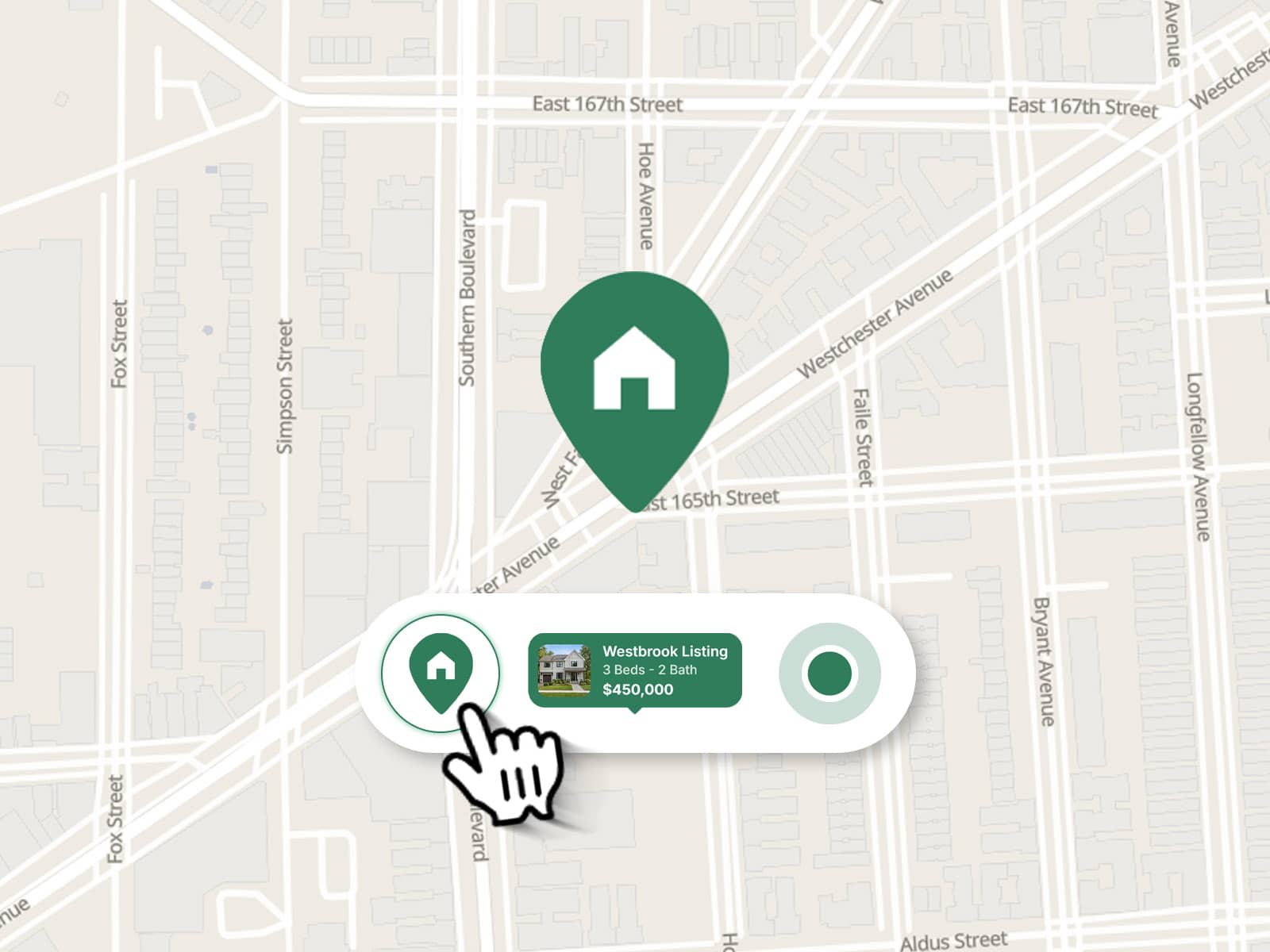
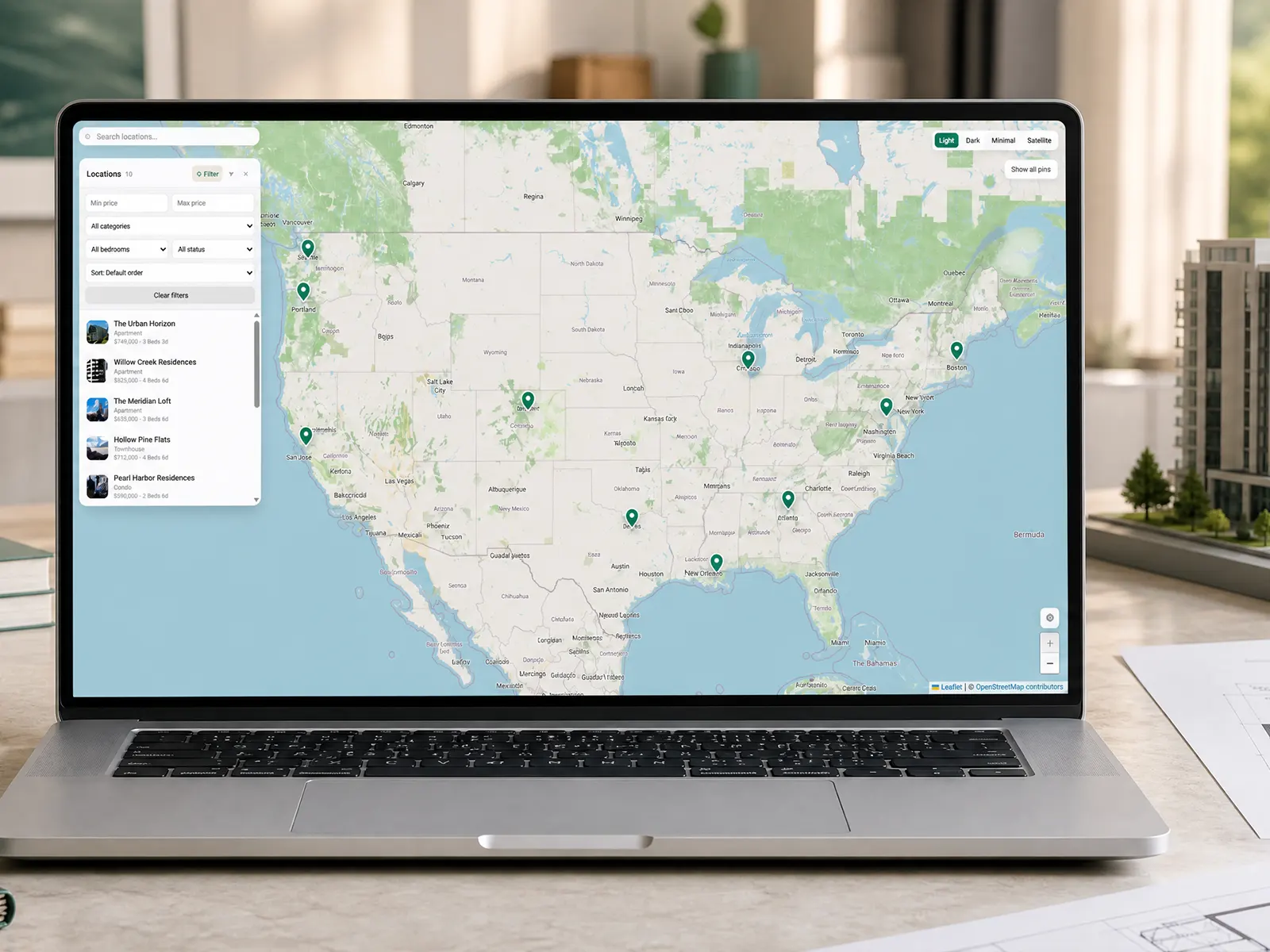
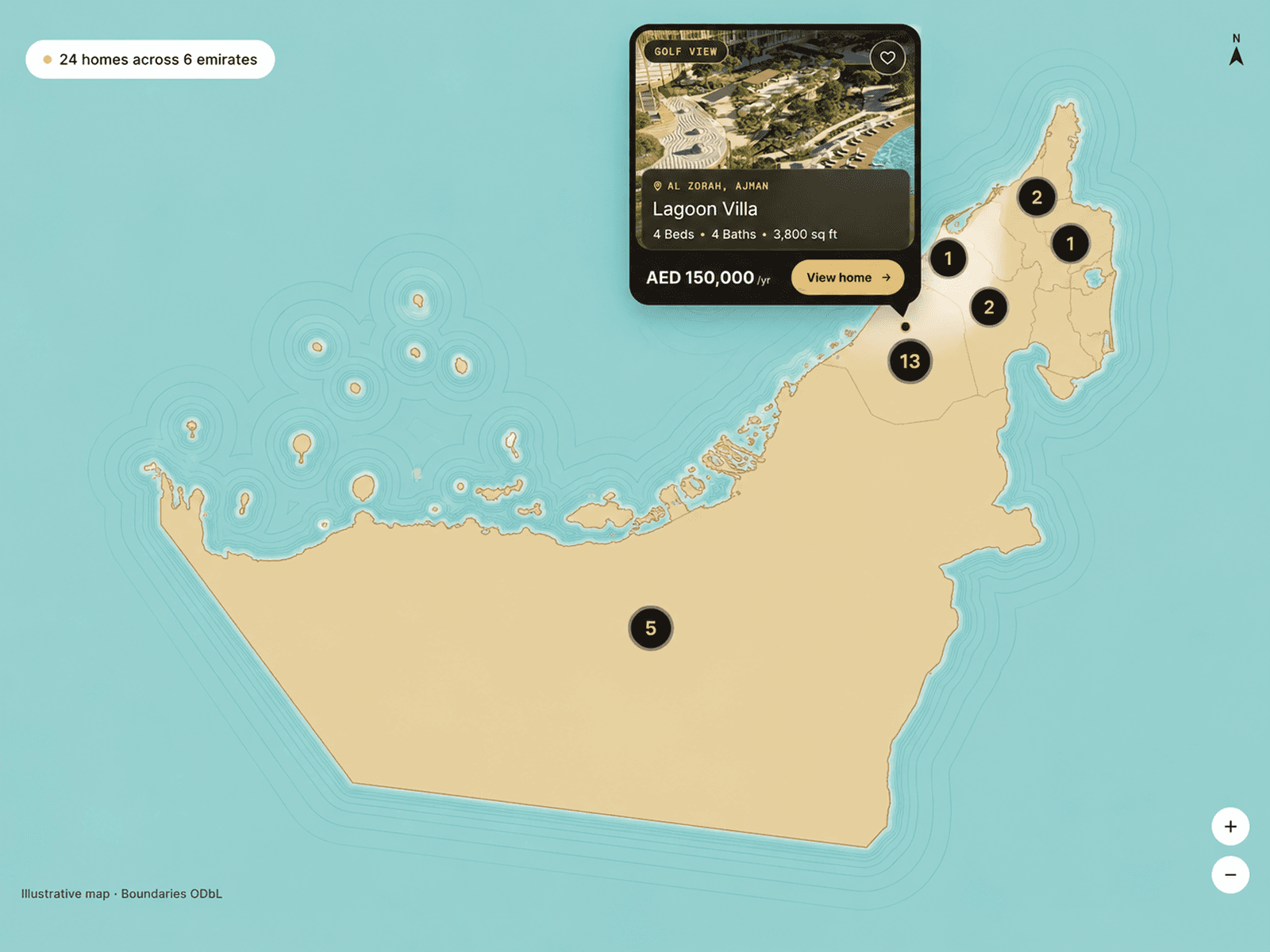
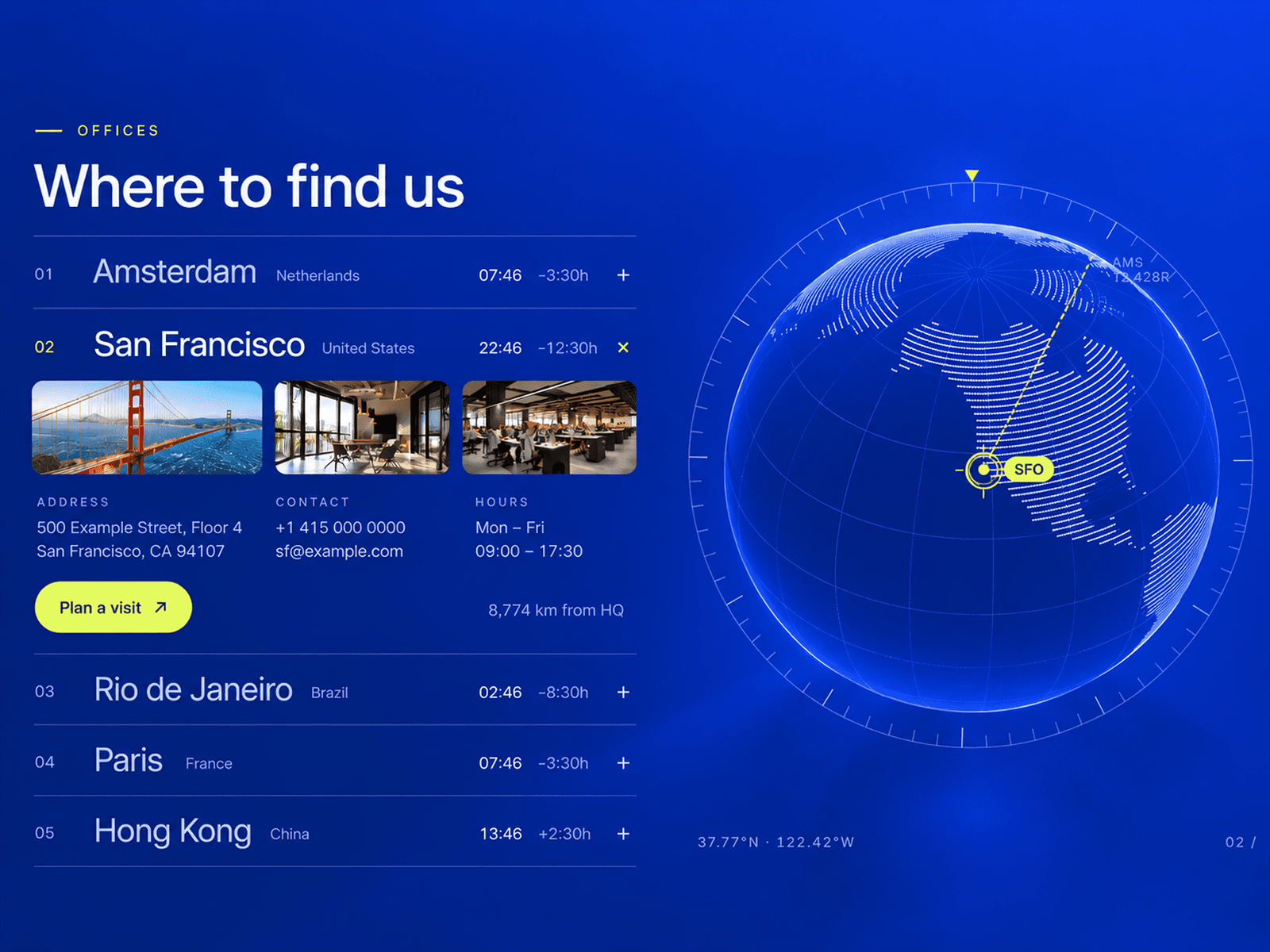
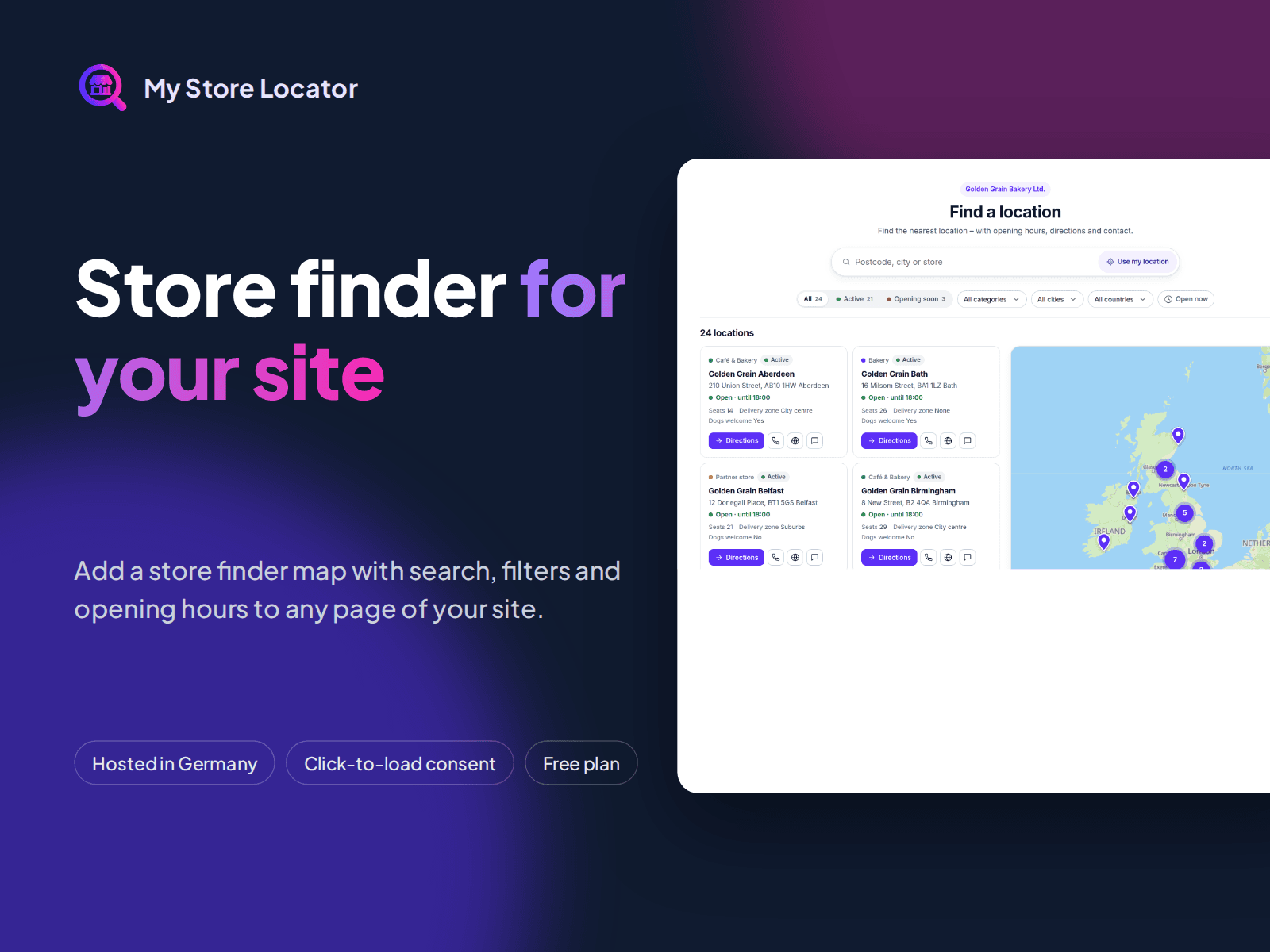
Show your stores, dealers or branches on a searchable map: list and map, search by city or postcode, "use my location", categories, filters and opening hours. Your locations stay in the My Store Locator web app, so changes appear on your site without a new publish.
How it works
1. Create a free account at my-store-locator.com and add your locations.
2. Drag MyStoreLocator onto a page and set its width to Fill.
3. Paste the map token, the embed code or the map link into "Map token".
4. Choose the height and publish.
Features
Three height modes: Fixed, Fill frame, or Auto with an optional split layout and sticky map (with header offset).
Strict click-to-load: on the published site nothing is loaded from My Store Locator before the visitor clicks. No cookies, no tracking.
Connect helper: without a token the component opens the app in a popup and shows the token to copy.
10 map templates, your colours, marker and font, set in the app. German or English.
Privacy and hosting
The map is served from servers in Germany. Map tiles and address search go through the same server, so visitor IP addresses are not passed on to OpenStreetMap. A data processing agreement (Art. 28 GDPR) is available in the app.
Pricing
The component is free. My Store Locator has a Free plan (25 locations, 1 map). Paid plans start at $20/month.
Support
info@my-store-locator.com · Guide: my-store-locator.com/en/integrations/framer/