About Neon Bloom
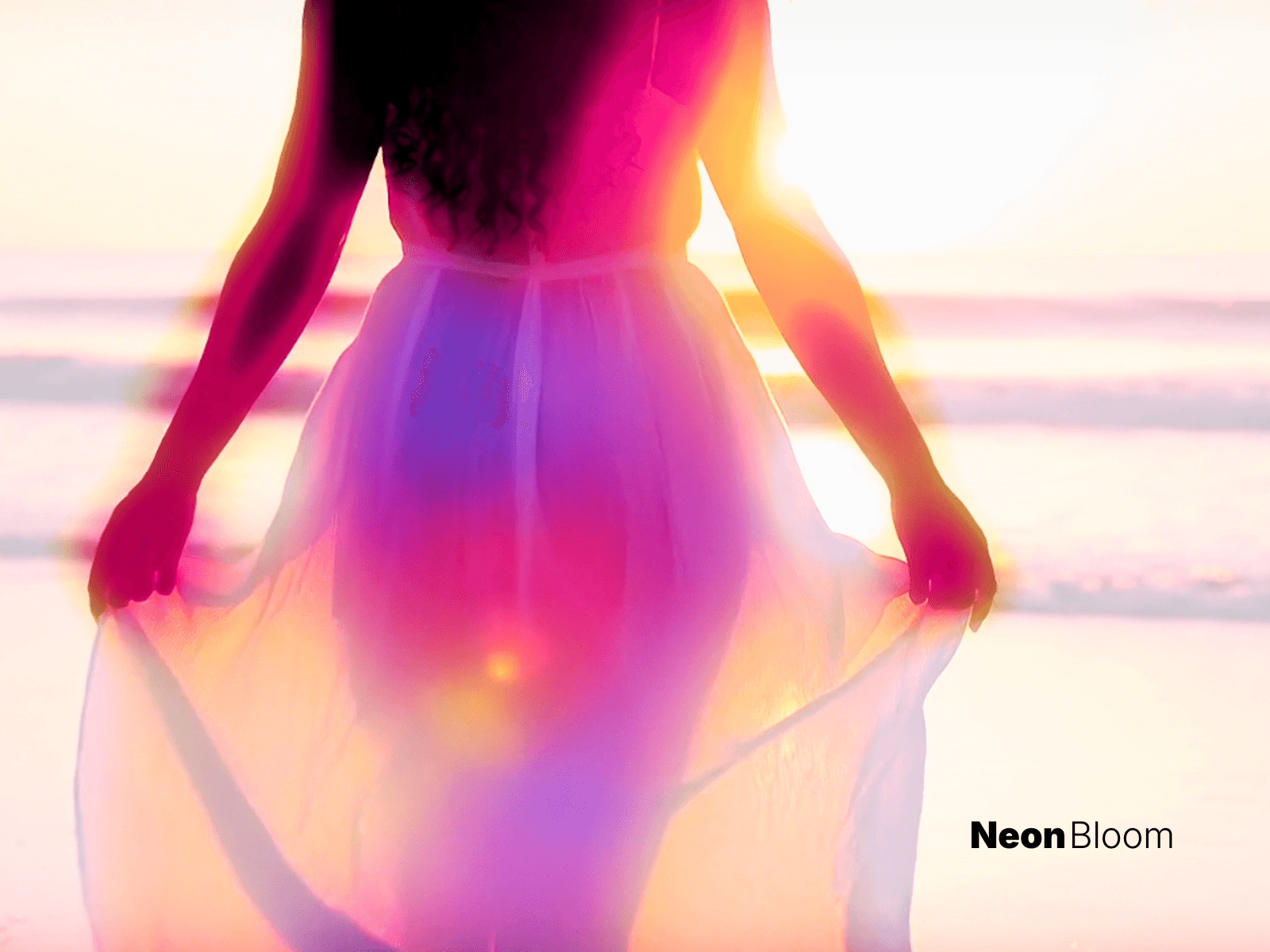
Neon Bloom Video turns any video into a glowing, cinematic neon scene — right on your Framer canvas. It layers real-time bloom, color grading, and film grain over your footage, with no rendering and no external tools.
Features • Real-time bloom with adjustable intensity, radius and threshold • 6 one-click color looks: Cyberpunk, Vaporwave, Toxic, Ember, Ice, Mono — plus full Custom control • Fine-tune saturation, contrast, brightness and hue • Film grain and rounded corners • Uses your own Framer-hosted video (autoplay, muted, looping) • Fully responsive — works as a background or hero
How to use
Drag the component onto your page and set Width and Height to Fill.
Upload your video in the Video control.
Pick a Look preset, or switch to Custom to dial it in.
Muted autoplay with a static-frame fallback on the canvas keeps your editor fast.