About NR — Footnotes
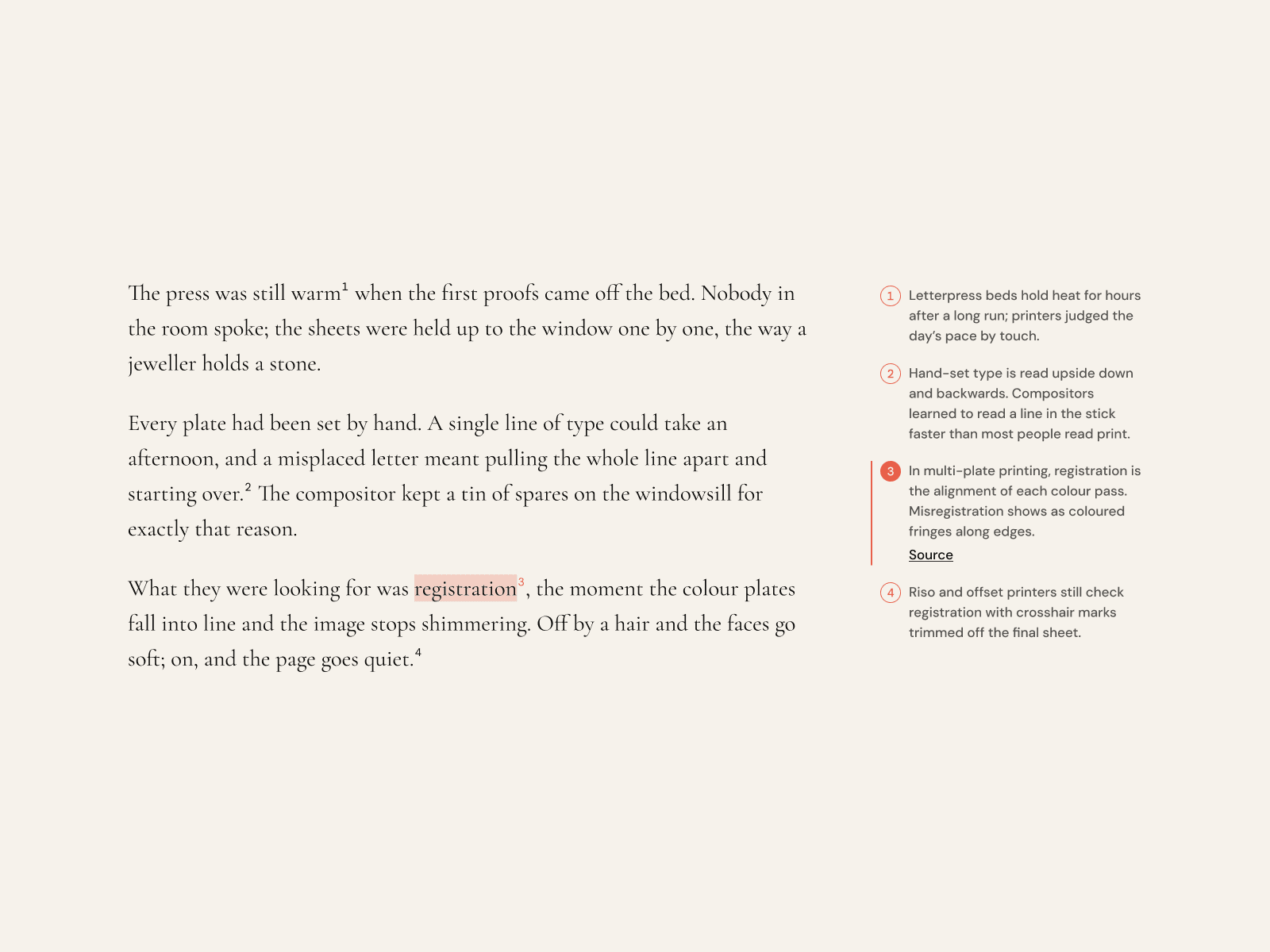
Footnotes for long-form pages that stay beside the text instead of sending
readers to the bottom of the page. Notes run down the margin next to the
article, and each one is linked both ways: hover a note and the phrase it
explains lights up in the text; hover the phrase and its note lights up in
the margin.
Write in the Body field the way you would in Markdown. [^1] marks a
reference, and [a phrase][^2] ties the note to exactly those words. A bare
marker links to the sentence before it, or to the marker alone if you prefer.
As the reader scrolls, the note for the passage they have just read stays lit,
so the margin keeps pace with the text. Click a note to pin it; if its phrase
is off screen, the page scrolls back to it.
It measures its own width instead of the viewport. In a narrow column the
notes leave the margin and become a dock pinned to the bottom of the screen
that shows the current note while the reader moves through the text. Prefer
something simpler? Switch to notes that open in place under their paragraph,
or a numbered list at the end.
What's included:
• Up to twenty notes, each with text and an optional link and image
• Two-way highlighting in Marker, Underline, or Ink style
• Reading-position follow with an adjustable reading line
• Margin on the right or left, with width, gutter, and spacing controls
• Dock, Inline, or Endnotes layout for narrow widths
• Numbering in 1 2 3, i ii iii, a b c, or * † ‡
• Keyboard support with Escape to return to the text
• Screen reader footnote roles
• Light, Dark, and Custom themes
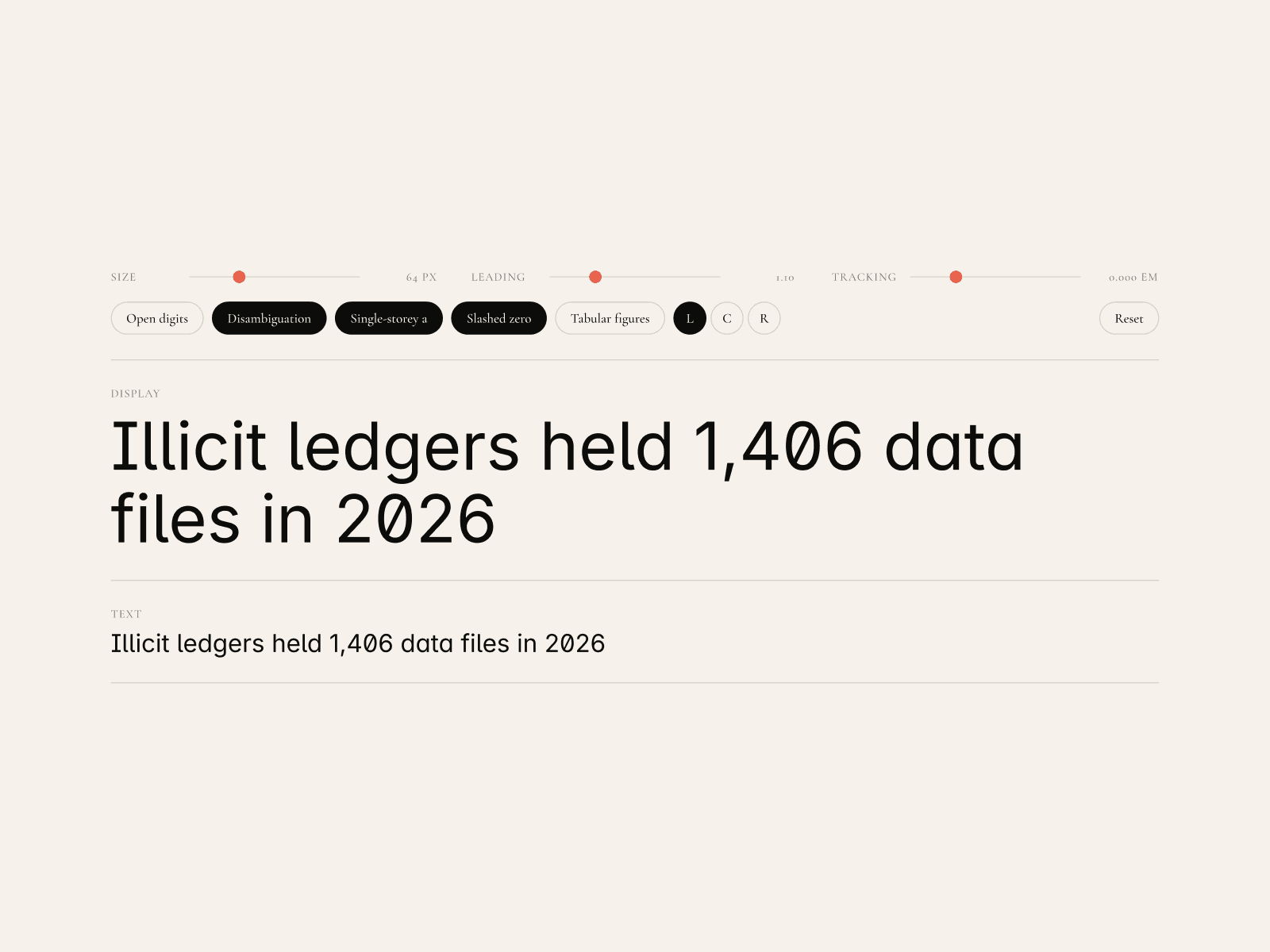
• Cormorant Garamond, DM Sans, and DM Mono built in
Fully responsive — Desktop / Tablet / Mobile.
All text and colors editable via Component Properties.
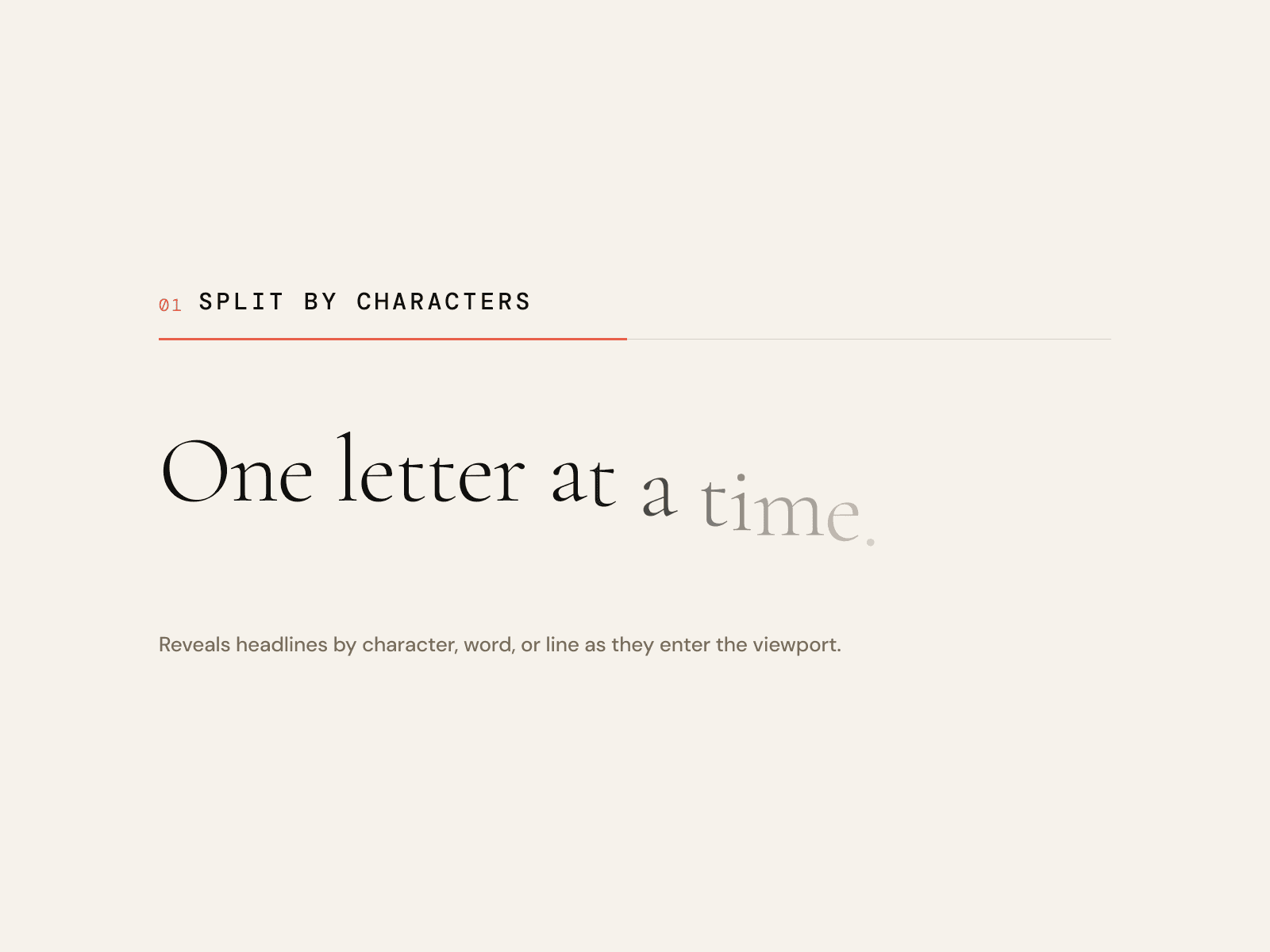
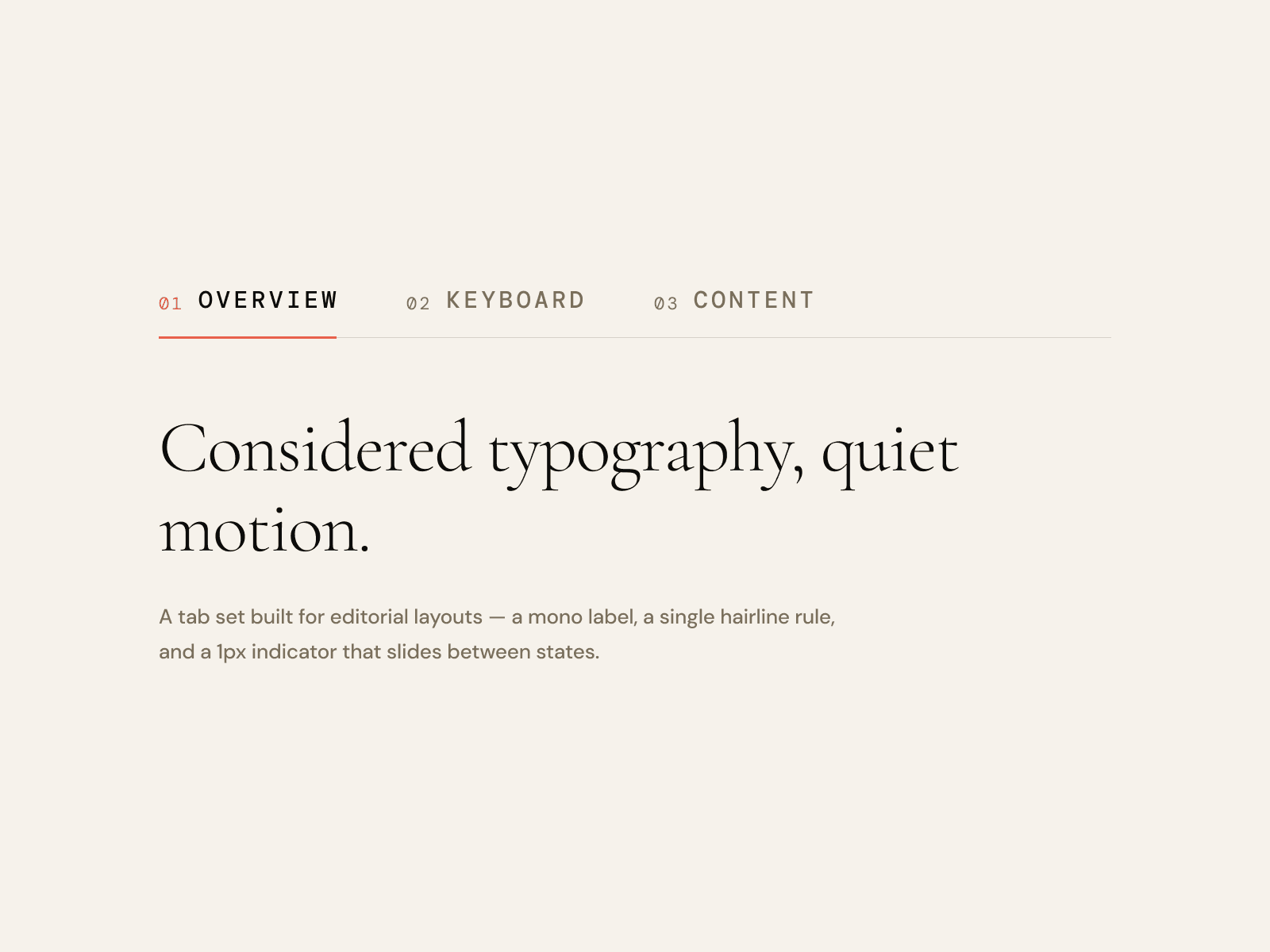
Part of the JUDE Neo-Retro component library. Pairs well with NR — Text
Reveal, NR — Tabs, and NR — Press Slider.
Try one of the five free components on the Marketplace first:
https://www.framer.com/@judestudiokorea/
— Designed by JUDE