About Offer Drawer, BF
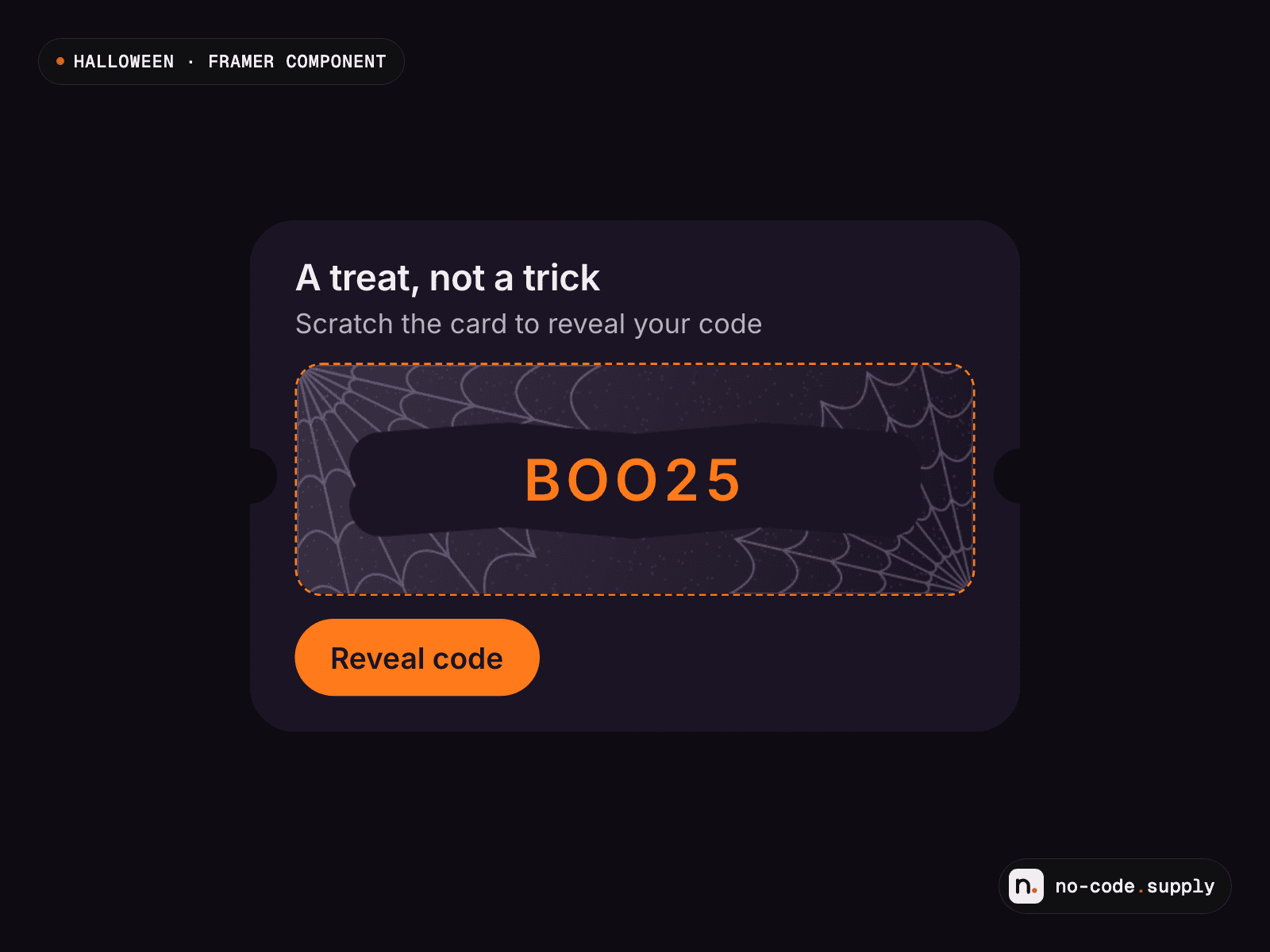
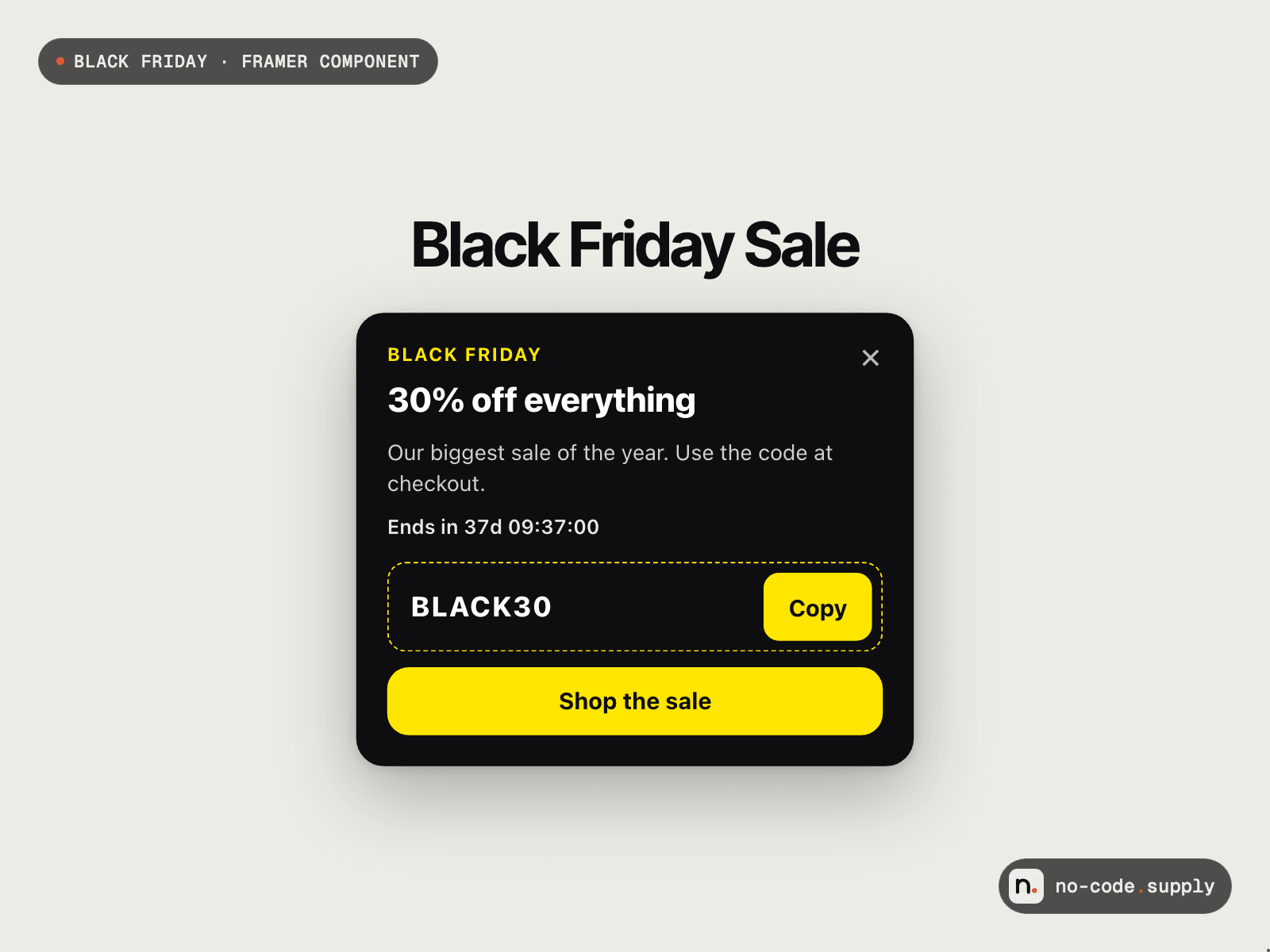
A promo card that slides in from a corner of the screen with your offer, a discount code to copy in one click and a button to the shop. It never covers the page or traps the visitor, so it sells the sale without the annoyance of a popup.
Shows up when you want: right away, after a delay, after the visitor scrolls part of the page, or when they move to leave (on touch screens that falls back to scrolling). Closing it can tuck it into a small tab that reopens it, or hide it.
Remembers the visitor: once closed it stays away until the next visit, the next day, or for good. Change the Remember ID to show it to everyone again for a new campaign.
Ends on time: set the end date, time and time zone, and it disappears for every visitor at the same moment, with an optional "Ends in" countdown on the card.
Four looks: Black Friday (black and electric yellow), Christmas, Newsletter and Minimal, or your own card, text and accent colours. Every text has its own font, size and weight.
Settings: eyebrow, title, text, code, button text and link, trigger, delay, scroll share, how often it shows again, end date and time zone, corner, offset, width, radius, layer, and On Open, On Close and On Copy events for Framer interactions.
Works on phones (full width, docked to the bottom edge, clear of the home bar). Real buttons and a link, Esc closes it, focus moves to the tab, the offer is announced to screen readers, and it fades instead of sliding when reduced motion is on. Shows open in the editor so you can style it.
Setup: after checkout, copy the component URL shown on the order page (it stays in your Polar customer portal) and paste it into your Framer project. Drop it on the page (it pins itself to the screen corner), then set the code, link and end date.
Licence: one project (Framer Community terms). Support: contact@no-code.supply