About Oil Flow Carousel
Explore the best Framer components ↗
About
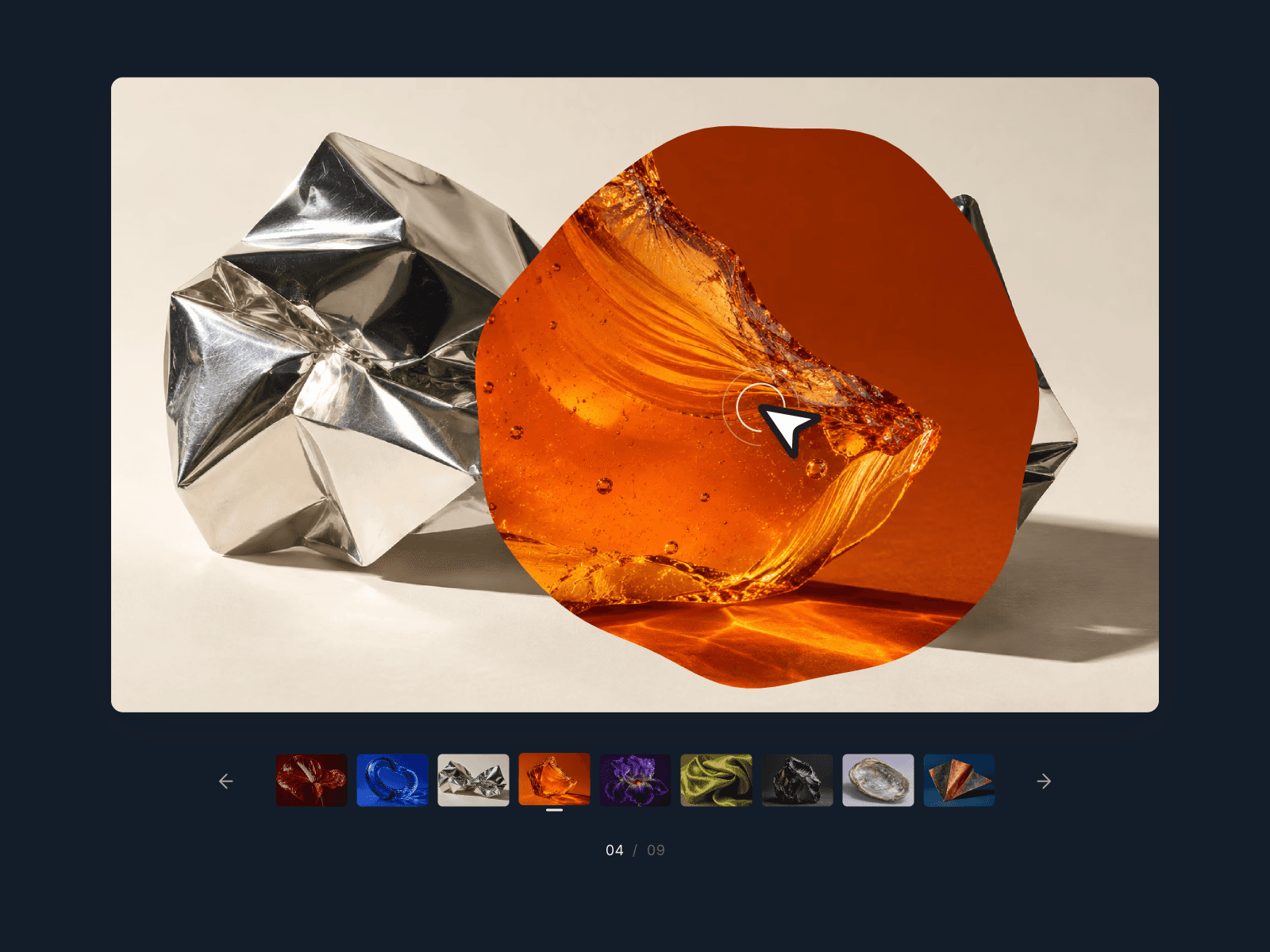
Oil Flow Carousel is an interactive image slider for Framer that lets photographs flow into one another with an oil-like transition. Fluid distortion and color dispersion bring movement to each change of scene, while an optional cursor-reactive effect adds another layer of interaction.
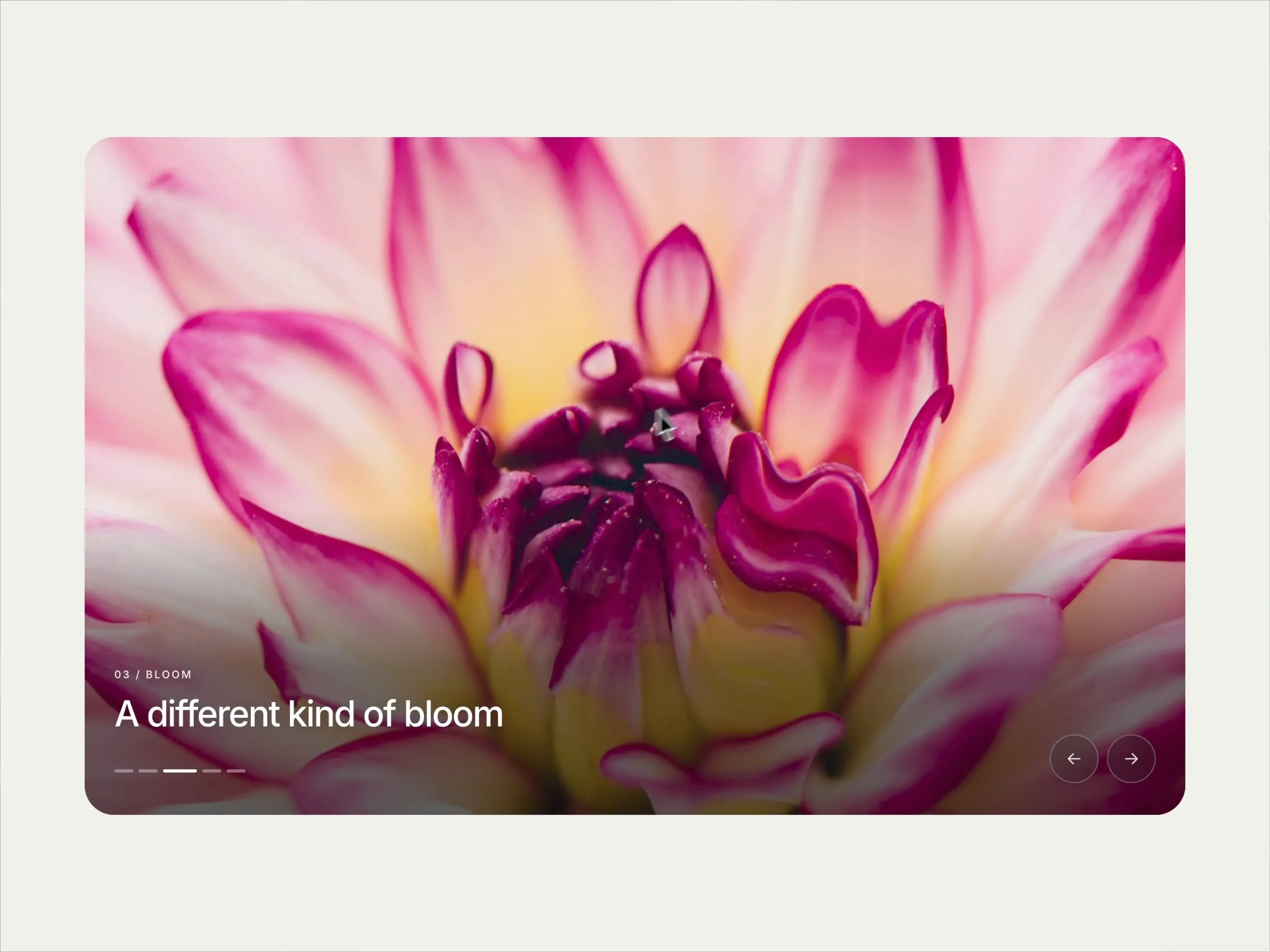
Visitors can drag, swipe, use the arrows or pagination, or let autoplay move through your images. Optional titles and eyebrow text add context to each slide.
What you can customize
Make the carousel your own, from the images and captions to the way each transition feels. Add up to 12 slides, edit their titles and eyebrow text, and adjust oil depth, dispersion and timing for a subtle or more expressive effect.
Fine-tune typography, text color, image shade, inset and corner radius. Show or hide arrows and pagination, style the navigation buttons, and adjust the autoplay interval. Configure the pointer effect and click-to-advance interaction to suit your layout. Keyboard navigation and reduced-motion support are included.
Great for (examples)
Bring movement to image-led experiences:
Photography portfolios and visual stories
Architecture and interior project galleries
Fashion collections and editorial campaigns
Creative agency and studio showcases
Product imagery and brand presentations
Travel, hospitality and lifestyle websites
Landing page heroes and art direction
Need help?
Questions or feedback? Reach me anytime: matthias@lmvision.de or on X @Matthias_Oel.
Need a matching component?
Explore more ways to bring images to life: