About Orbit 3D Carousel
Key Features
True 3D perspective carousel with a curved layout
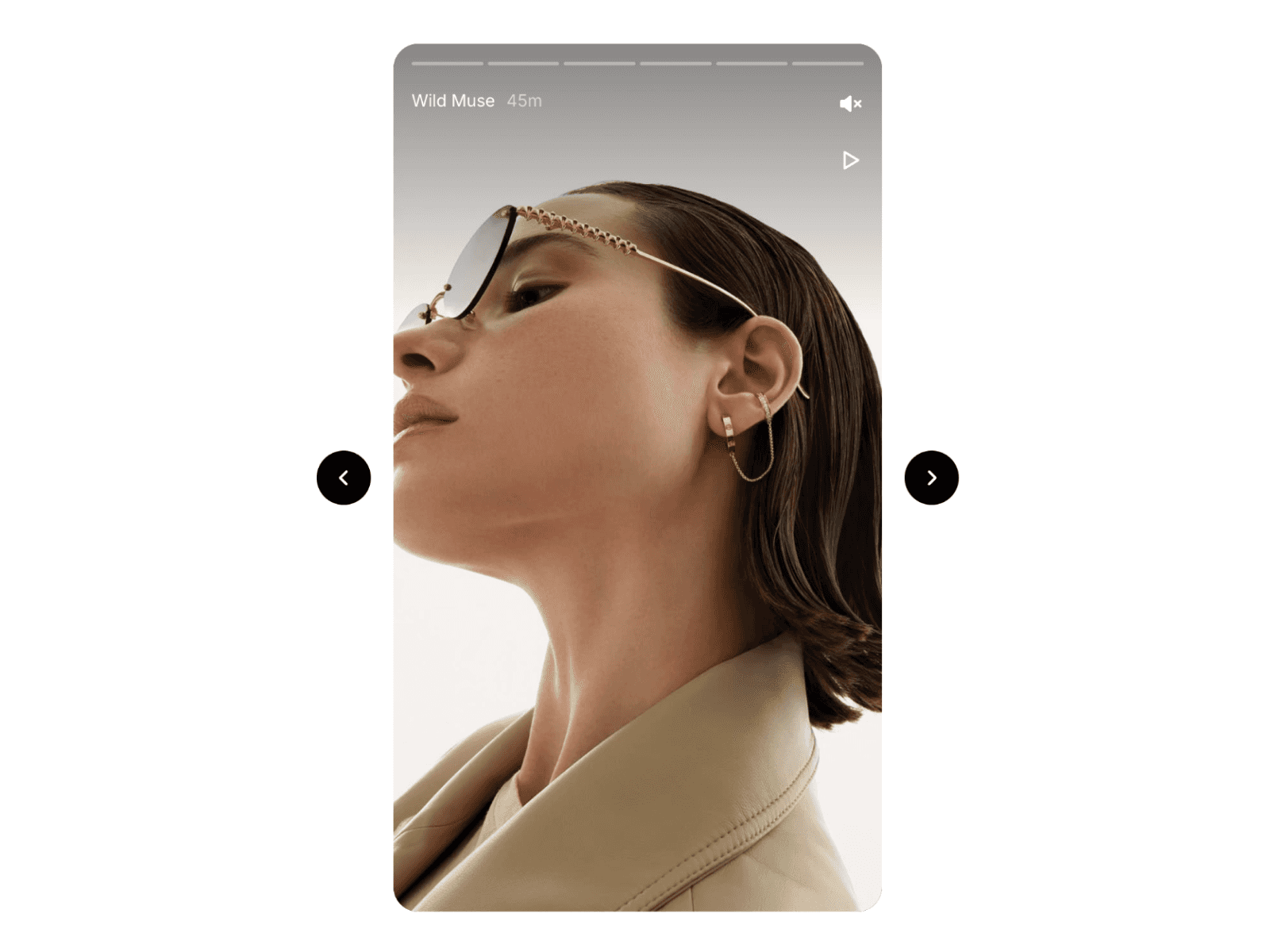
Smooth drag and swipe interaction
Center item stays in focus while side items angle naturally
Fully customizable sizing, spacing, and depth
Works with images or custom card content
Responsive behavior for desktop and mobile
Smooth motion and transitions for a premium feel
Zero configuration needed, works out of the box
Perfect For
Portfolio showcases
Agency case studies
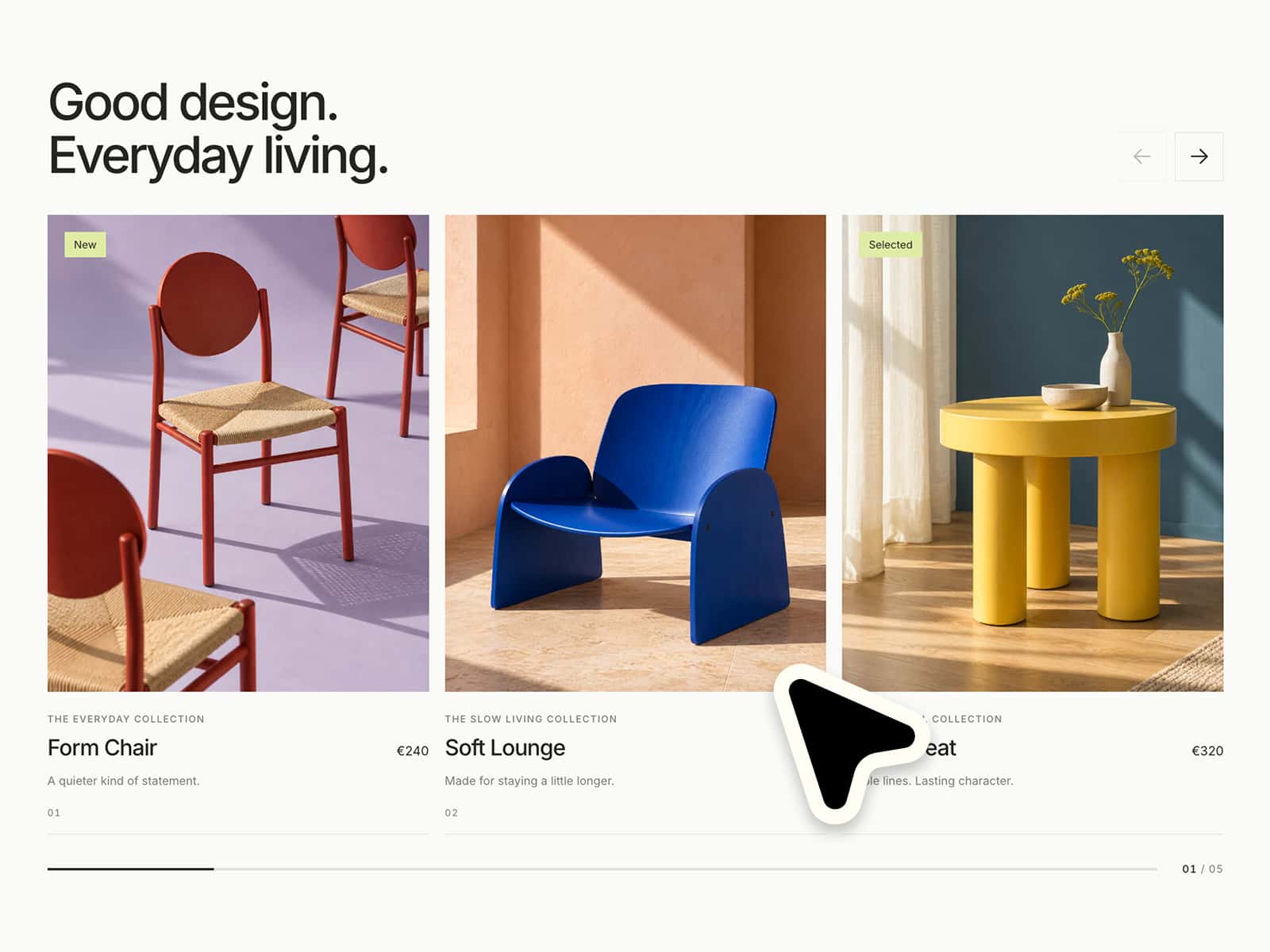
Product screenshots
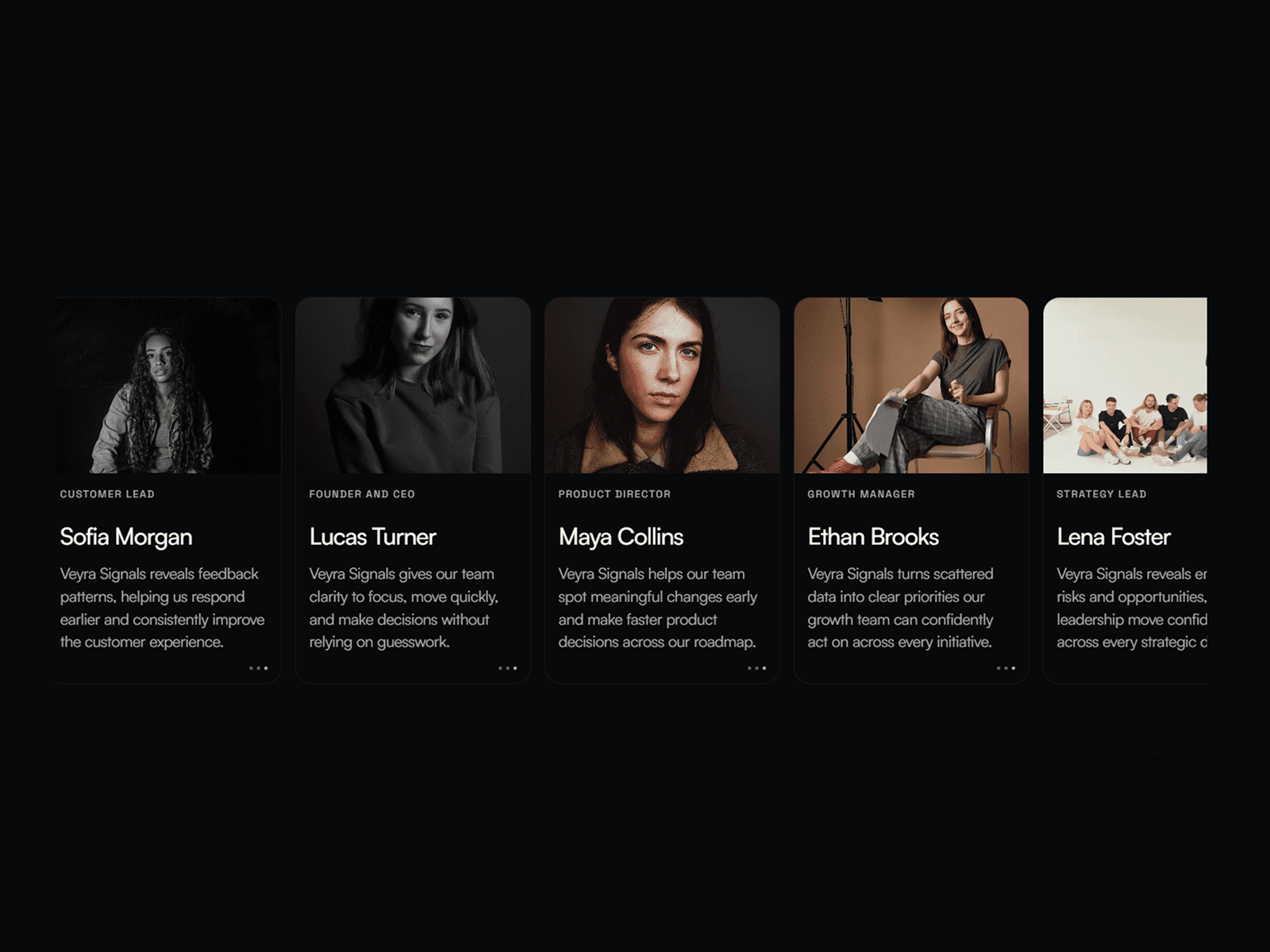
Testimonials and brand stories
Galleries and moodboards
Landing pages that need a premium interaction
Quick Setup
Drag the component onto your Framer canvas
Replace the images or swap in your own card content
Adjust depth, spacing, and sizing to match your layout
Publish ✅
Customization Options
✓ Carousel size and card size✓ Depth / perspective intensity✓ Spacing and curve feel✓ Rotation and tilt angles✓ Animation speed and easing✓ Drag sensitivity✓ Number of items and content type
How It Works
Items are positioned along a curved 3D track
Dragging rotates the carousel smoothly while keeping focus centered
Side cards angle away to create depth and visual hierarchy
Technical Details
Built with Framer Motion (no external dependencies)
Hardware-accelerated for smooth performance
Responsive layout using flexible sizing
Clean interaction behavior on both desktop and mobile
Pro Tips
Use high contrast images for the strongest 3D effect
Keep 5 to 9 items for the cleanest composition
Pair with a subtle background gradient for extra depth
Need Complete Site Templates?If you like clean, premium interactions, you’ll find more templates and components at https://omakase.com/templates.
SupportNeed help setting it up? Email us at tech@oma-kase.com