About Orbit Gallery FX
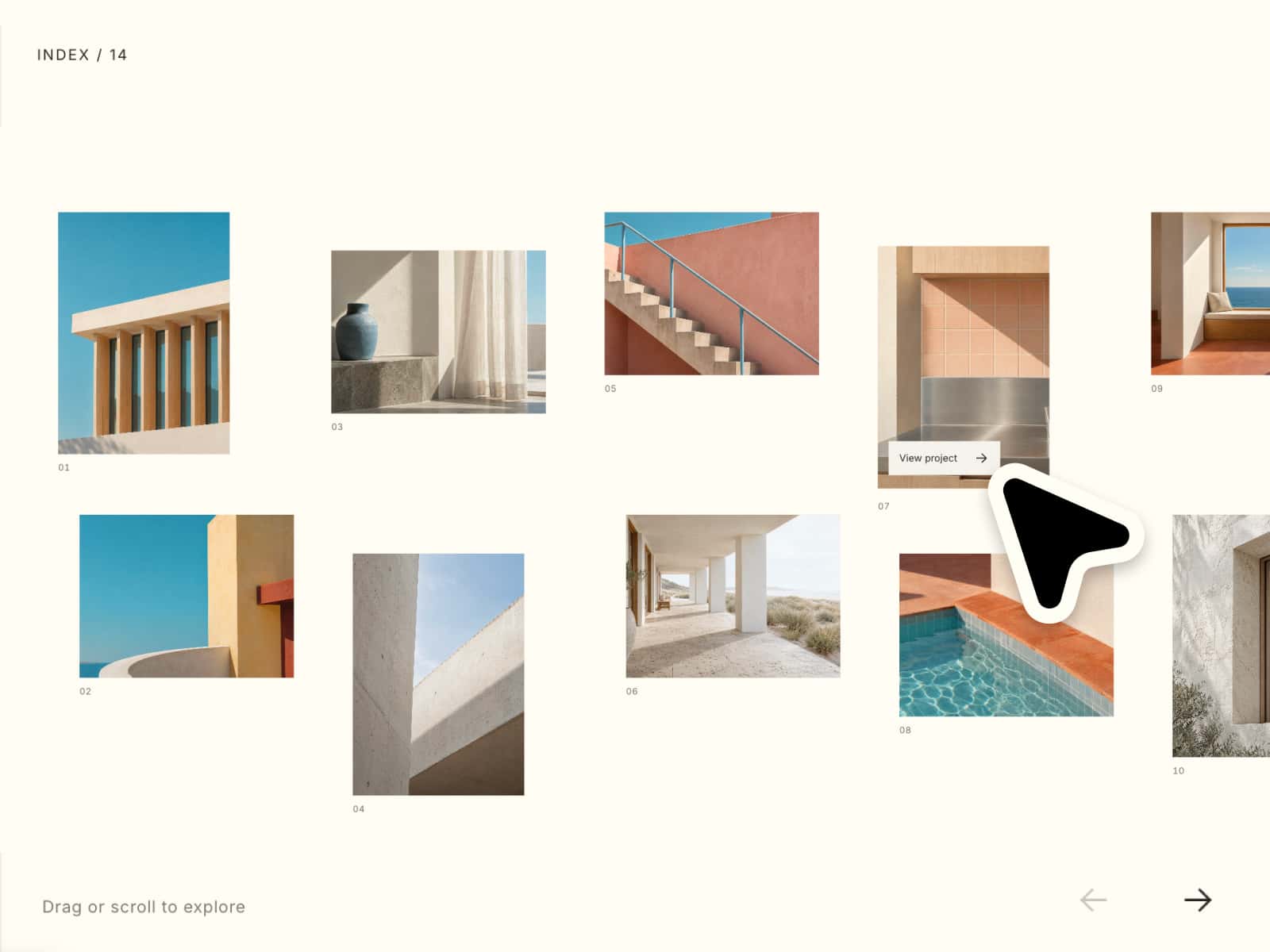
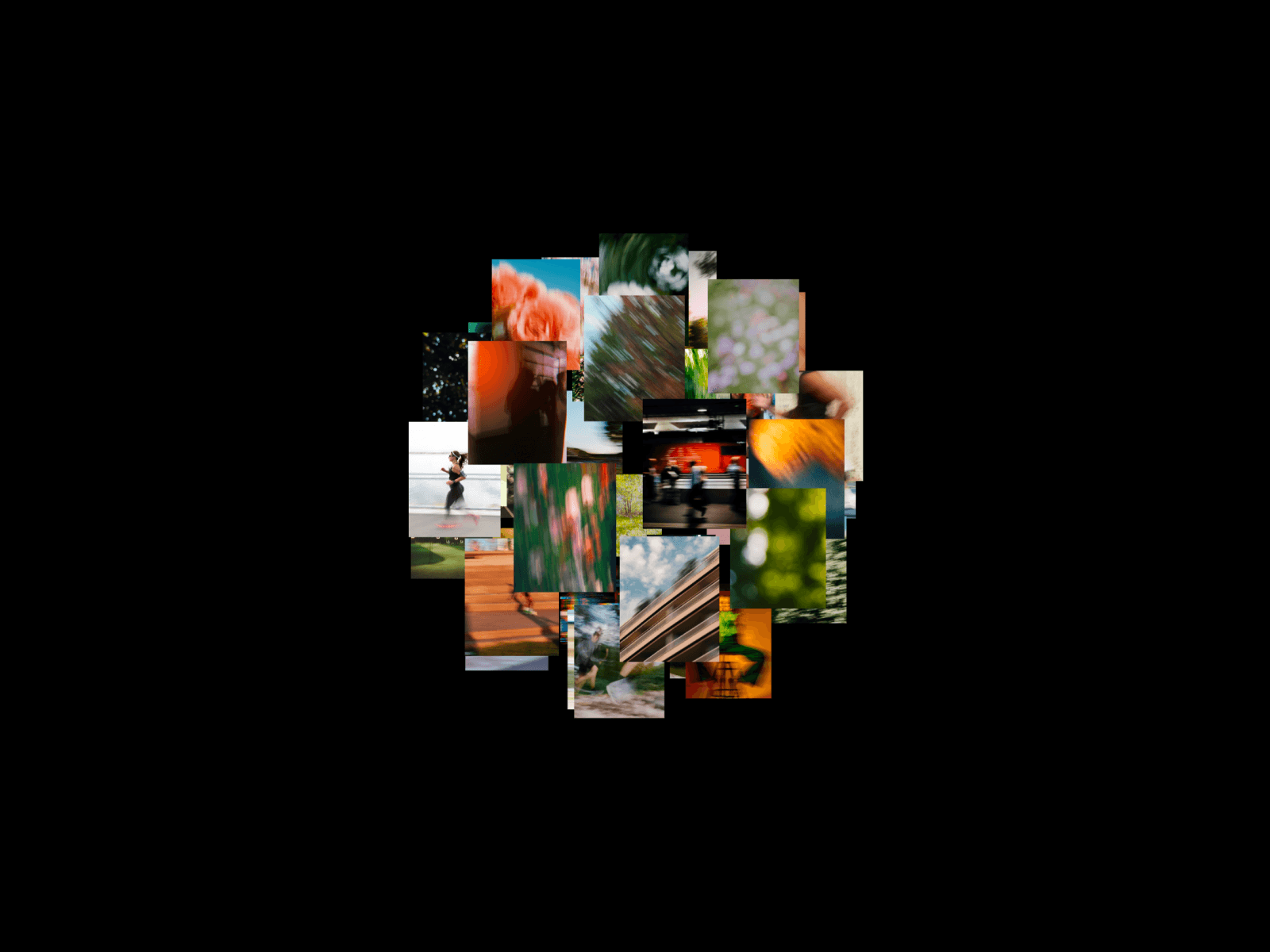
Most image galleries are flat. Rows, columns, maybe a lightbox if you're feeling fancy. Orbit Gallery puts your images on a rotating ring in 3D space, so scrolling through them feels less like browsing and more like turning something in your hands.
Drag to spin. Release and it snaps to the nearest card. Move your cursor up or down and the whole ring tilts subtly toward you. The front-facing image scales up automatically so there's always a clear focal point — no guessing which one the user is looking at.
What's inside:
A 3D ring of images you can drag in any direction
Auto-snap to the nearest card on release, so it always lands cleanly
Front card scales up smoothly as it rotates into focus
Subtle vertical tilt that follows the cursor for depth
Full control over radius, drag sensitivity, tilt strength, and focus scale
Add as many images as you want — the ring redistributes automatically
Touch and pointer support, works on mobile out of the box
Where it fits:
Portfolios, product showcases, case study sections, photography sites, team pages, "our work" sections — anywhere you'd normally use a grid or a flat carousel and want it to feel more crafted.
Setup:
Drop it onto your canvas. Add your images in the Images property. Adjust the radius if you want the ring tighter or wider. Done.
Pro tip: The component looks best with images of consistent aspect ratio — wide landscape shots (think 16:10 or 16:9) work especially well since the cards are wider than they are tall. If you're using portrait images, bump the radius up so they don't overlap as the ring rotates.
Refund Policy: All sales are final. We do not offer refunds, exchanges, or returns on Framer components. For technical support or questions about implementation, contact us at syedsaboor005@gmail.com