About Package Stack
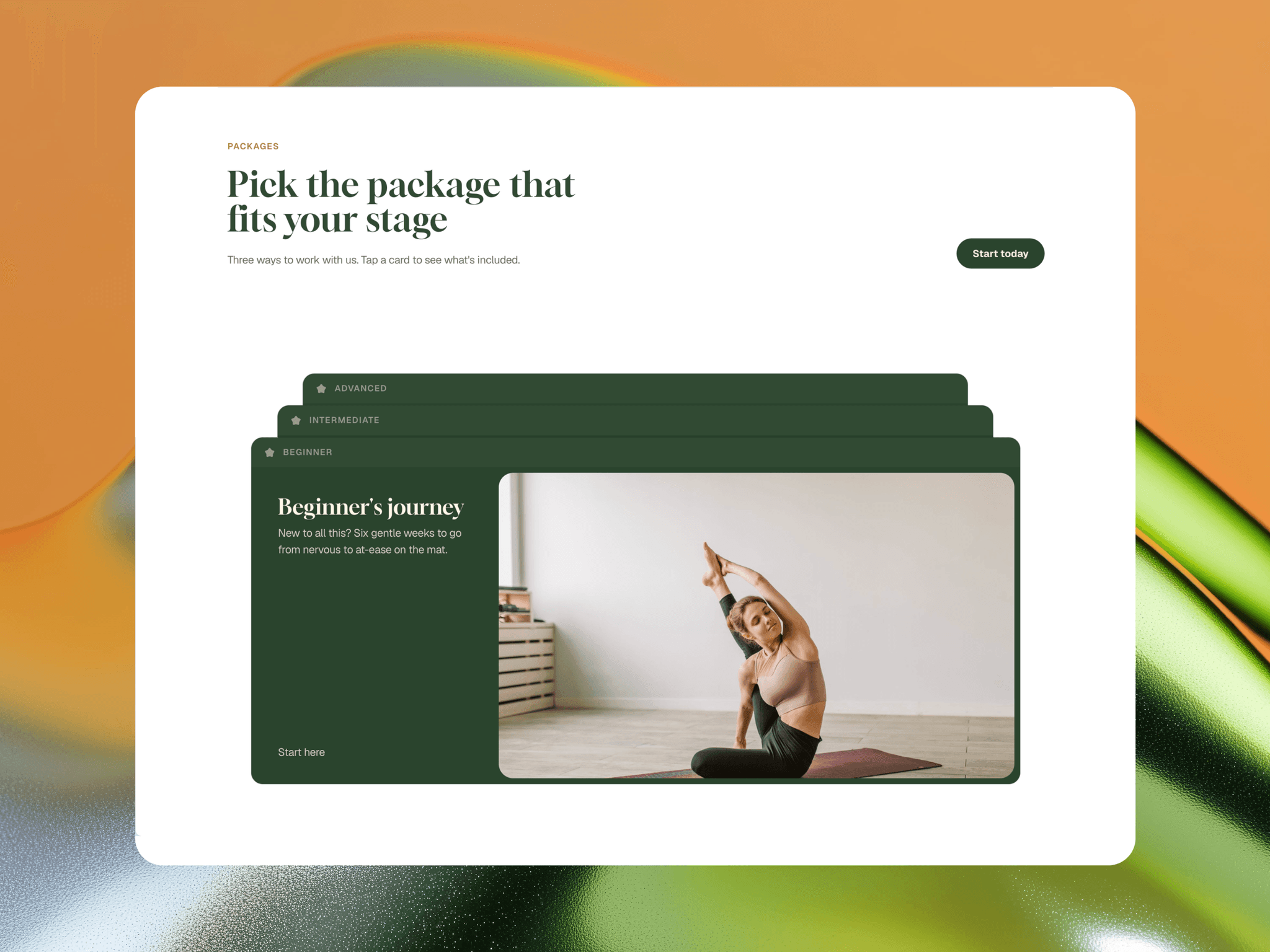
Package Stack turns your service packages into a layered deck. Every package stays visible as a stacked tab — click one and it springs to the front, opening into a full panel with a title, description, button and image.
Built for freelancers, agencies and studios. Also works for projects, programs, courses and pricing tiers.
Why use it
- Show one package in full detail without hiding the others
- Takes far less space than a 3-column pricing grid
- Feels interactive, so visitors actually explore your offers
What you get
- 3 stacked package cards with a smooth spring transition
- Switch between packages in any order, at any time
- Fully responsive: Desktop, Tablet and Phone layouts switch automatically
- On phone, text sits above the image and cards stretch to screen width
- Tab labels for each package (e.g. Starter, Growth, Premium)
- Styled call-to-action link with a clean underline hover
No CMS needed
Edit every package from the component's properties: Title, Tab Label, Description, Image, Button Text and Link.
How to edit
1. Select Package Stack on your page.
2. In the right panel, edit Packages 1–3.
3. Publish.
More from Kasun
Showing your team? Try Pocket Team Card. Telling your brand story? Try Brand Story Timeline (free).