About Particle Form
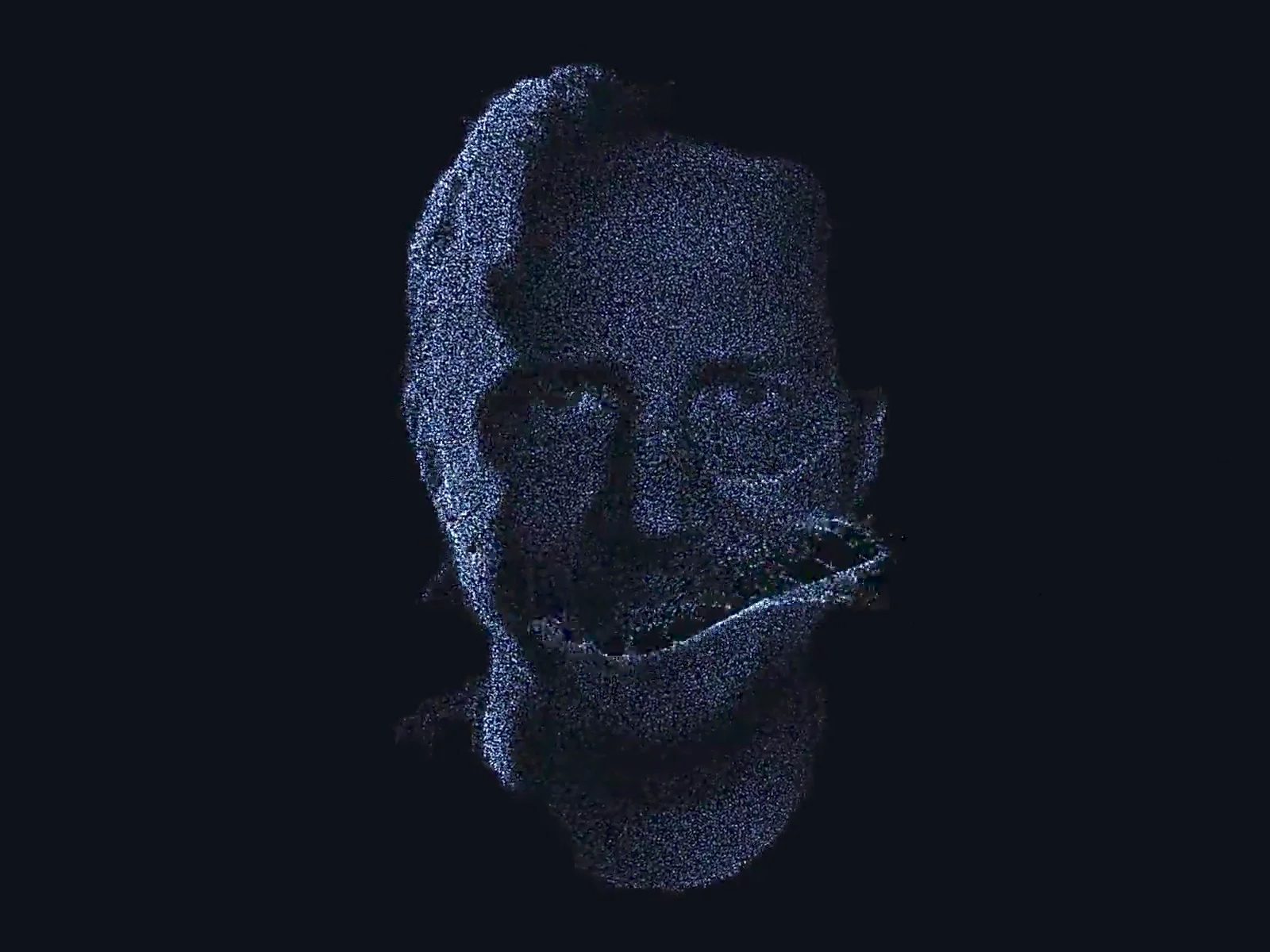
Turn any photo, logo or text into a glowing 3D particle sculpture. Particle Form gives flat images real depth right in the browser, with no 3D model and no external libraries.
WHY PARTICLE FORM
• Recognizable portraits: auto background removal, stipple shading and edge detail keep faces readable. "Photo Safe" mode keeps depth and rotation gentle so faces never distort
• A hover that feels alive: the cursor drags particles like smoke, leaving glowing wisps that drift back into shape
• Morph between up to 7 shapes: mix photos, logos and text, triggered on Loop, Click, Hover or Scroll
• Rounded 3D volume: Inflate for soft, puffed depth, Extrude for a solid slab, or Flat
• Cinematic intro: particles Scatter, Fall or Burst into place
• Swing, spin or mouse-tilt motion
CUSTOMIZE EVERYTHING
Any Framer font for text, particle count (2k–80k), dot size, glow, tint or image colors, hover color, radius, force, swirl, trail length, return speed, depth, size, morph timing, intro style, plus an optional depth map.
BUILT FOR REAL SITES
• Self-contained WebGL, no CDN downloads at runtime
• Pauses when off-screen
• Fewer particles on mobile, with touch-and-drag interaction
• Respects reduced-motion settings
• Glow blend for dark backgrounds, Normal for light ones
HOW TO USE
1. Drop Particle Form onto your canvas and size it
2. Choose Image or Text as the source and add your content
3. Turn on Morph and add more shapes for a sequence
4. Open Preview to see the animation (the canvas shows a still frame to keep the editor fast)
TIPS
• Portraits: black & white photos with a plain or dark background work best. Crop tight around the face and use 50–60k particles for extra detail
• Logos: transparent PNG or SVG gives the cleanest shapes
Need help? Questions or custom work: shubhangchouhan@gmail.com or on X @ShubhUIUX