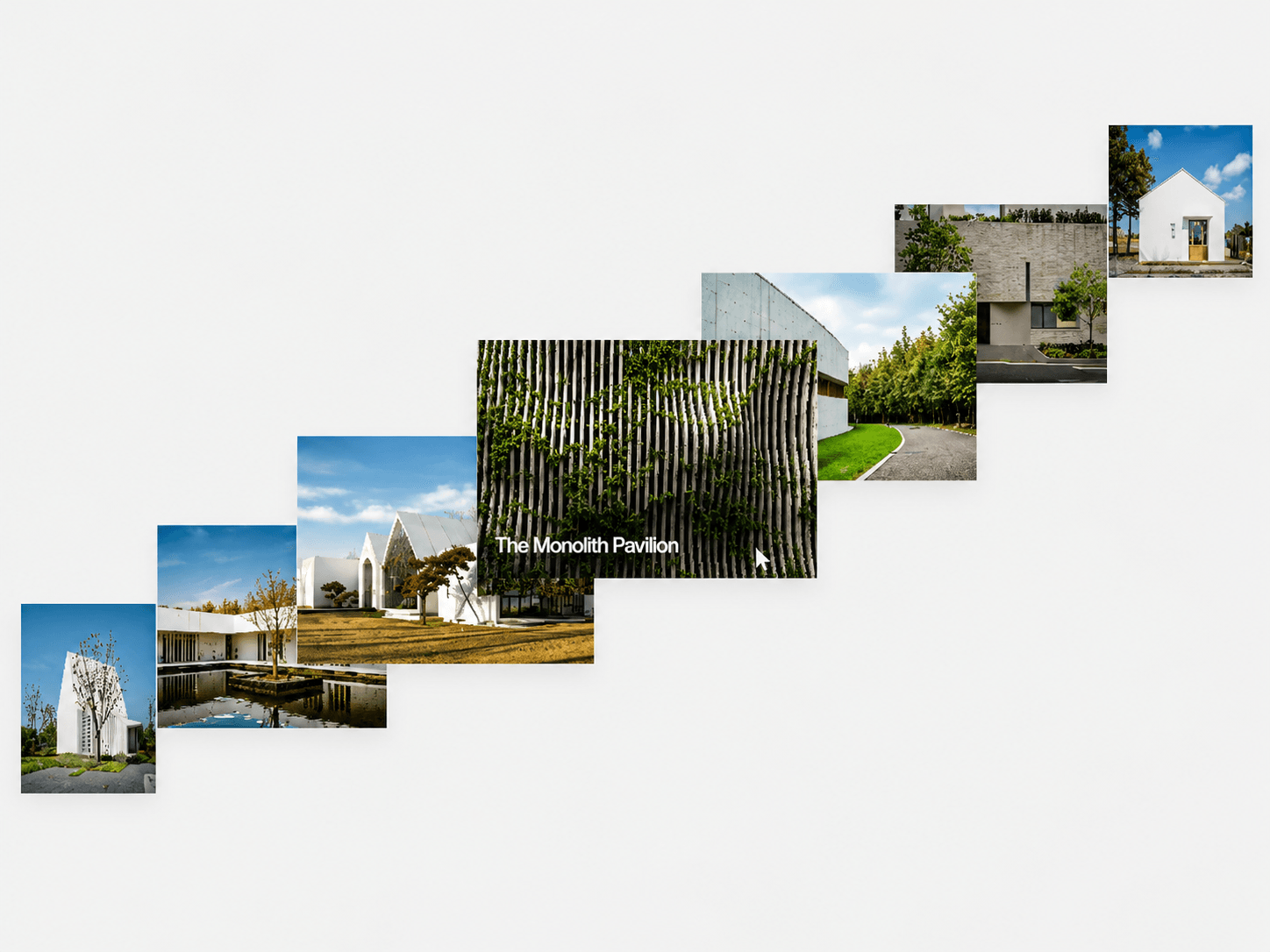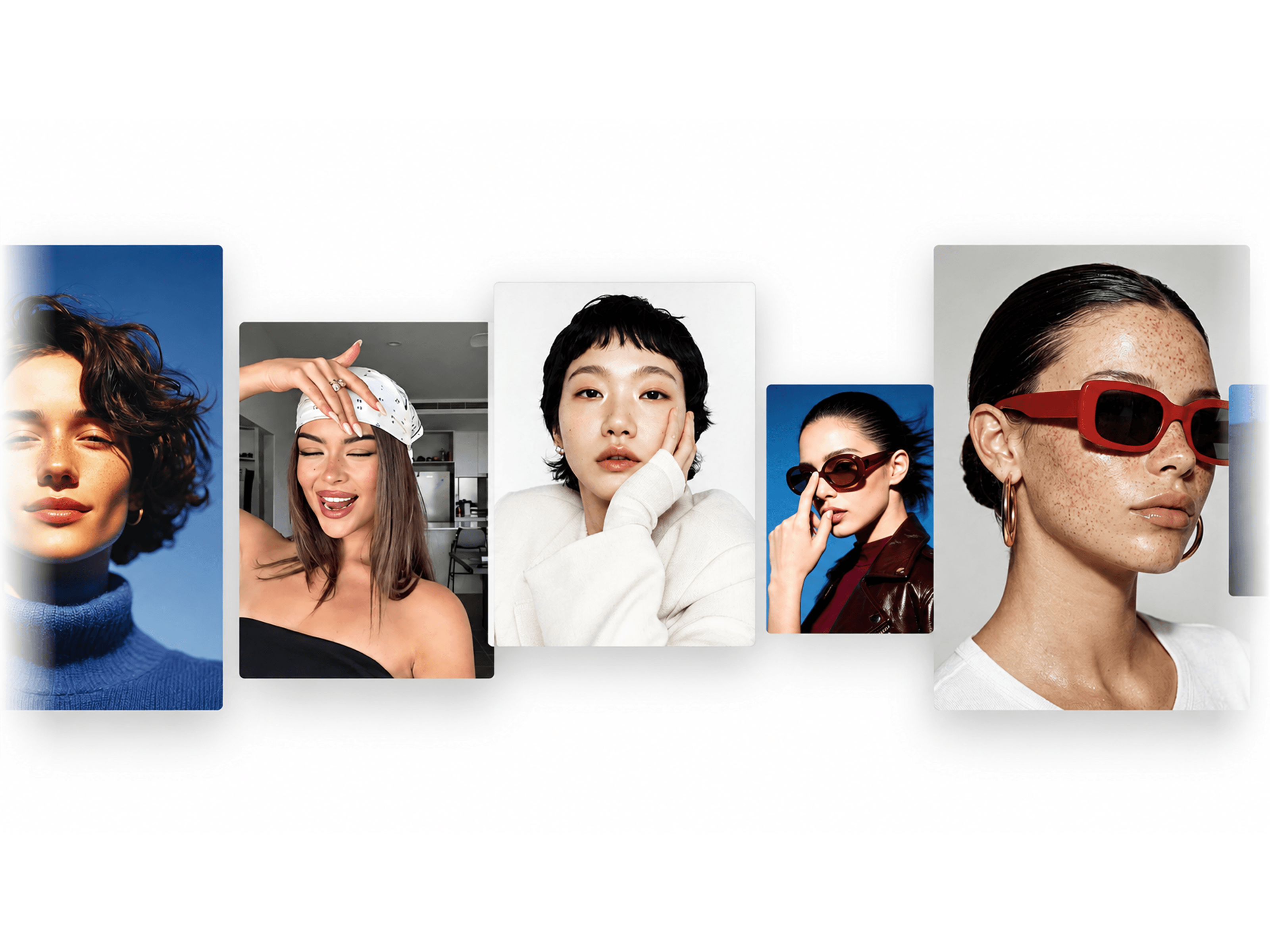
About Perspective Deck
About WebX Perspective Media Deck
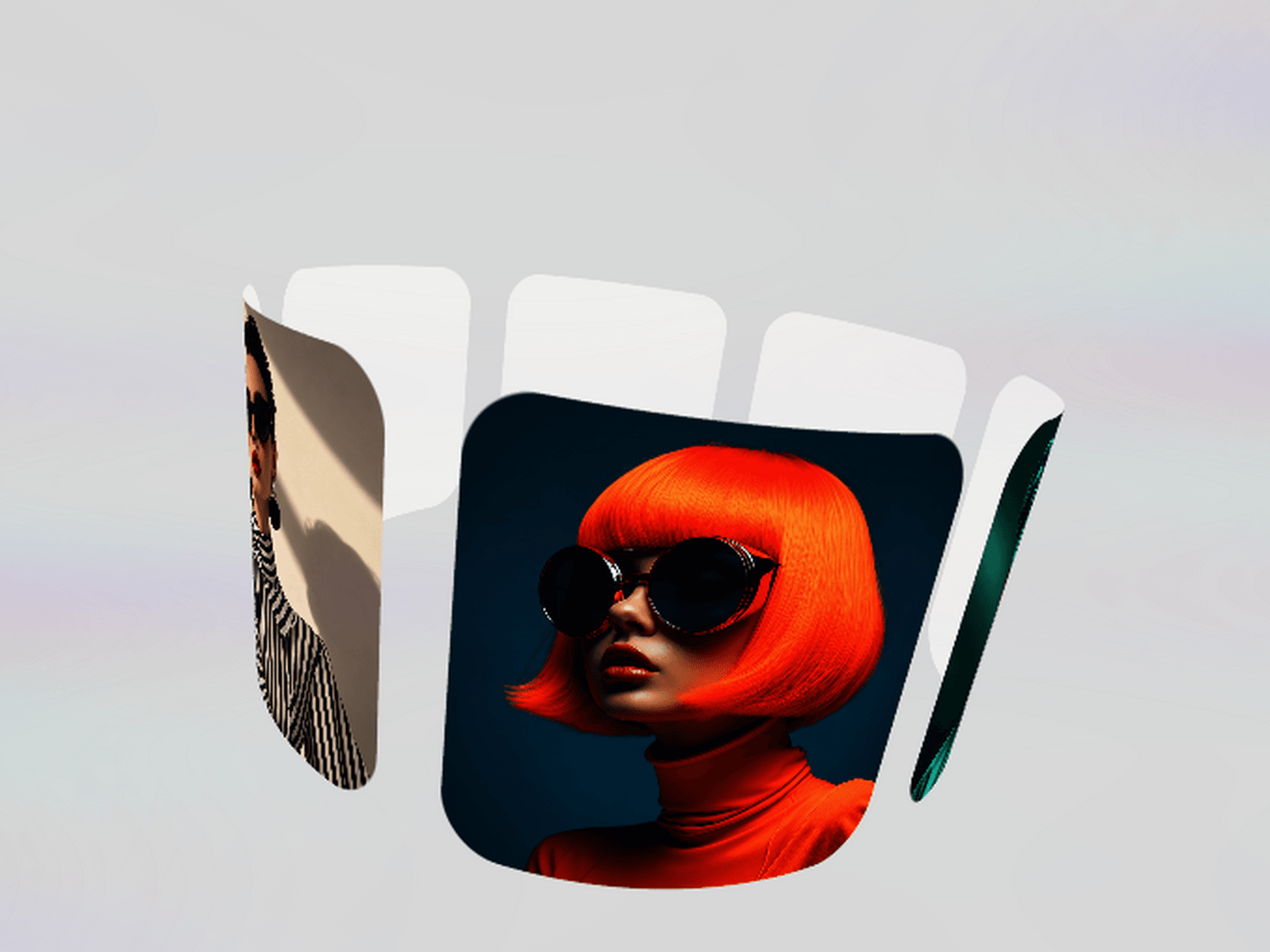
Present images and videos as a layered deck with depth, movement and perspective.
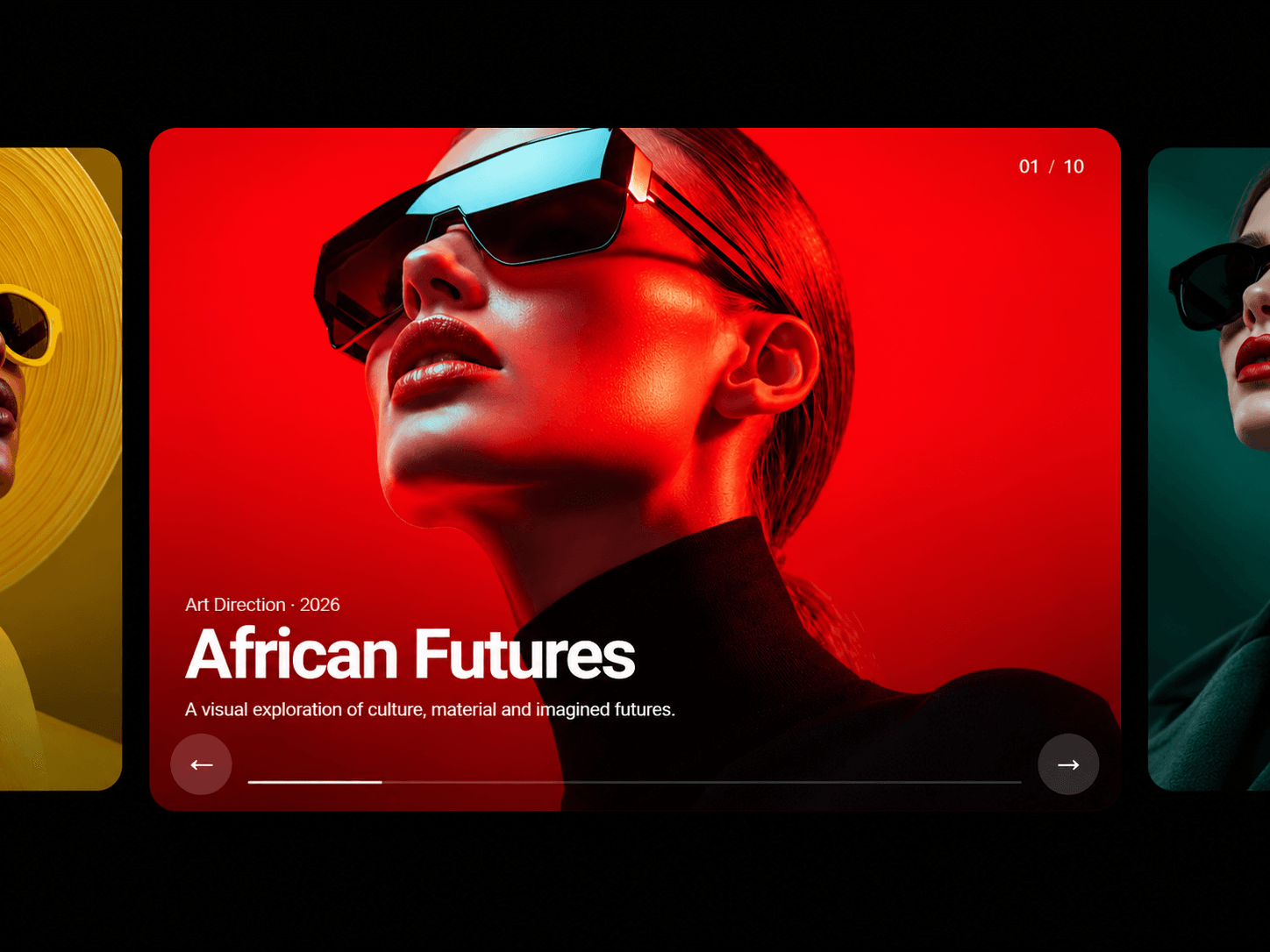
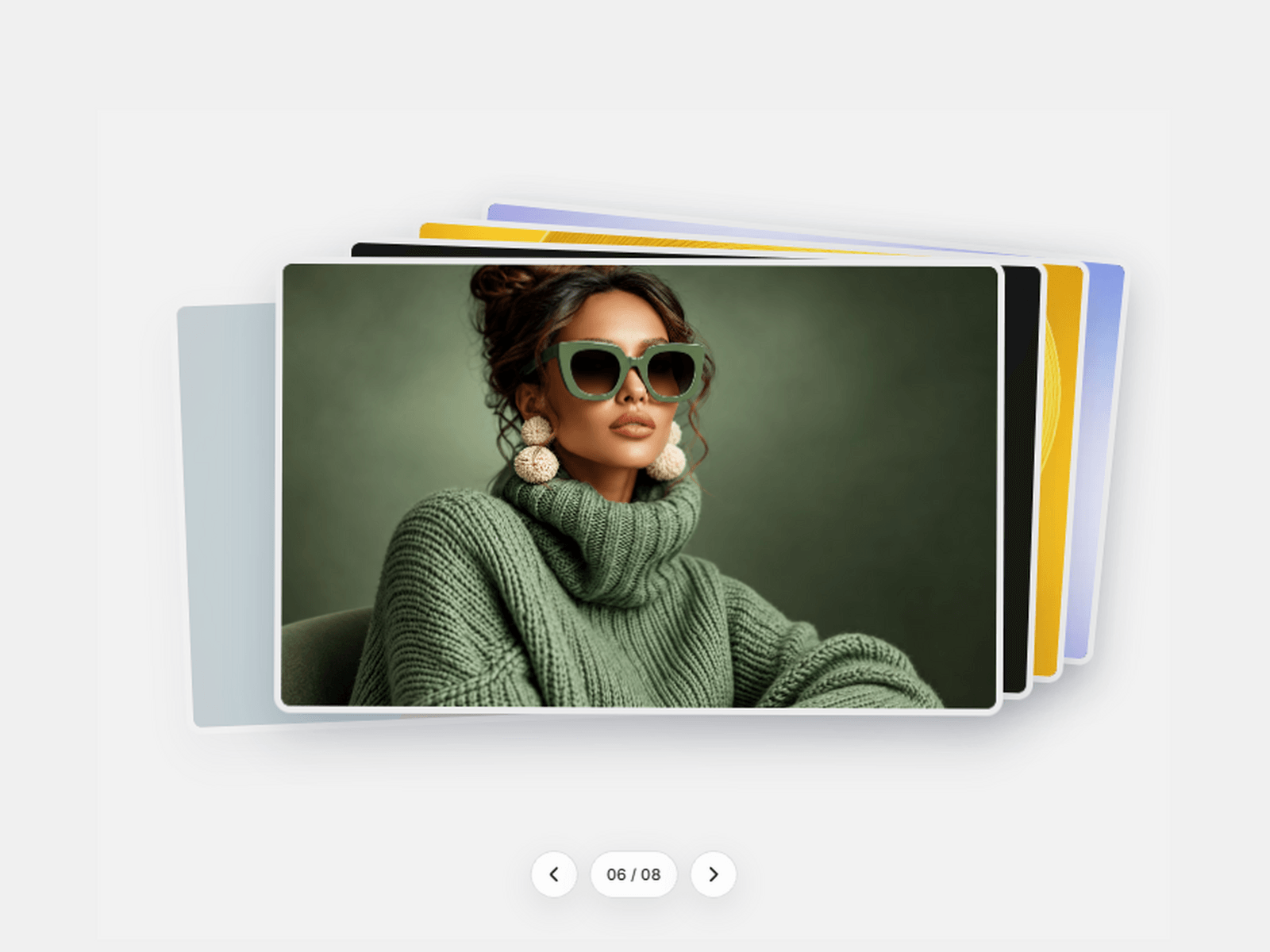
WebX Perspective Media Deck arranges your content into an interactive 3D stack. Visitors can drag, swipe, use the navigation controls or browse with their keyboard.
A Tactile Way to Browse
The active card moves forward while the remaining cards sit behind it with adjustable position, rotation and scale.
Subtle pickup and drop motion makes the interaction feel physical without distracting from the content. Optional autoplay moves through the deck automatically and pauses on hover.
Images and Video Together
Combine Framer images with YouTube and Vimeo videos in one deck. Add custom video posters and choose whether to display native playback controls.
Videos load only when needed, helping the component remain efficient when multiple cards are added.
Control the Perspective
Adjust the perspective, horizontal and vertical stack offsets, rotation, pickup scale and transition speed directly in Framer.
Customise the background, card radius, border, shadow, padding and navigation controls to match your project.
Key Features
• Layered 3D media stack • Images, YouTube and Vimeo support • Drag, swipe and button navigation • Optional autoplay and pause on hover • Adjustable perspective, rotation and spacing • Video posters and playback controls • Custom borders, radius, shadows and background • Keyboard and reduced-motion support • Responsive across desktop, tablet and mobile • Static rendering and offscreen pausing
Perfect For
Portfolios, case studies, photography, architecture, fashion, product showcases, agency websites and visual storytelling.
Built for Framer
Add your media and customise every visual and interaction setting from the Framer properties panel. No coding required.