About WebGL Lens Carousel
About 3D Circular Carousel
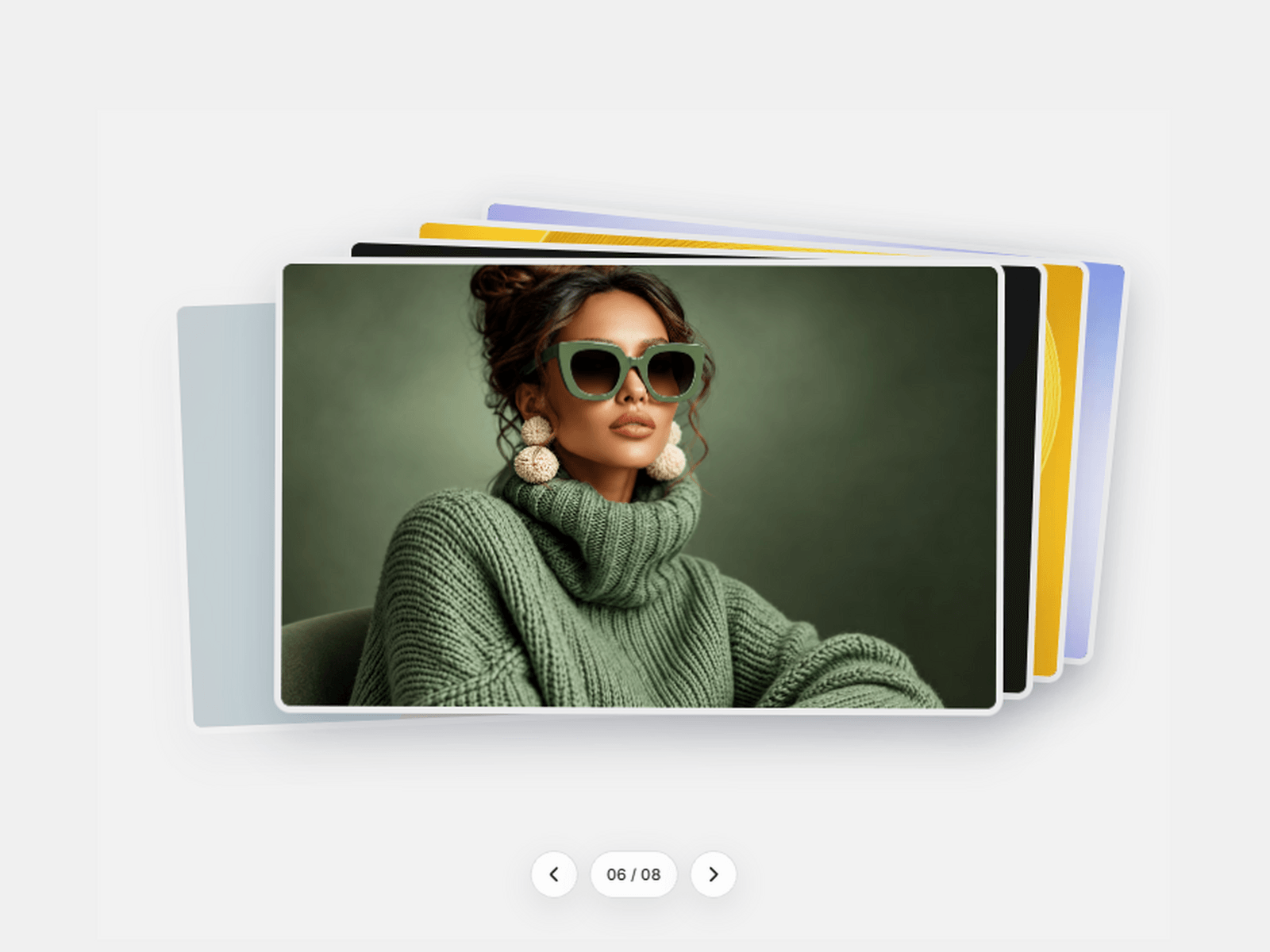
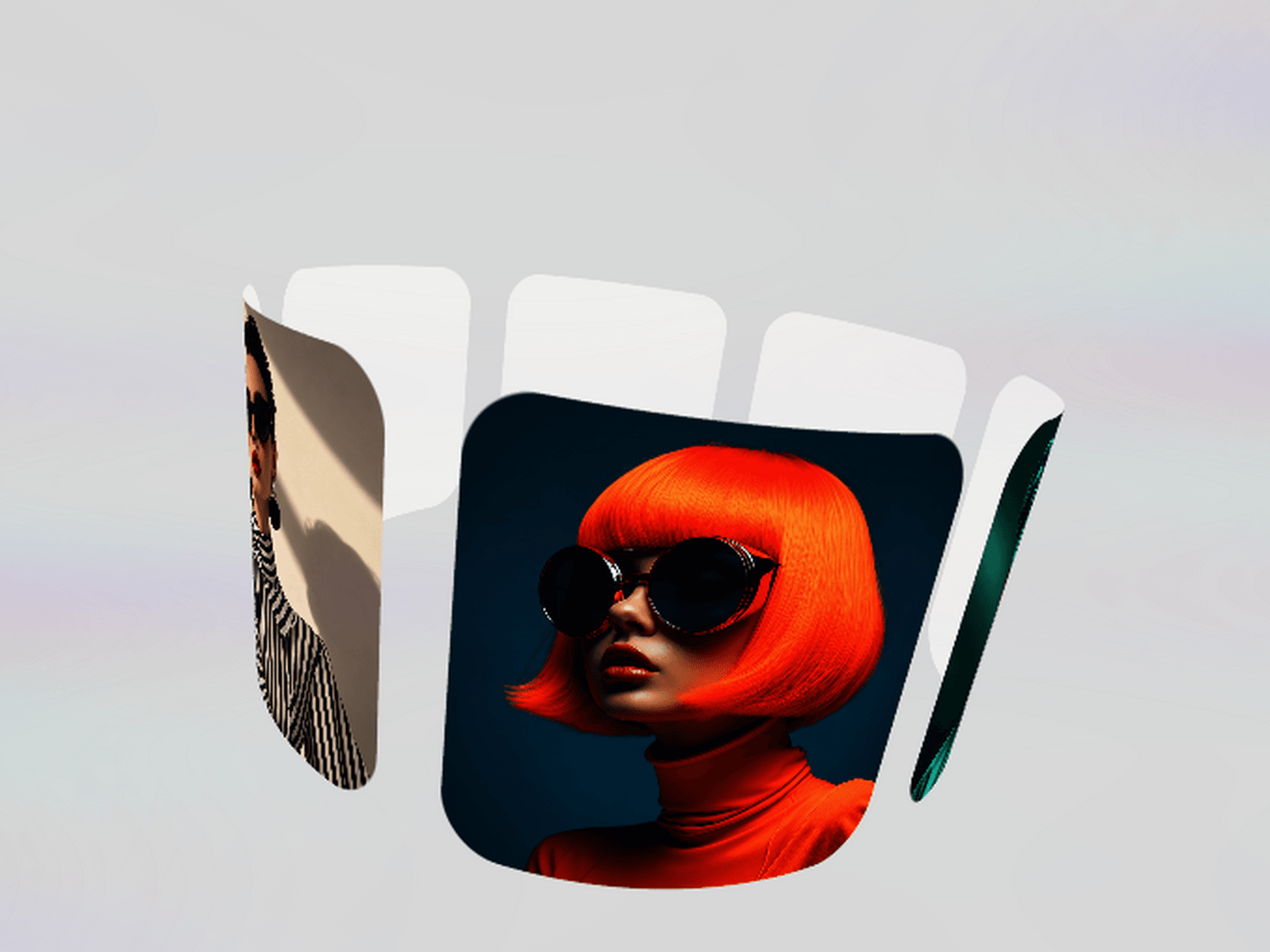
Present images and videos inside an interactive WebGL cylinder with curved panels, perspective and fluid movement.
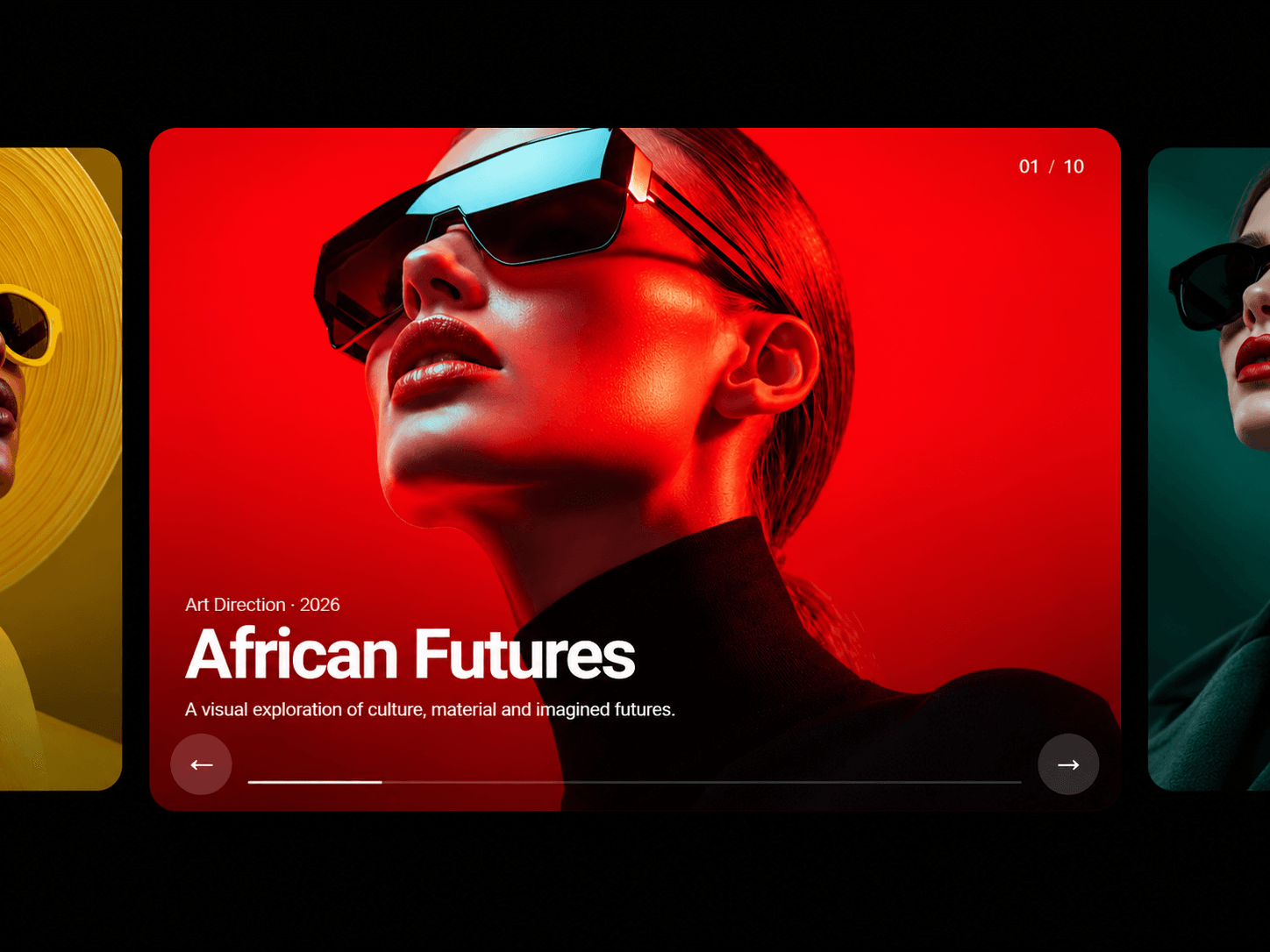
Drag, swipe or scroll to rotate through the carousel. Select any panel to open the media in a fullscreen viewer with smooth transitions, navigation controls and an optional counter.
Images and Video Together
Combine Framer images, GIFs, MP4 files, YouTube videos and Vimeo videos inside one carousel.
Images and videos are mapped onto curved panels that form an open 3D cylinder. Add between 3 and 20 media items, with 6 to 10 recommended for the best balance of impact and performance.
Shape the Experience
Adjust the cylinder radius, height, rotation, three-axis tilt, perspective, zoom, panel curve, spacing and corner radius directly in Framer.
Enable autoplay, control its speed, pause on hover, add drag and wheel navigation, or snap the carousel into position after interaction.
Animated Edge Lens
Add an optional animated lens effect to the left edge, right edge or both sides.
Control the lens width, reach, position, movement speed, opacity, intensity and three colour values to create anything from a subtle glow to a more expressive chromatic effect.
Key Features
• Interactive WebGL cylinder • Images, GIFs, MP4, YouTube and Vimeo • Drag, swipe and wheel navigation • Fullscreen media viewer • Smooth opening and closing transitions • Adjustable perspective, zoom and 3D rotation • Custom radius, height, curve and spacing • Optional autoplay and snap behaviour • Customisable animated edge lens • Keyboard and reduced-motion support • Responsive across different frame sizes • Static rendering and offscreen pausing
Perfect For
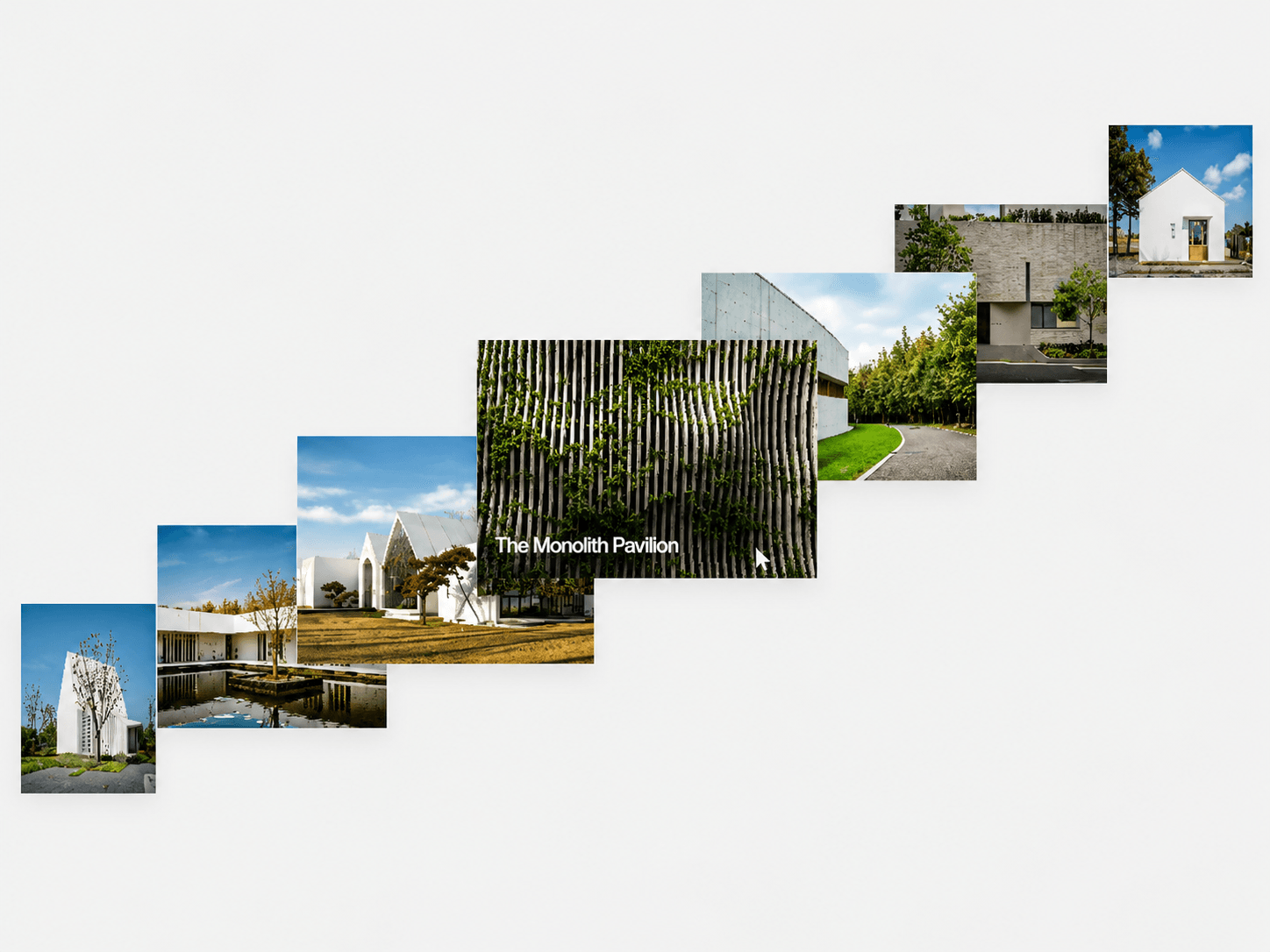
Creative portfolios, photography, fashion, architecture, digital art, product showcases, agency websites and visual storytelling.
Built for Framer
Add your media and control the full experience from the Framer properties panel. No coding required.