About Focus Slideshow
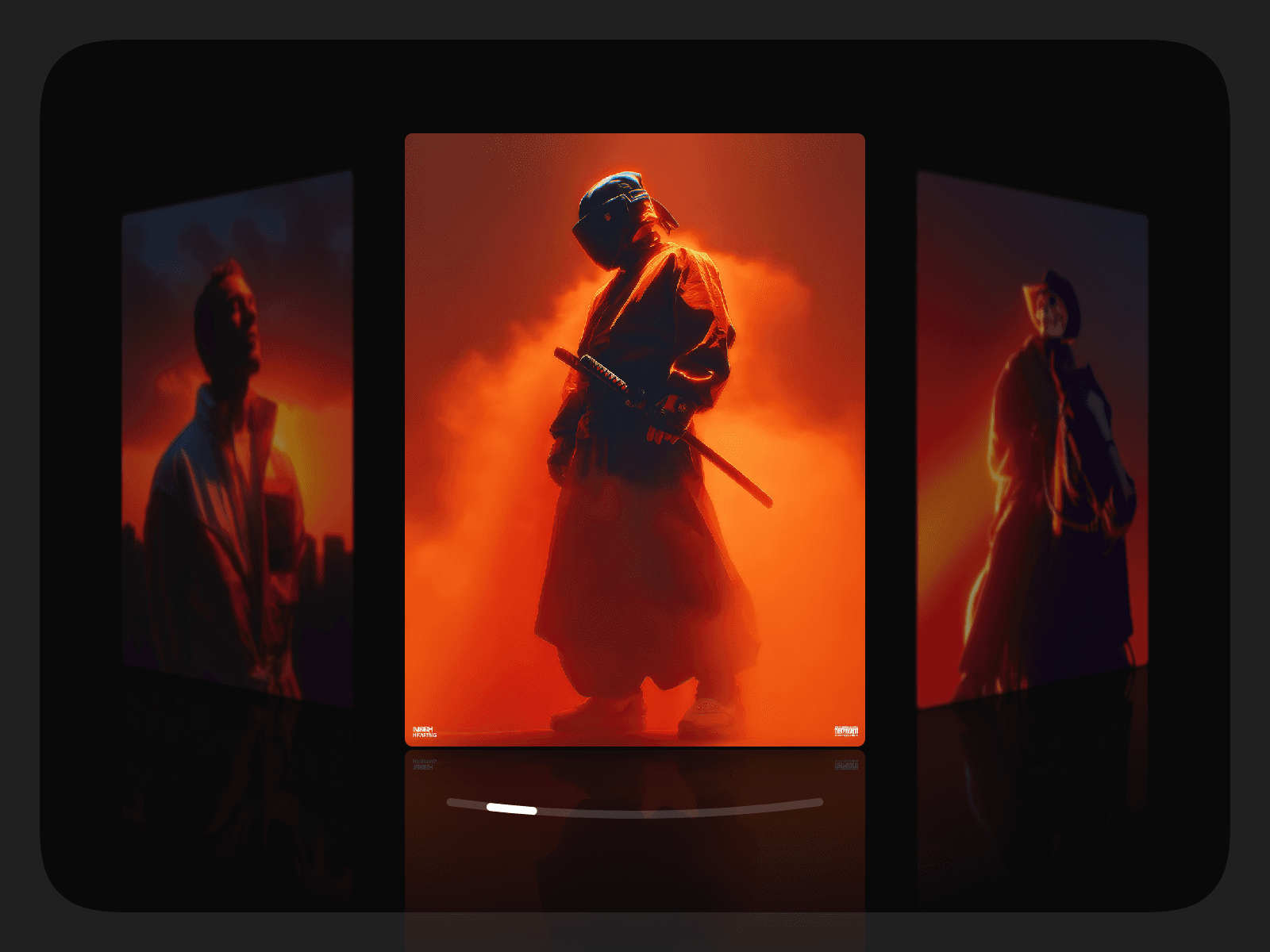
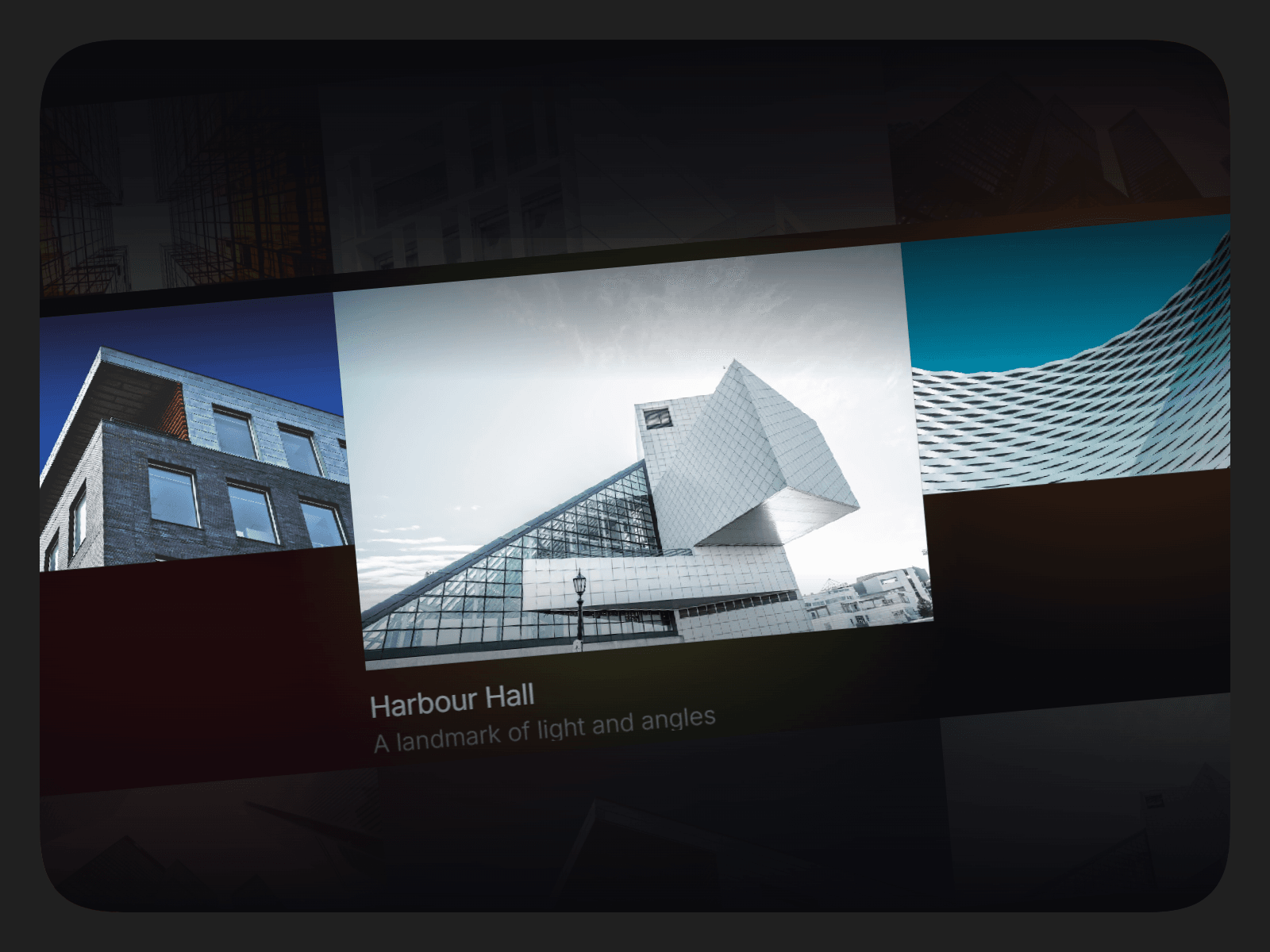
A full-bleed carousel that makes one slide the star. The centre card grows, the rest step back, and the caption moves with it. Drag it, snap it, feed it from your CMS.
Features
Centre card grows while its neighbours step down in size
Captions that reveal in step with the motion
Drag, swipe, click, keyboard and trackpad navigation
Snap to a card or glide freely
Images and videos, added by hand or from the CMS
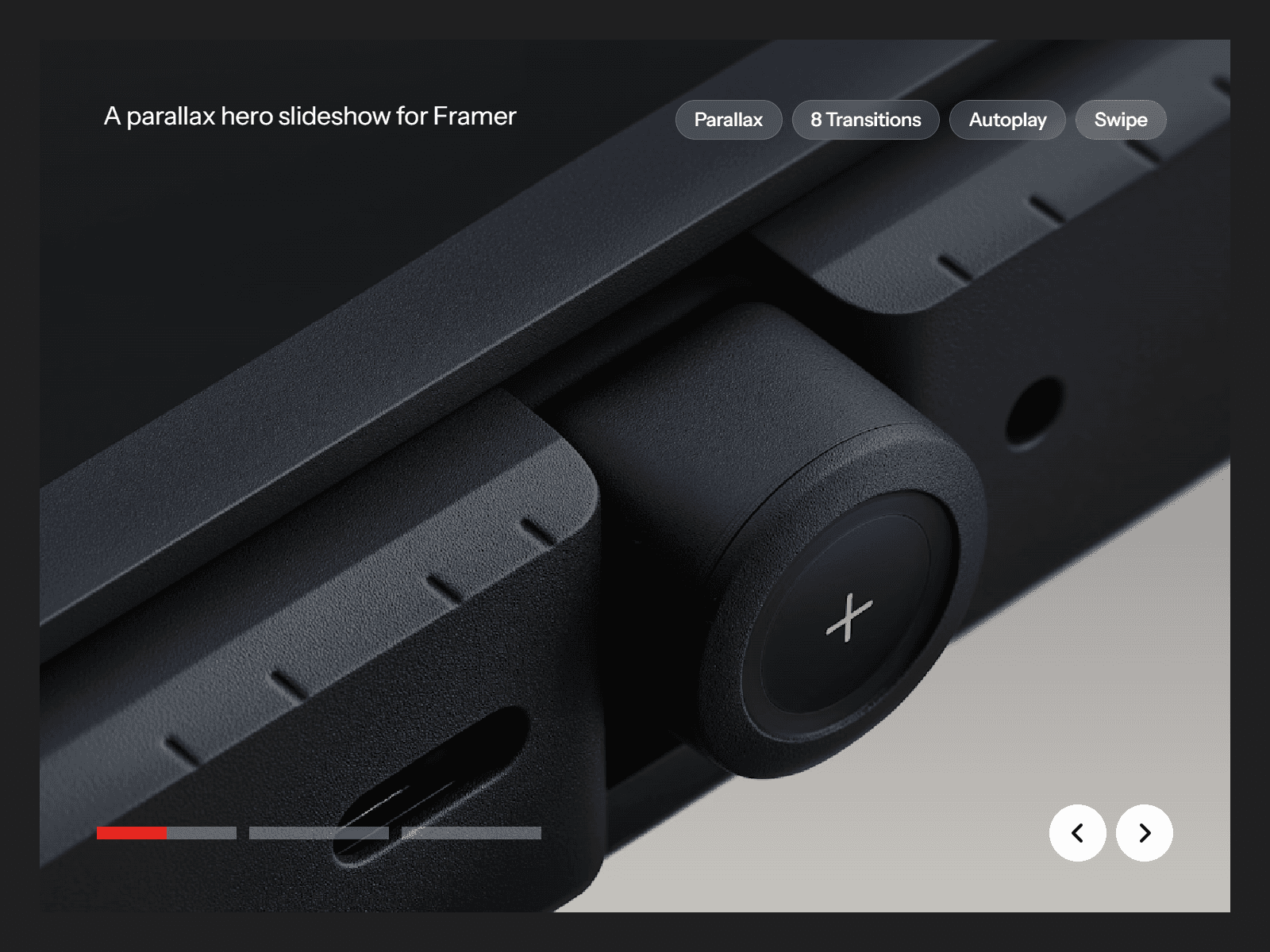
Autoplay, loop, parallax and hover effects
Built-in tablet and mobile layouts
Customization options
Content: images or videos, titles, subtitles and links, or a CMS list
Layout: card ratio, card sizes, gap, alignment and corner radius
Responsive: separate card sizes for tablet and mobile
Motion: autoplay, speed, easing, loop and snapping
Caption: text reveal style, fonts, colours and alignment
Effects: image parallax, hover zoom or tint, and a custom Drag or View cursor
Interaction: drag, click to focus, keyboard, trackpad and scroll-linked mode
Usage
Add the Focus Slideshow to your page and set its width to fill the section.
Add your slides, or switch Source to CMS and drop in a Collection List.
Pick the card ratio and sizes in Layout.
Choose your caption style, motion and hover effects.
Preview the page and give it a drag.