About Pixel Brick Globe 3D
Lego Pixel Globe Pro
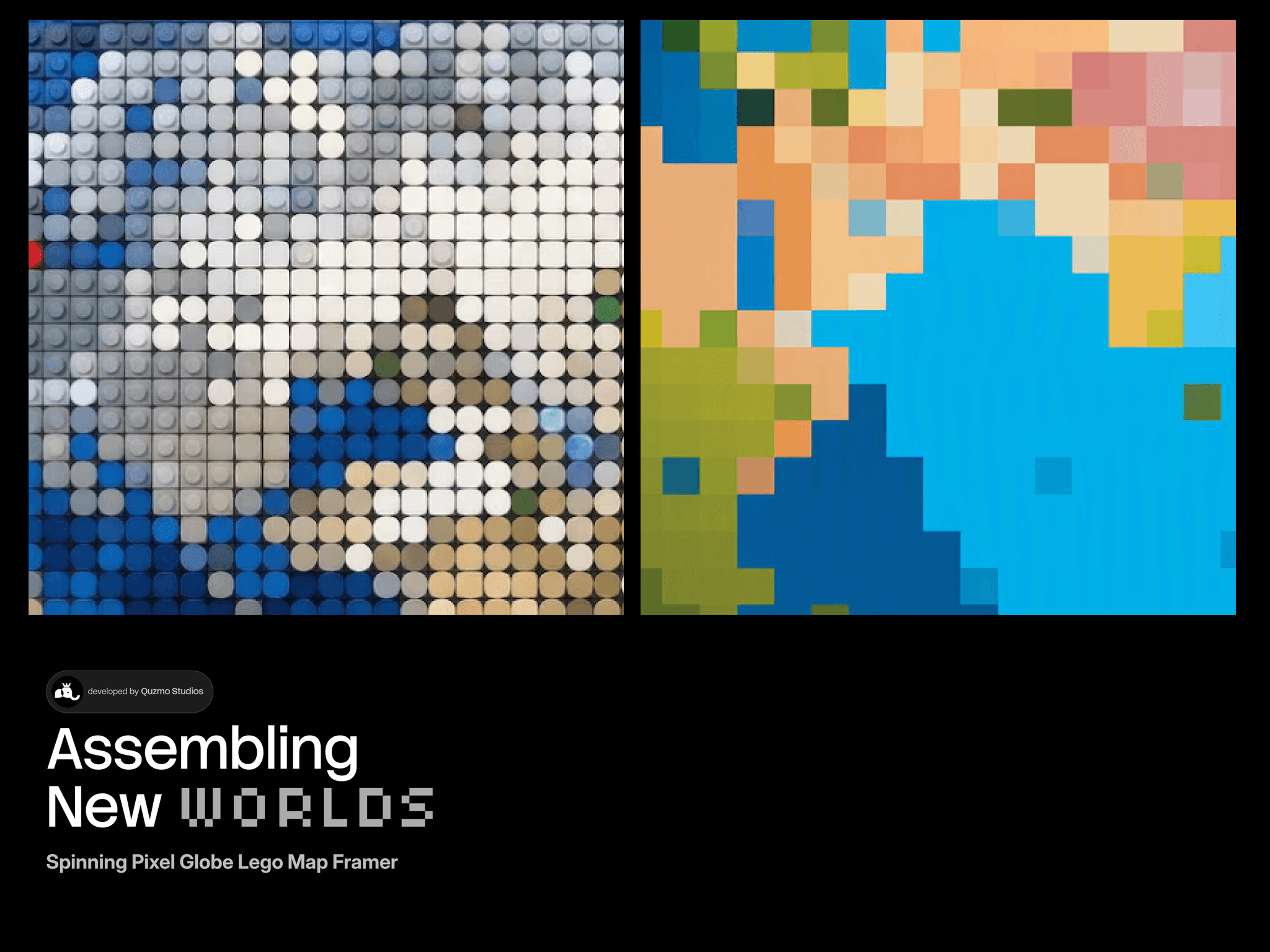
Meet a tiny planet made of bricks. Lego Pixel Globe Pro turns your Framer page into a spinning mosaic Earth that people actually want to touch, drag, and explore. Every brick is lit and every pin is yours.
Why It Stands Out
✦ Pixel mosaic planet built from hundreds of tiny cells
✦ Studded brick look with glossy tops and soft shadows
✦ Flat or 3D brick style, switched in one click
✦ Real Earth mode with recognizable continents
✦ One lightweight render pass for smooth performance
Interactive by Design
✦ Drag to spin, release to glide with natural momentum
✦ Hover to probe any spot and read live coordinates
✦ Cursor lamp that lights the studs wherever you move
✦ Auto rotate that pauses when someone hovers
✦ Spring or smooth easing on the probe marker
✦ Touch friendly dragging on phones and tablets
Pins That Tell a Story
✦ Drop pins on any city with exact latitude and longitude
✦ Add a photo to each pin, cropped into a clean circle
✦ Name labels that flip sides to stay on screen
✦ Ring highlights and adjustable pin size
✦ Up to 32 pins visible at once with crisp edges
Make It Yours
✦ Full color control for ocean, shelf, grass, sand, and rock
✦ Adjust cells, gap, tilt, land level, and random seed
✦ Blueprint grid, drifting specks, or a clear background
✦ Custom fonts for tooltips and labels
✦ Degrees or decimal coordinate output
✦ Dusk shading for a soft day and night feel
Built for Real Projects
✦ Pauses offscreen to save your battery
✦ No extra libraries beyond Framer and React
✦ Honors reduced motion
✦ Sharp on retina screens and sized to any frame
✦ Great for portfolios, travel sites, agencies, and dashboards
Easy Setup
✦ Drop it on any frame and it fills the space
✦ Add spots in the property panel with zero code
✦ Tune everything live right on the canvas
Quick Start
Drop it on the canvas, add your spots, pick your colors, and publish. Your visitors will be spinning it for a while. Small planet, big first impression.