About Pixel Cursor Effect
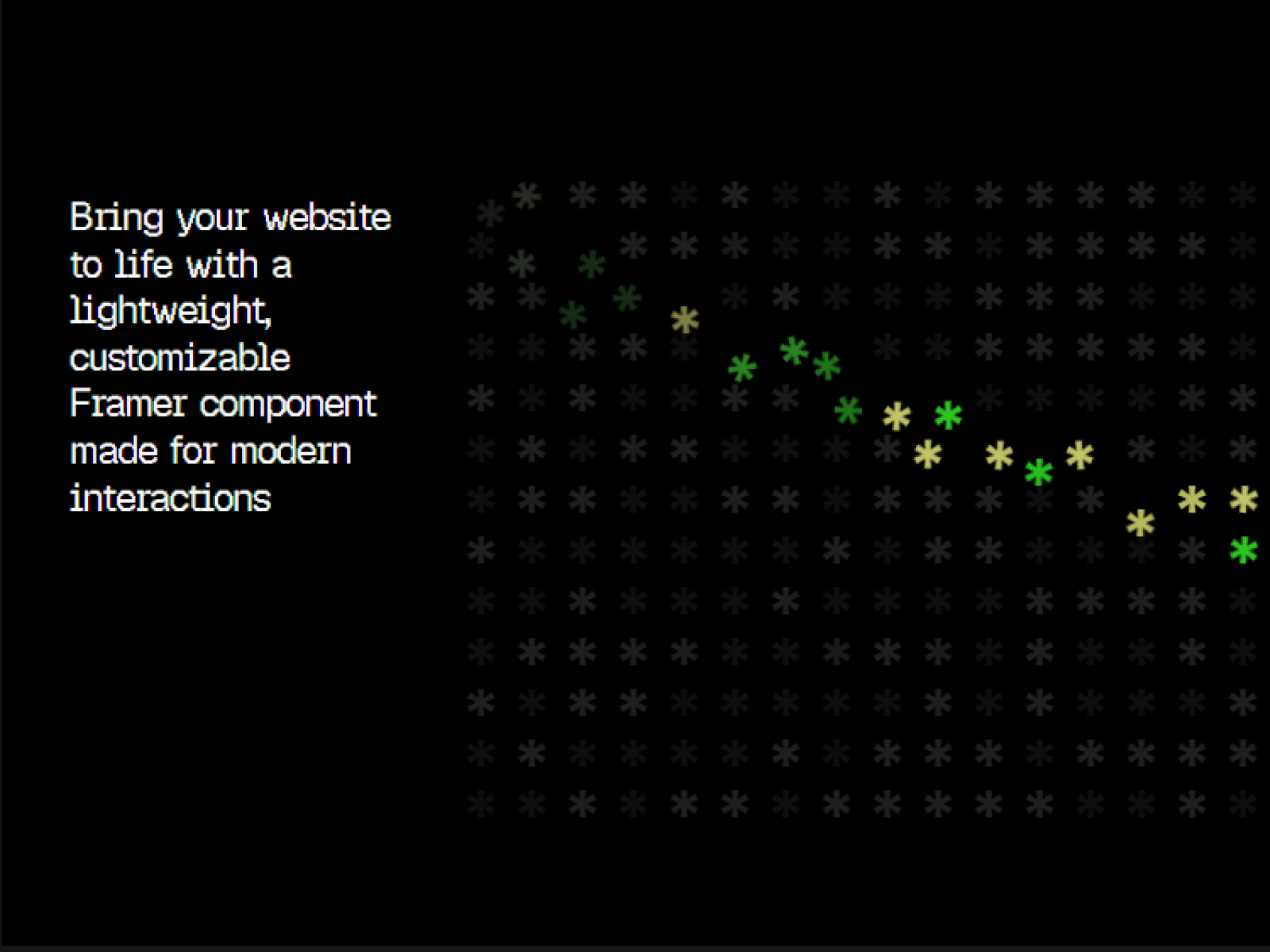
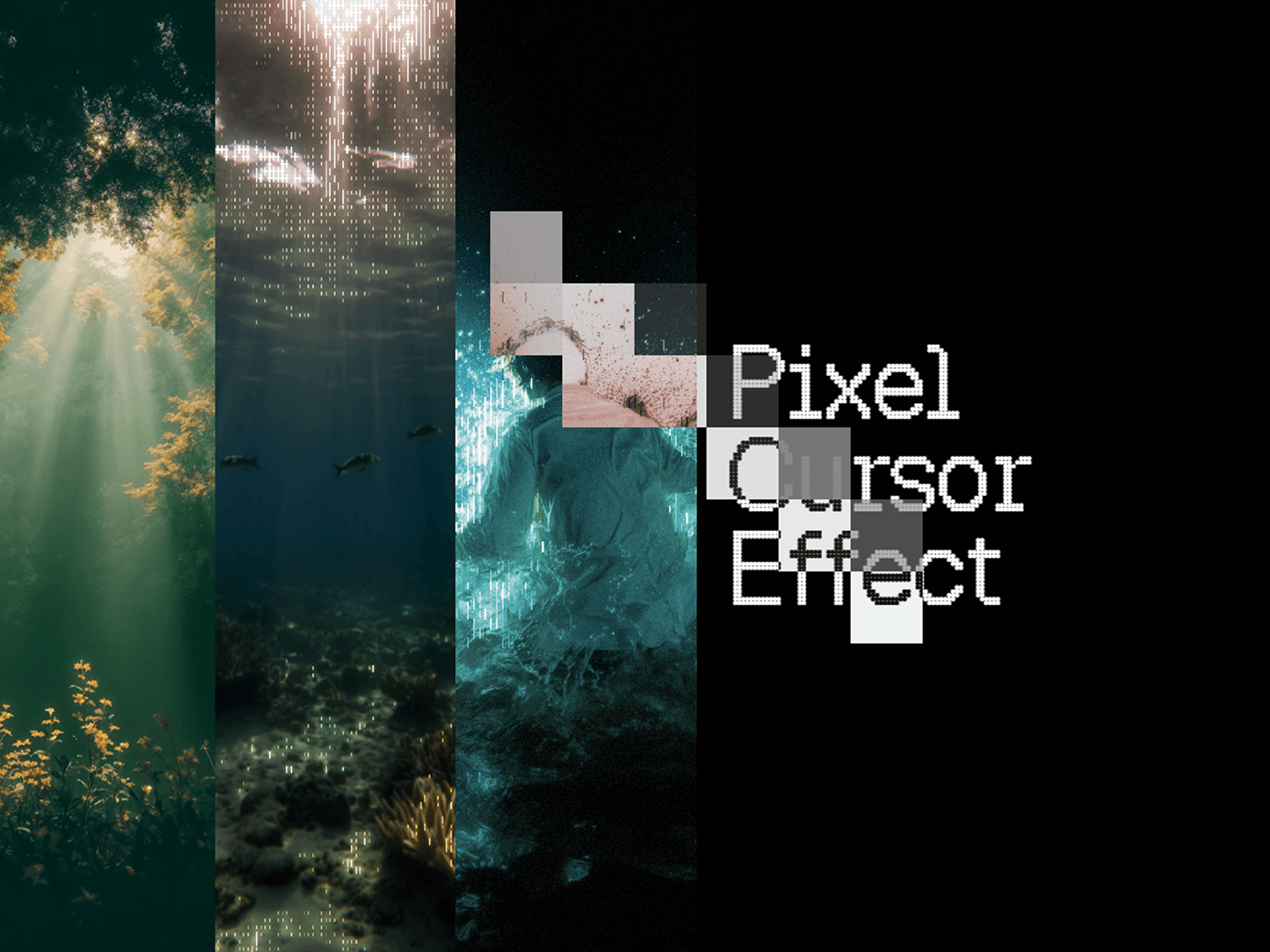
Pixel Cursor Effect is a customizable, viewport-wide cursor interaction that creates a dynamic pixel effect wherever the pointer moves.
It works across text, images, videos, buttons, cards, links, and other page content while remaining non-interactive, so it won't interfere with your website's interactions.
⚙ Setup
For the component to cover the entire viewport correctly:
Width → 100% Relative
Height → 100vh Viewport
Features
• Global Cursor Interaction
• 8 Shape Options — Square, Circle, Rounded, Diamond, Triangle, Star, Cross, Ring
• Custom Color
• Adjustable Grid
• Shape Size
• Fade Animation
• Effect Radius
• Min Movement
• Corner Radius
• Rotation
• Multiple Blend Modes
• Hide/Show Default Cursor
• Mobile Control
• Non-Interactive — Never blocks buttons, links, or other interactions
• Responsive — Rebuilds the grid when the viewport changes
Property Controls
Enabled, Shape, Color, Grid Columns, Shape Size, Opacity, Fade Duration, Effect Radius, Min Movement, Corner Radius, Rotation, Blend Mode, Hide Cursor, Mobile
Ideal Use Cases
• Creative portfolios
• Agency and studio websites
• Interactive landing pages
• Experimental web experiences
• Digital portfolios
• Interactive hero sections
Add a distinctive interactive layer to your Framer website without interfering with your layout or interactions.
Refund Policy: Due to the digital nature of this component, refunds are not offered once purchased. For issues or support, contact akash.ivii02@gmail.com and I’ll be happy to help.