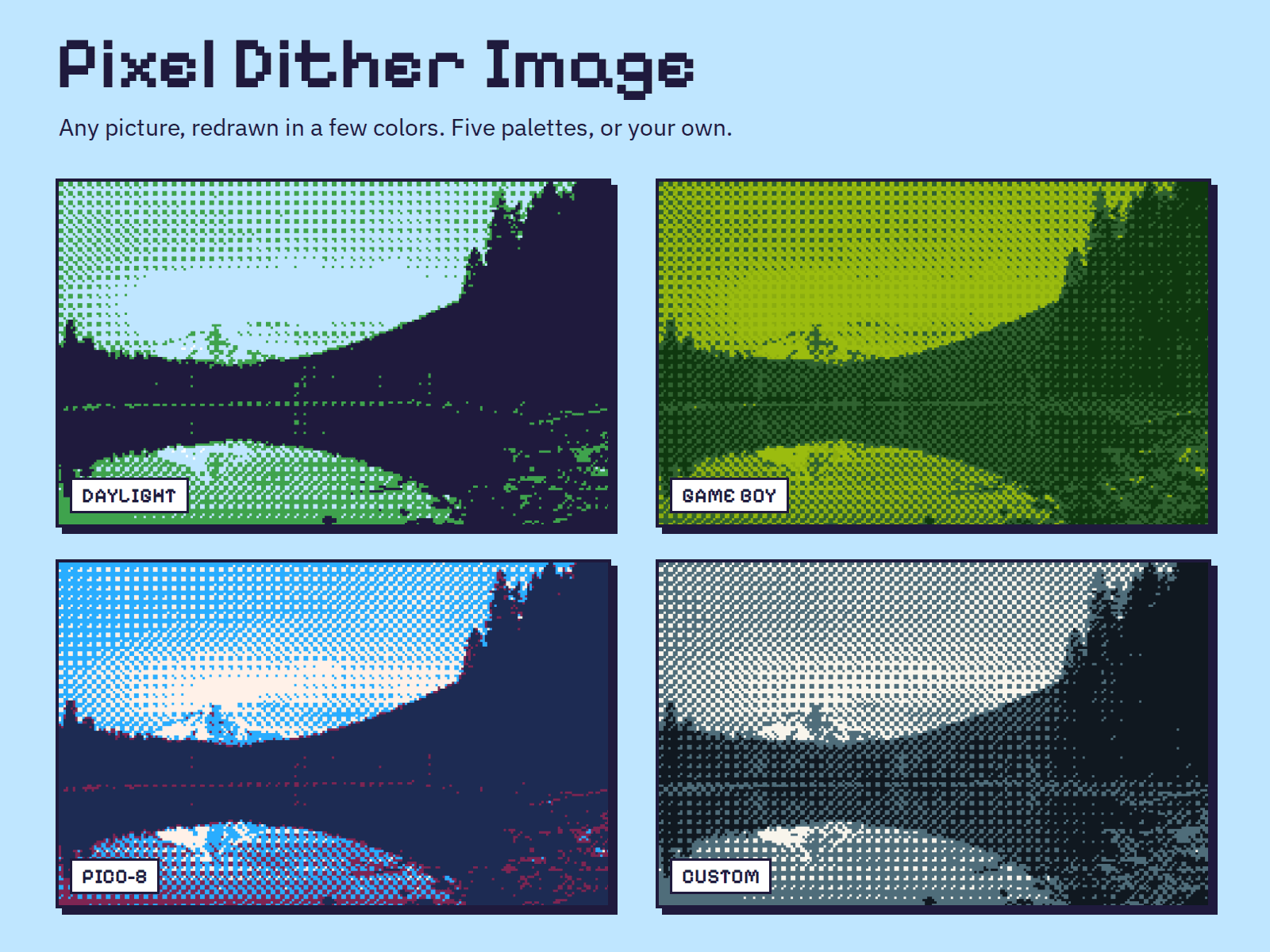
About Pixel Dither Image
Turn any picture into pixel art. The image is redrawn in a small palette with an ordered dither, so photos get that classic game look and stay sharp at any size.
Set everything from the properties panel: the image and its alt text, five ready palettes (Daylight, Game Boy, PICO-8, CGA, Mono) or your own 2 to 6 colors, pixel size from 1 to 8, the dither pattern (Bayer 4, Bayer 8 or noise), cover or contain fit, and a hover reveal that shows the original image under the cursor or on keyboard focus. Without an image it draws a small demo scene so you can try the controls first.
It fills its container and redraws when the size changes, pauses while off screen, and shows the plain image when reduced motion is on or the image cannot be read. Works in any Framer plan. Free for personal and commercial projects.
See it in a full pixel-art site: the preview is the Work page of our Tilehouse template: https://www.framer.com/marketplace/templates/tilehouse/