About Pixelate Image
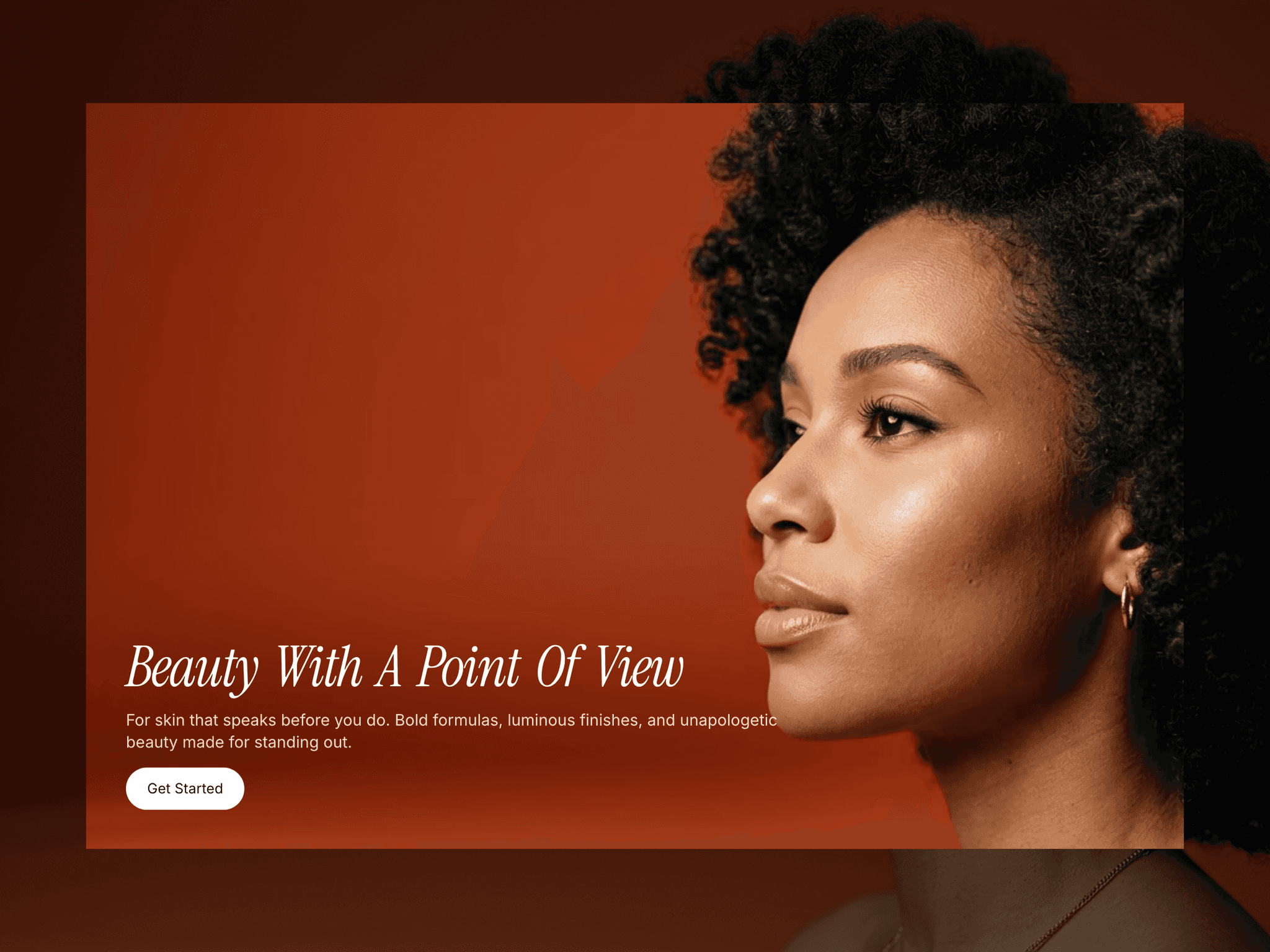
An interactive image component that creates a pixelation effect on hover with customizable intensity. Perfect for creative portfolios, retro-style websites, gaming projects, and artistic image displays with smooth, canvas-based rendering.
Features:
Pixelation Effect:
Adjustable pixelation intensity (0-100%) with percentage control
Canvas-based rendering for authentic pixel/mosaic effect
Smooth transition between normal and pixelated states
Real-time preview in Framer canvas
Reverse Effect Mode:
Normal mode: Starts pixelated → Clears on hover
Reverse mode: Starts clear → Pixelates on hover
Easy toggle between both modes
Perfect for different interaction styles
Visual Enhancements:
Brightness control on hover (0-200%)
Optional zoom/scale effect (1.05x magnification)
Customizable border radius (0-200px) for rounded corners
Combine multiple effects for unique styles
Animation Controls:
Adjustable transition speed (0.1-2 seconds)
7 easing curve options (Linear, Ease In/Out, Circ)
Smooth, hardware-accelerated animations
No janky transitions
Image Handling:
Responsive image upload with automatic optimization
Auto-sizing to match image dimensions
Maintains natural aspect ratio
Works with any image format (JPG, PNG, WebP, etc.)
Interaction:
Reveals on mouse hover
Returns to the original state on mouse leave
Touch-friendly for mobile devices
Instant visual feedback