About Product CMS Carousel
CMS Carousel for Framer — RTL/LTR Slider
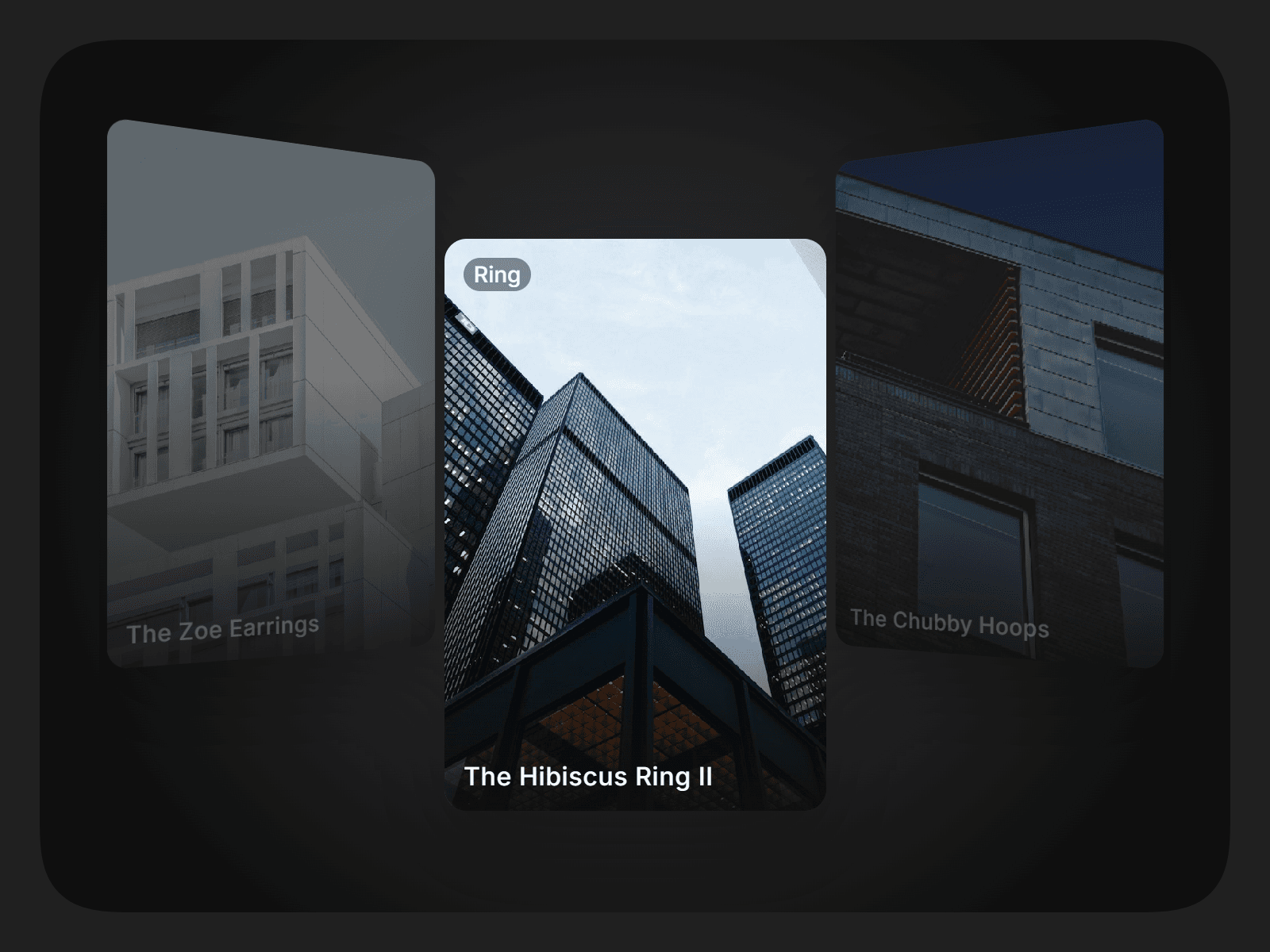
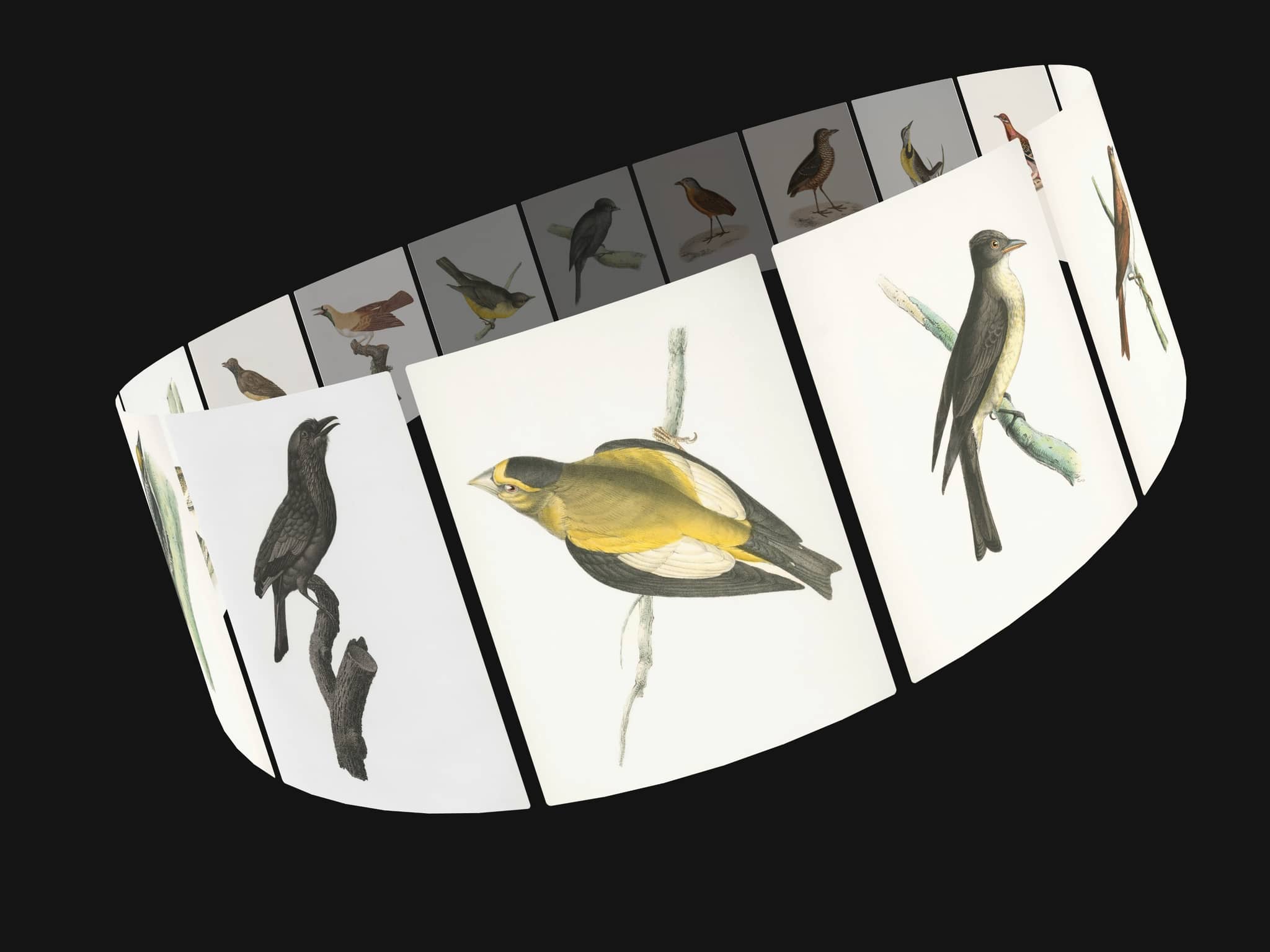
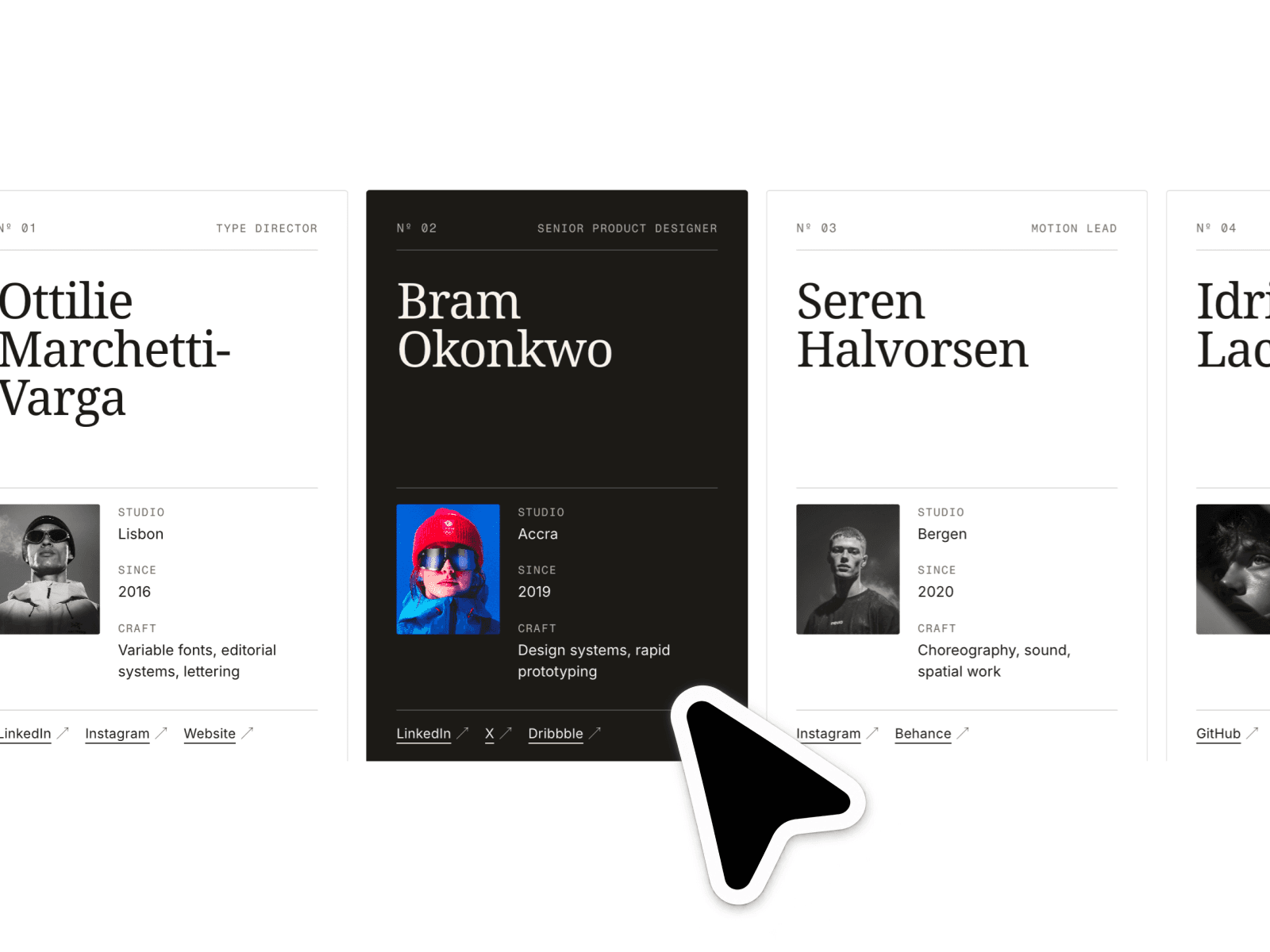
Turn any Framer CMS Collection List into a polished, fully customizable carousel. Connect your existing collection, keep your card designs, and control how visitors browse your content—all from Framer's property panel.
Standout Features
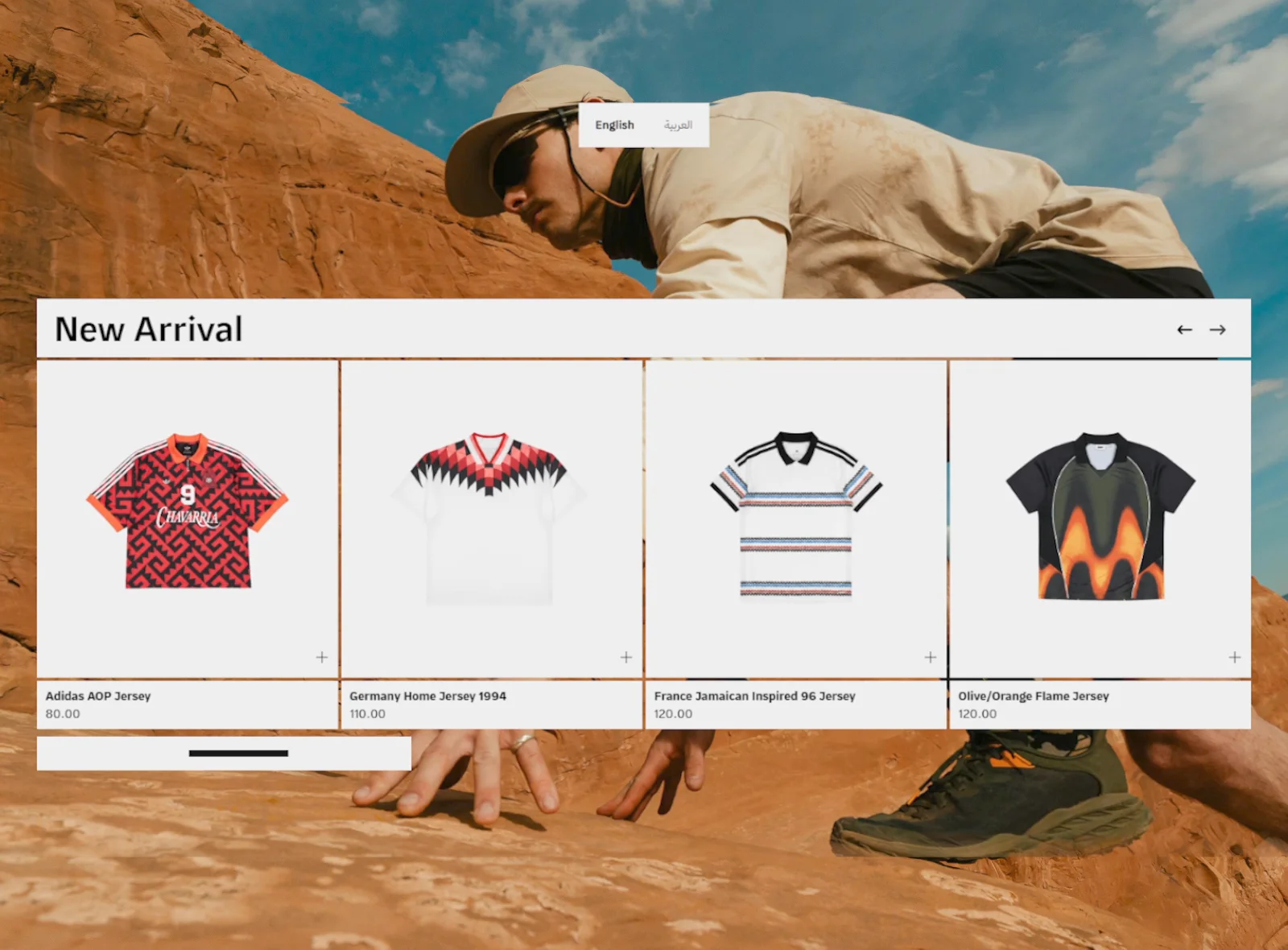
Built for RTL & LTR: Automatically detects page direction or lets you choose Auto, LTR, or RTL. Navigation and pagination adapt for Arabic and other right-to-left languages.
Native CMS workflow: Connect an existing Framer CMS Collection List—no need to rebuild your content as individual slides.
Seamless infinite loop: Let visitors browse continuously without a visible rewind.
Three distinctive pagination styles: Choose expanding dots, segmented lines, or a single moving progress line. Fine-tune size, height, radius, colors, position, spacing, and pill background.
Deep navigation customization: Position arrows around the carousel, upload custom icons, and adjust size, colors, radius, shadows, and offsets.
Responsive slide layouts: Set different visible slide counts for desktop, tablet, and mobile. Adjust gaps, padding, and next-slide preview.
Smooth interactions: Mouse drag, touch swipe, keyboard navigation, autoplay, and customizable easing—including custom cubic-bezier curves.
Finishing touches: Optional edge fading and configurable accessibility labels.
Great For
Product showcases, portfolios, featured projects, blog posts, testimonials, team sections, services, and editorial content.
How to Use
Add and design a Framer CMS Collection List.
Place the CMS Carousel on your page.
Connect the list using the Collection property.
Configure responsive slides, navigation, pagination, and animation.
Choose Auto, LTR, or RTL, preview, and publish.
A flexible Framer CMS slider with standout RTL support and precise design control.