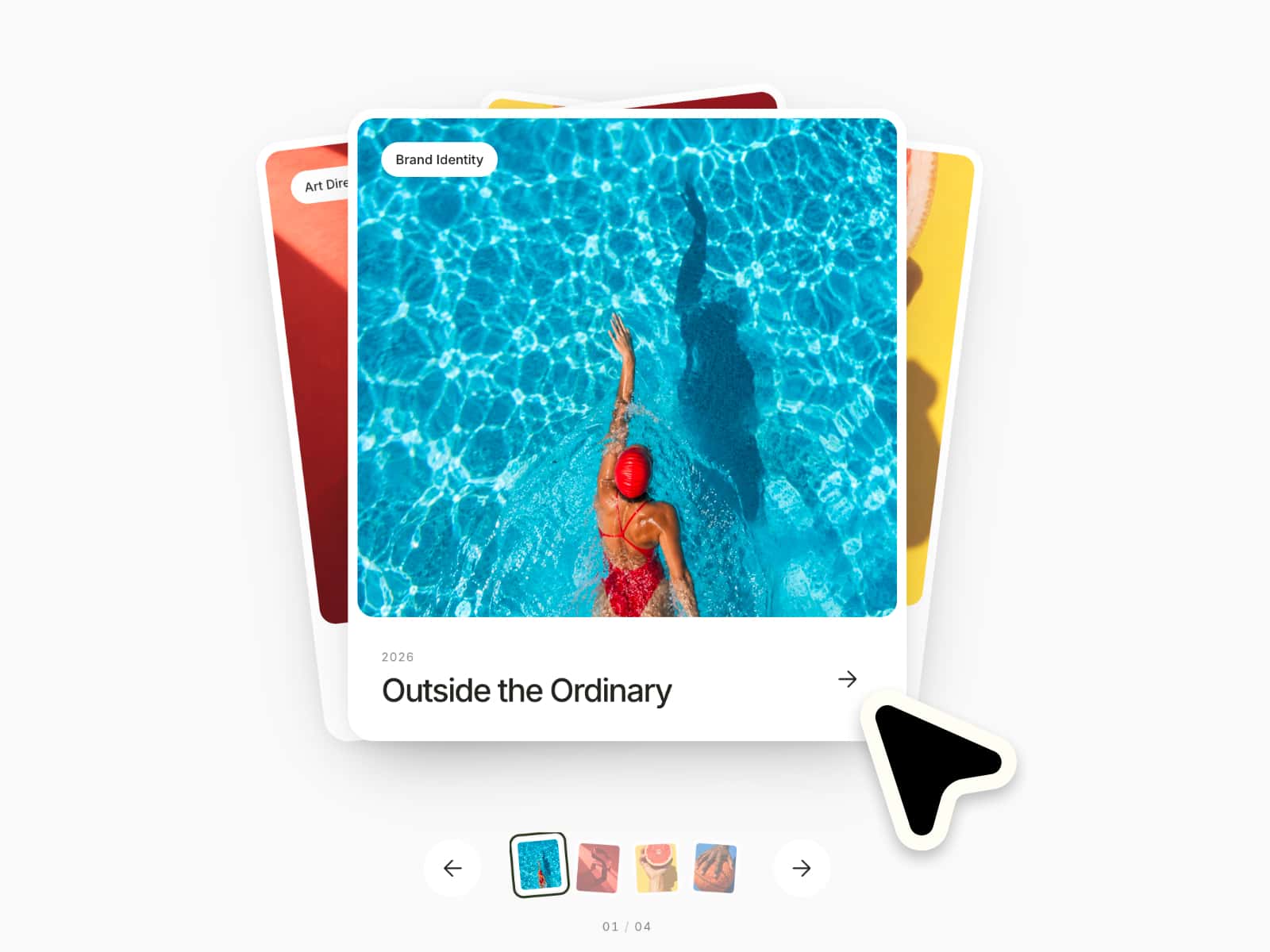
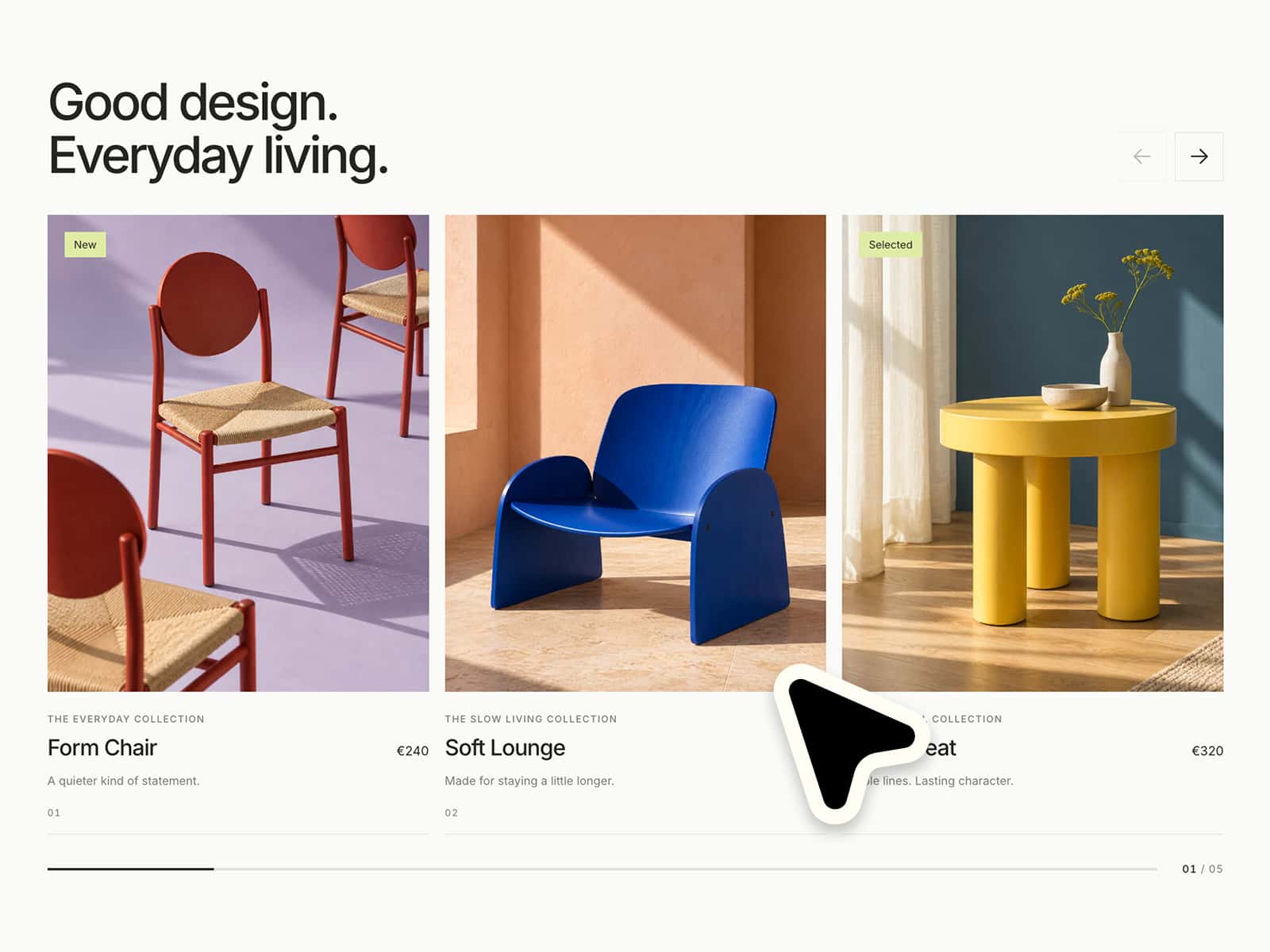
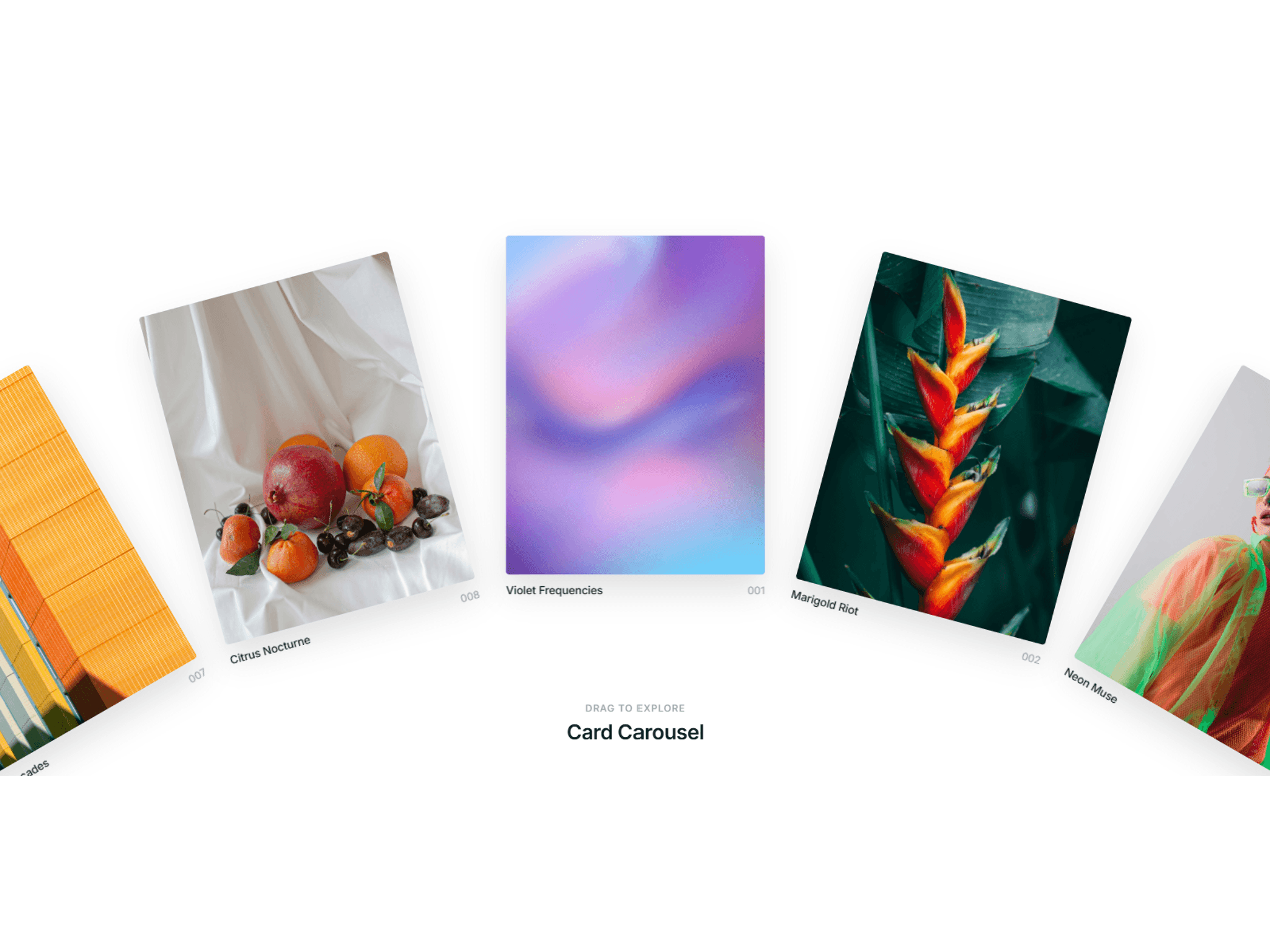
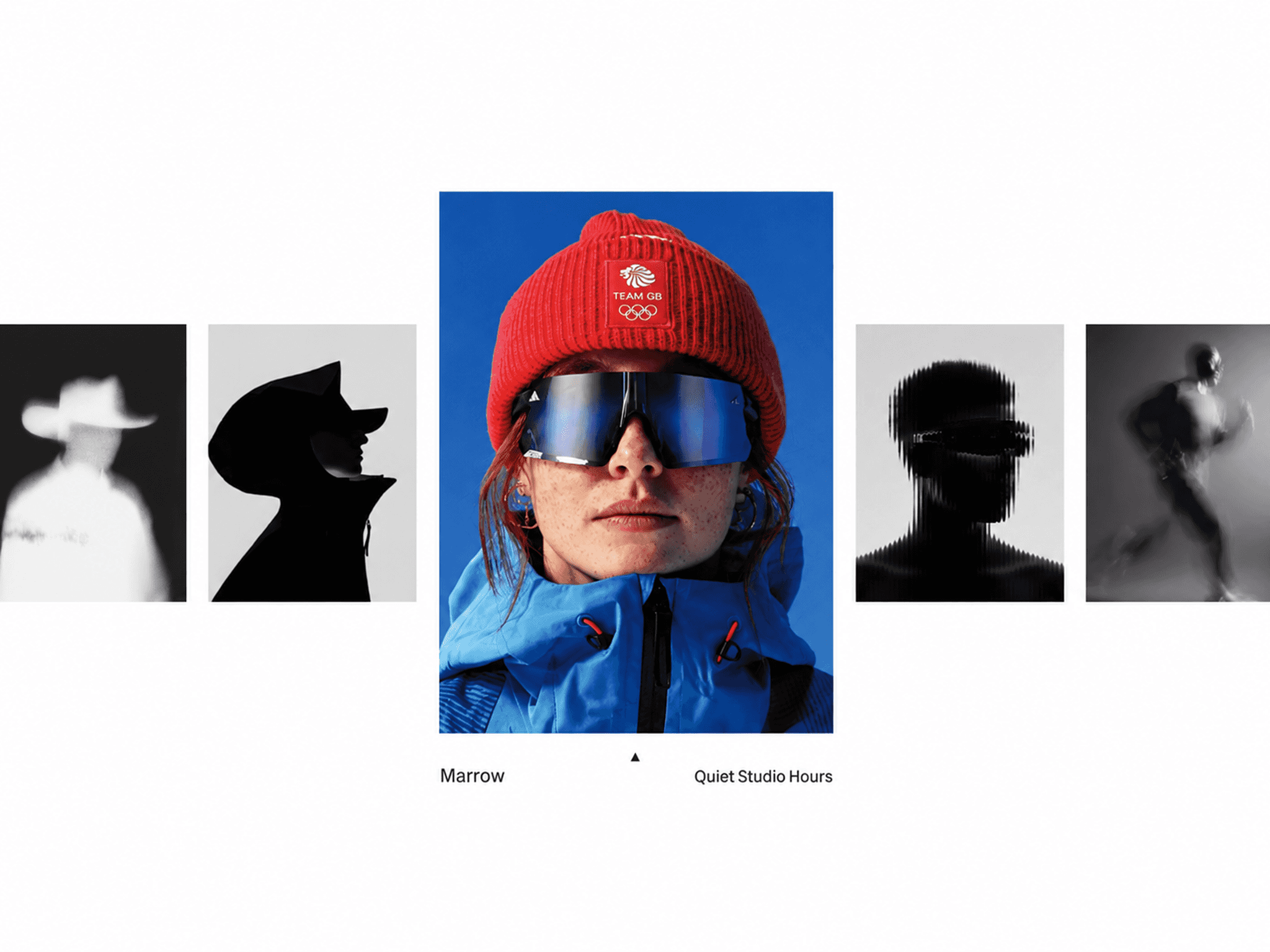
Pill Carousel is a Framer component for creating a layered image carousel with rounded vertical cards, depth-based positioning, auto-play, keyboard control, hover effects, active card styling, clickable links, and a centered tooltip CTA.
This component works especially well for:
lifestyle galleries
product highlights
portfolio sections
campaign visuals
fashion showcases
app feature previews
landing page sections
editorial image stories
visual brand modules
curated content sliders
Perfect when you want a carousel that feels more sculptural, playful, and dimensional than a standard horizontal slider.
–––––––––––––––––––––––––––
Fully customizable via the properties panel:
card images
tooltip text per item
card links
background color
card border radius
card shadow
active border width
active border color
transition duration
hover scale
hover brightness
auto-play on / off
auto-play interval
tooltip background color
tooltip text color
tooltip padding
tooltip font size
tooltip border radius
tooltip shadow
Built to work immediately as a polished visual carousel, while still offering enough styling control for different brand directions.
–––––––––––––––––––––––––––
Default size: The component is designed around a compact 800 × 500 layout.
Centered composition: The carousel keeps the active card centered while surrounding cards stay layered around it.
Flexible visuals: Rounded cards, shadows, hover settings, border styling, and tooltip styling can be adjusted to fit different page designs.
Image-first structure: Since the layout is highly visual, it works best with strong portrait or product imagery.
The component is best used as a focused visual module rather than a full-width content carousel.
–––––––––––––––––––––––––––
Pill-shaped cards: Images are displayed inside tall rounded cards with a soft vertical pill look.
Layered 3D composition: Cards overlap around the active image with different positions, scales, opacity values, blur, and brightness.
Centered active card: The active card stays in the center and receives the strongest visual focus.
Active border state: The centered card can use a customizable border to make the selected image clearer.
Depth through motion: Side cards move diagonally around the center, creating a more dimensional carousel layout.
Floating tooltip button: A CTA-style tooltip sits centered above the active card with a small arrow pointer.
–––––––––––––––––––––––––––
Auto-play: The carousel can automatically cycle through all images.
Keyboard navigation: Users can navigate with arrow keys in both horizontal and vertical directions.
Click-to-focus behavior: Clicking an inactive card brings it into the active center position.
Tooltip CTA: The floating tooltip can open the active card’s link or trigger a custom click action.
Hover feedback: Inactive cards can scale slightly and brighten on hover.
Smooth transitions: Card positions, scaling, blur, opacity, and depth shift smoothly between states.
–––––––––––––––––––––––––––