About Product Explorer
Grab more quality componnets for free
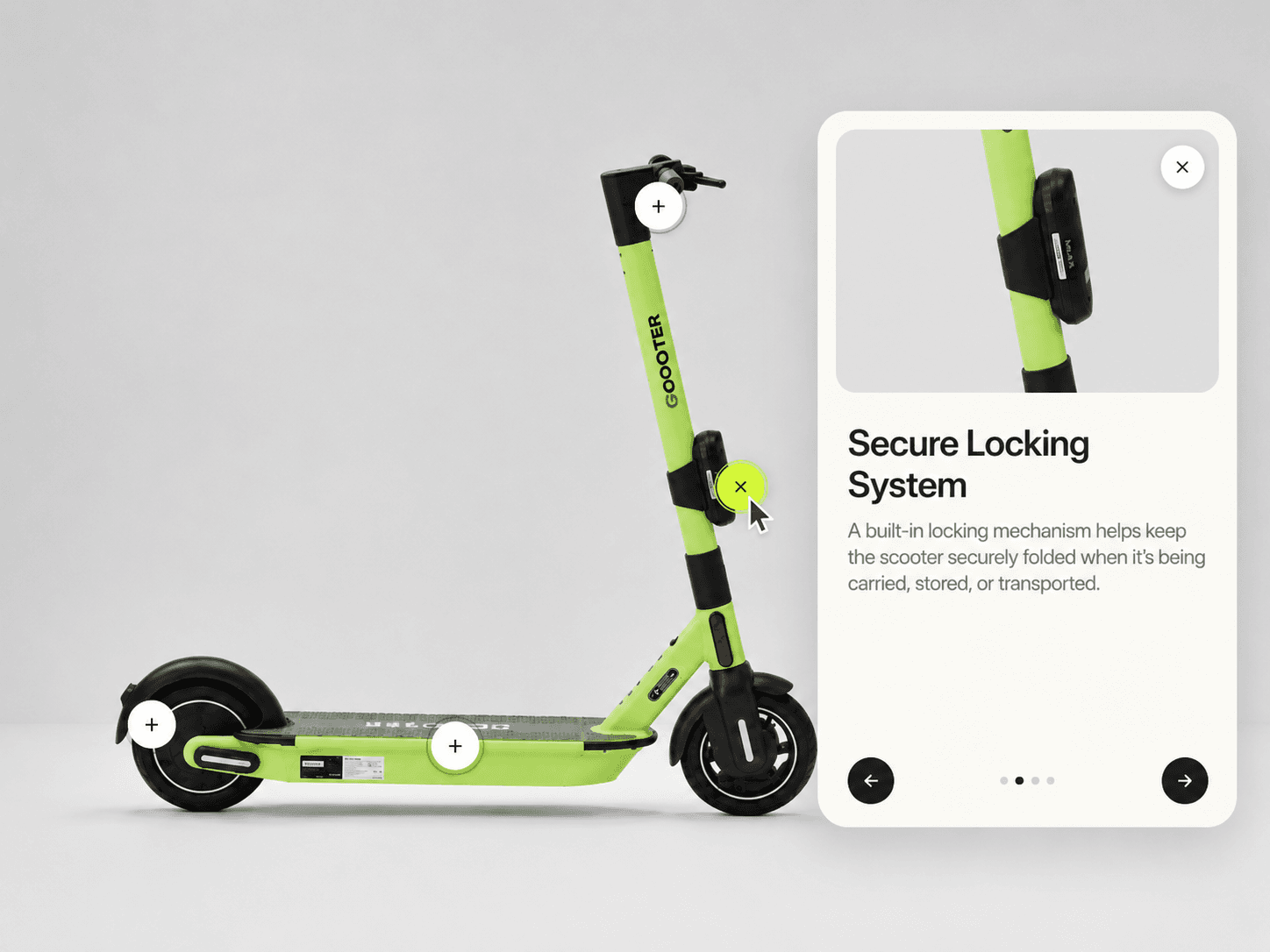
Product Feature Explorer turns any product photo into an interactive tour — clickable hotspots sit on top of the image, and clicking one slides open a detail panel with a title, description, and zoomed-in preview of that exact spot. Works especially well for product pages, feature breakdowns, spec sheets, and any image that has more to explain than captions alone can carry.
Interactive Hotspot Explorer
Place unlimited hotspots anywhere on an image using simple X/Y percentages.
Click a hotspot to open a detail panel with title, description, and a zoomed preview of that area.
Panel can dock right, left, or bottom — and auto-switches to a bottom sheet on narrow containers.
Navigate between hotspots with arrow buttons, dot indicators, or keyboard left/right.
Optional autoplay cycles through hotspots automatically.
Static-render safe for Framer canvas and exports.
Fully Customizable
Product Feature Explorer includes Framer property controls for customizing the image, hotspot markers, panel styling, colors, spacing, and motion.
Customize
Hotspots — Add, remove, and position any number of markers with title and body text.
Marker — Choose plus, dot, or number style, adjust size, anchor point, and hover scale.
Pulse — Toggle an attention-drawing pulse ring around idle markers.
Panel — Set panel side, width, offset, and the breakpoint where it collapses to a bottom sheet.
Zoom Preview — Reveal a zoomed-in crop of the image behind each hotspot's panel.
Colors — Customize stage, panel, marker, and text colors independently.
Typography — Customize title and body fonts using Framer's extended font controls.
Transition — Control the panel's entrance and exit motion with Framer's transition control.
How It Works
Each hotspot sits on the image at an exact X/Y position. Clicking one opens a detail panel that slides in from the chosen side, showing a zoomed view of that region alongside its title and description.