About Project Strip
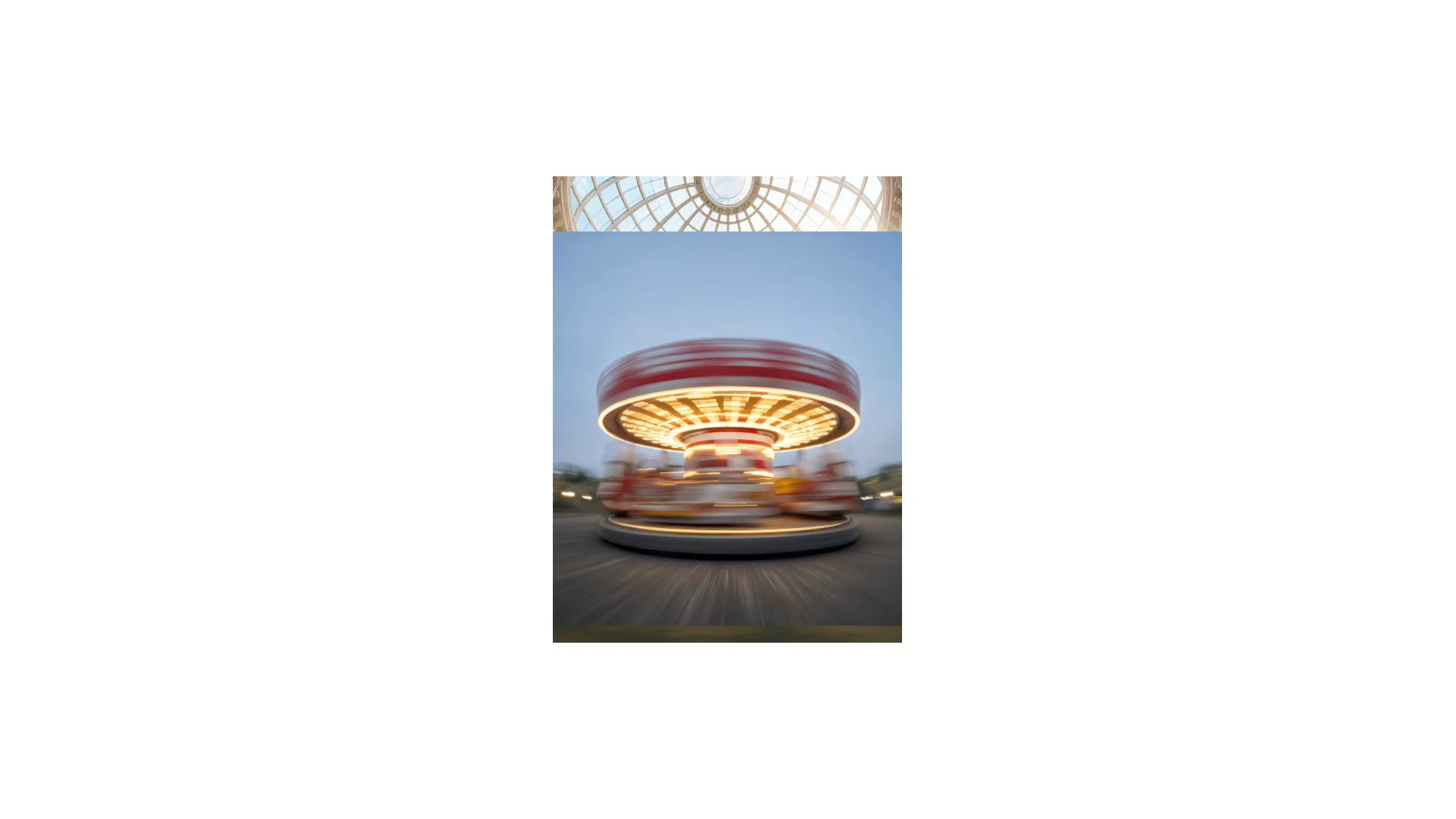
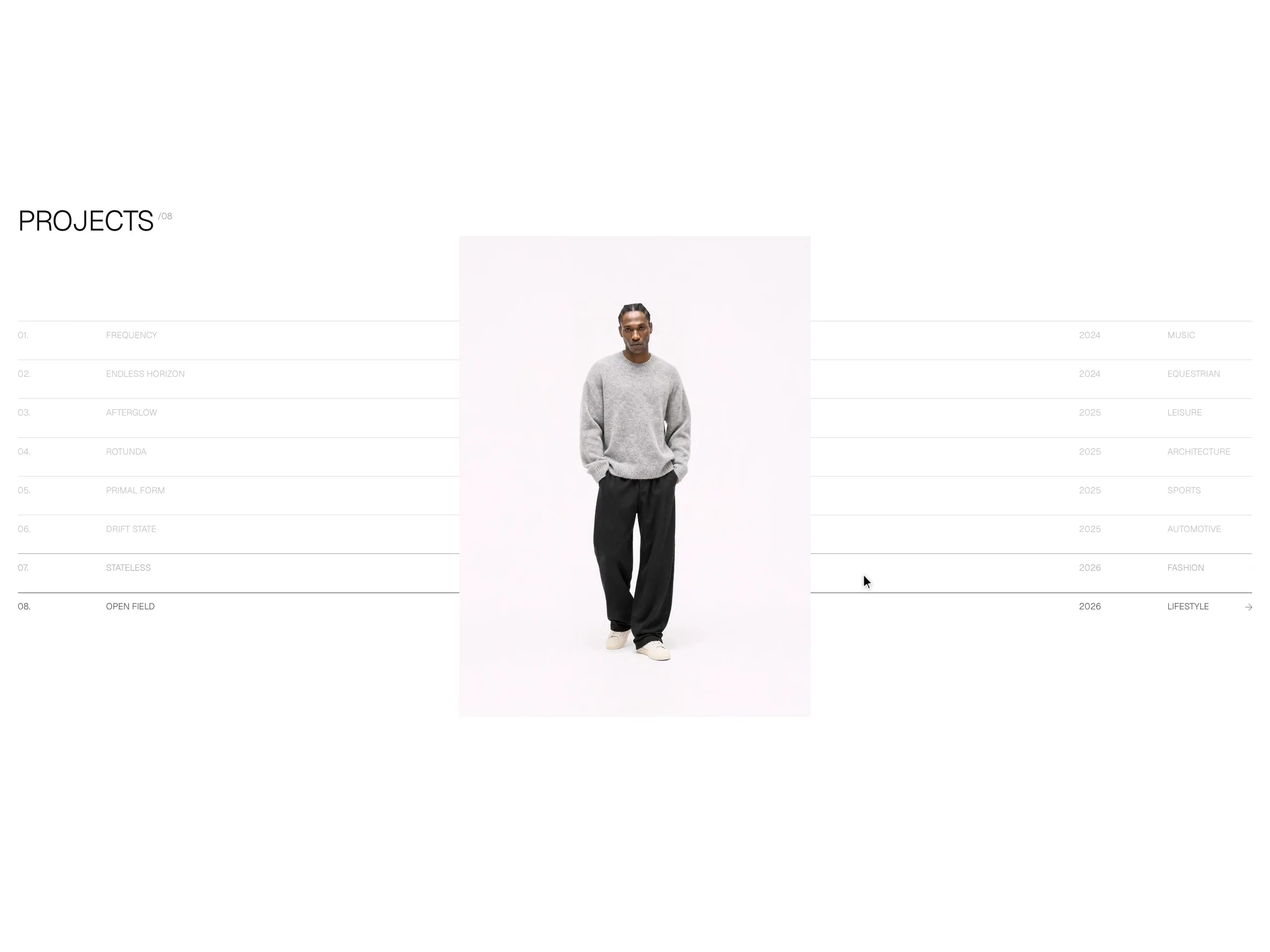
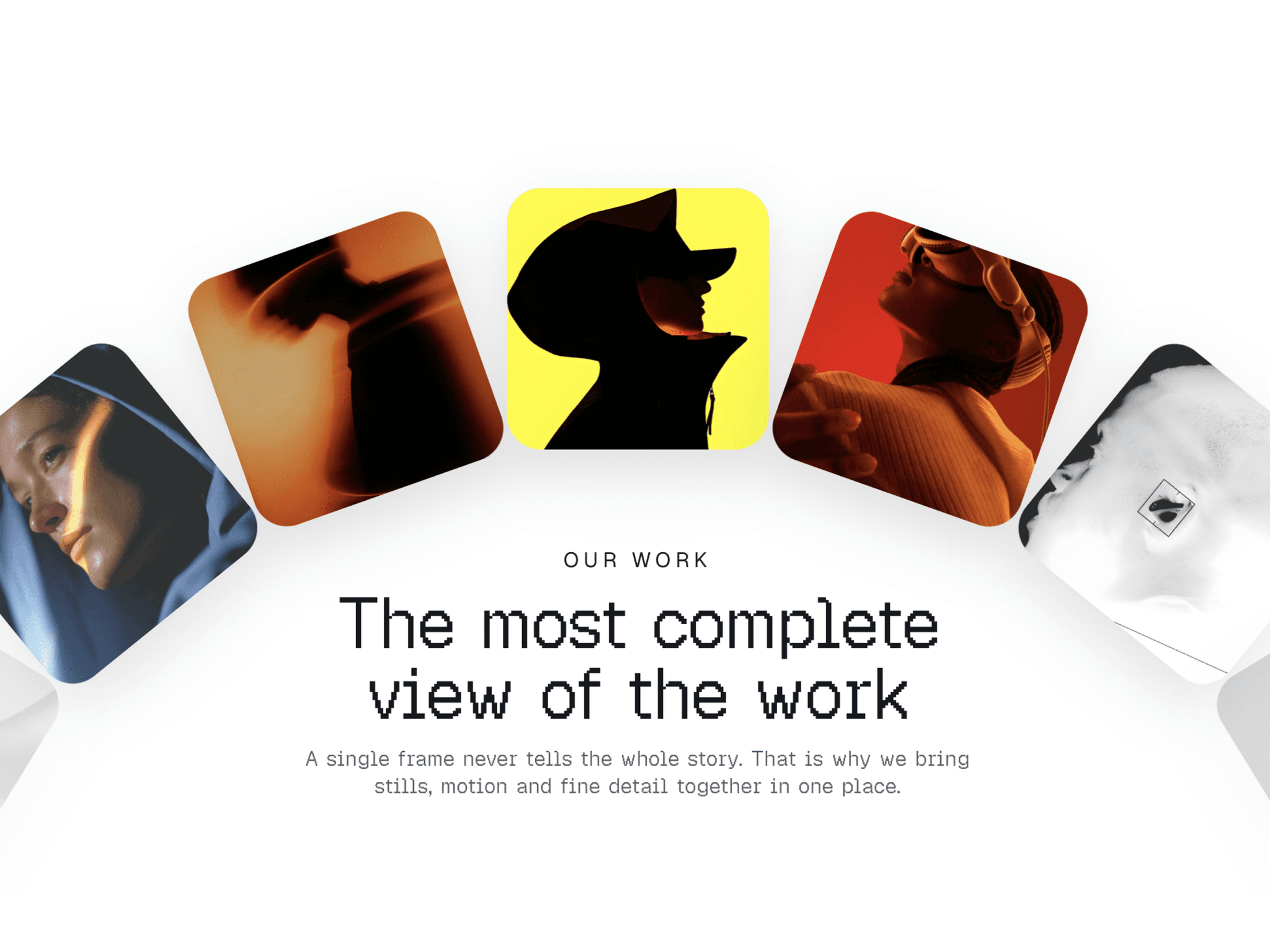
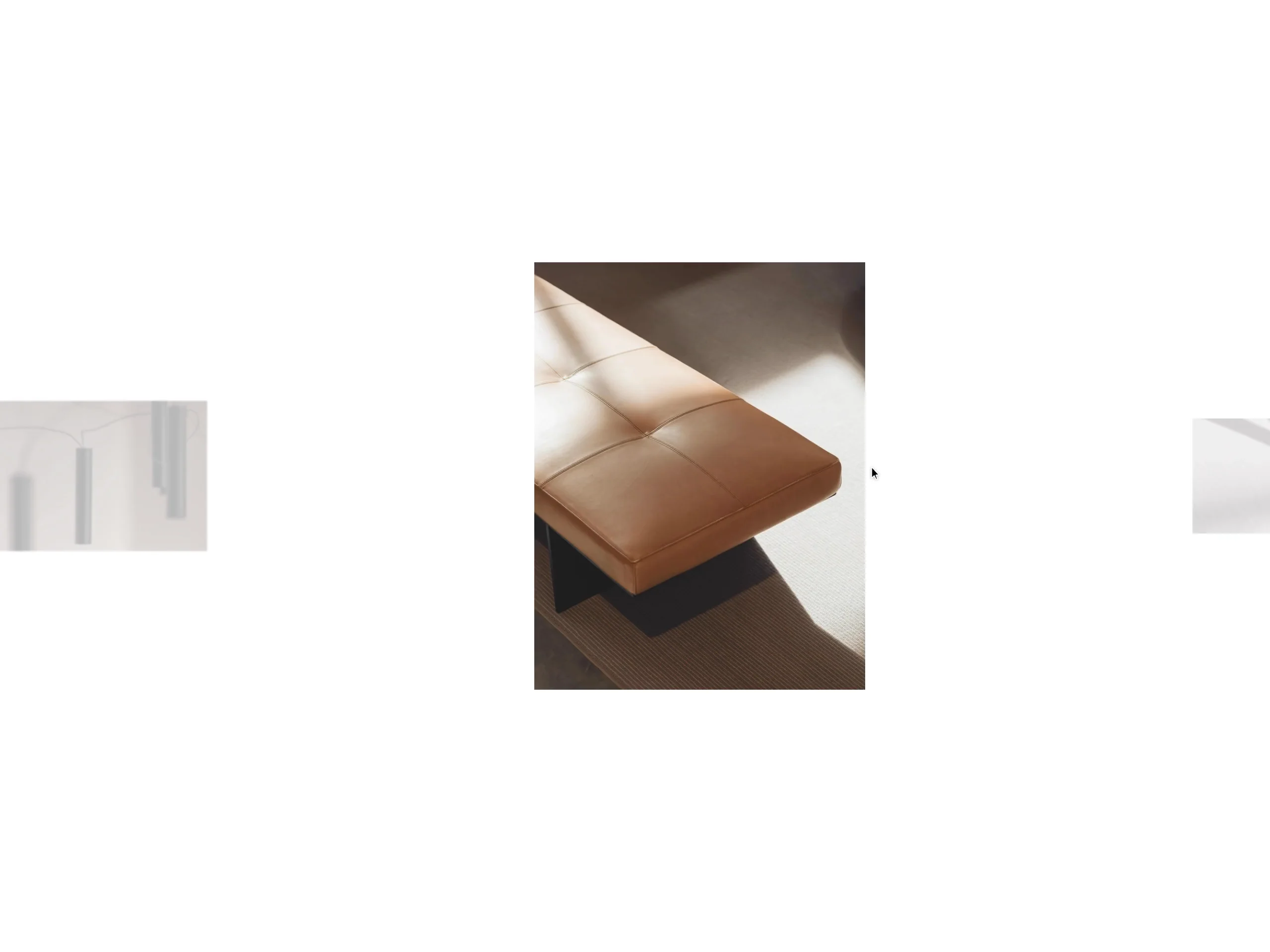
A looping row of project covers that opens into each project's photos. One component: paste it onto any page, add your projects in the property panel, and it works on desktop, tablet and phone.
It's the strip from the free Tableau template, made to stand on its own: no template to remix, no CMS to set up.
Key features
A looping row of covers on a 12-column grid (4 on a phone), moved by the wheel, a drag or the arrow keys
Click the middle card and it grows into the project, with its photos running in the same row
Portrait and landscape photos, and video with a poster
On a phone an open project runs downwards, one photo at a time
Light, Dark and Custom themes, and an optional caption with number, title and type
20 demo projects built in, so it looks finished the moment you paste it
Reduced motion respected
How to use
Paste the component onto a page. Set Width to Fill and Height to 100vh.
Open Projects and add a Title, a Type and Photos. The first photo is the cover; turn Landscape off for a portrait.
Choose a Theme, and turn Caption on to show the names.
Properties
Projects (up to 50), each with a Title, a Type and Photos (up to 40)
Photos: Image, Landscape, Video (MP4) and Poster
Caption: off by default
Theme: Light, Dark or Custom; Custom adds Background Color, Text Color and Media Dim
Show Background: off to use your page's own background
Good to know
Demo photos from Kaboompics, used with permission: keep them under the Kaboompics License or replace them with your own
While the pointer is over it, the wheel moves the strip instead of the page
The grid and the type (Geist Light) are fixed
Setup guide: https://bold-spinach-346901.framer.app/setup
License
Use it on as many of your own and your clients' sites as you like. Please don't resell or share the component.
Support: bernardo.lickfold@gmail.com