About Project Index
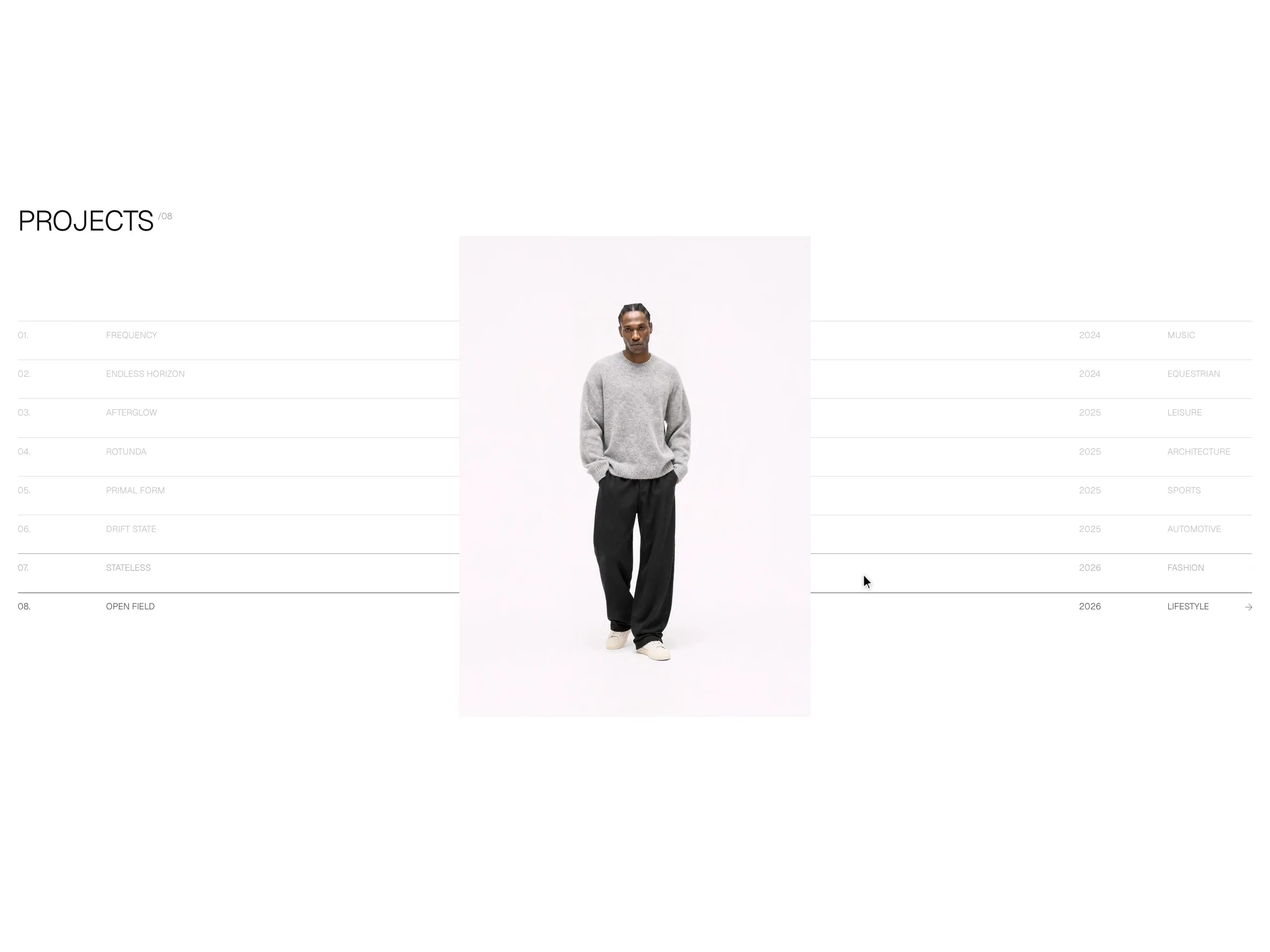
A complete project list in one component. Hover a row and the others dim while a single shared image swaps to that project and drifts with the cursor. On tablet and phone, scroll takes the cursor's place: the list moves, and the image changes with it.
Everything lives in the Projects control — number, title, year, category, image, optional video with a poster frame, and link. No CMS to set up and nothing to wire together: drop it on a page and edit.
Hover list on a 14-column grid, with an arrow on the active row and a live project count
Scroll layout for touch that never squashes the preview: it pins the list while it fits and lets it flow past a pinned image when it doesn't, or switch to a card feed
Image or video per project, with a poster for video
Ships with the demo's pictures and Geist, so it looks finished the moment you paste it
Light, Dark and Custom themes, and your own fonts
A long list grows the section instead of clipping it
Respects reduced motion: no cursor drift, and a calm card feed on touch
Breakpoints follow the component's own width, so the canvas shows the layout that ships at every size.
Setup guide: https://project-index.framer.media/setup