About Push Down Navigation
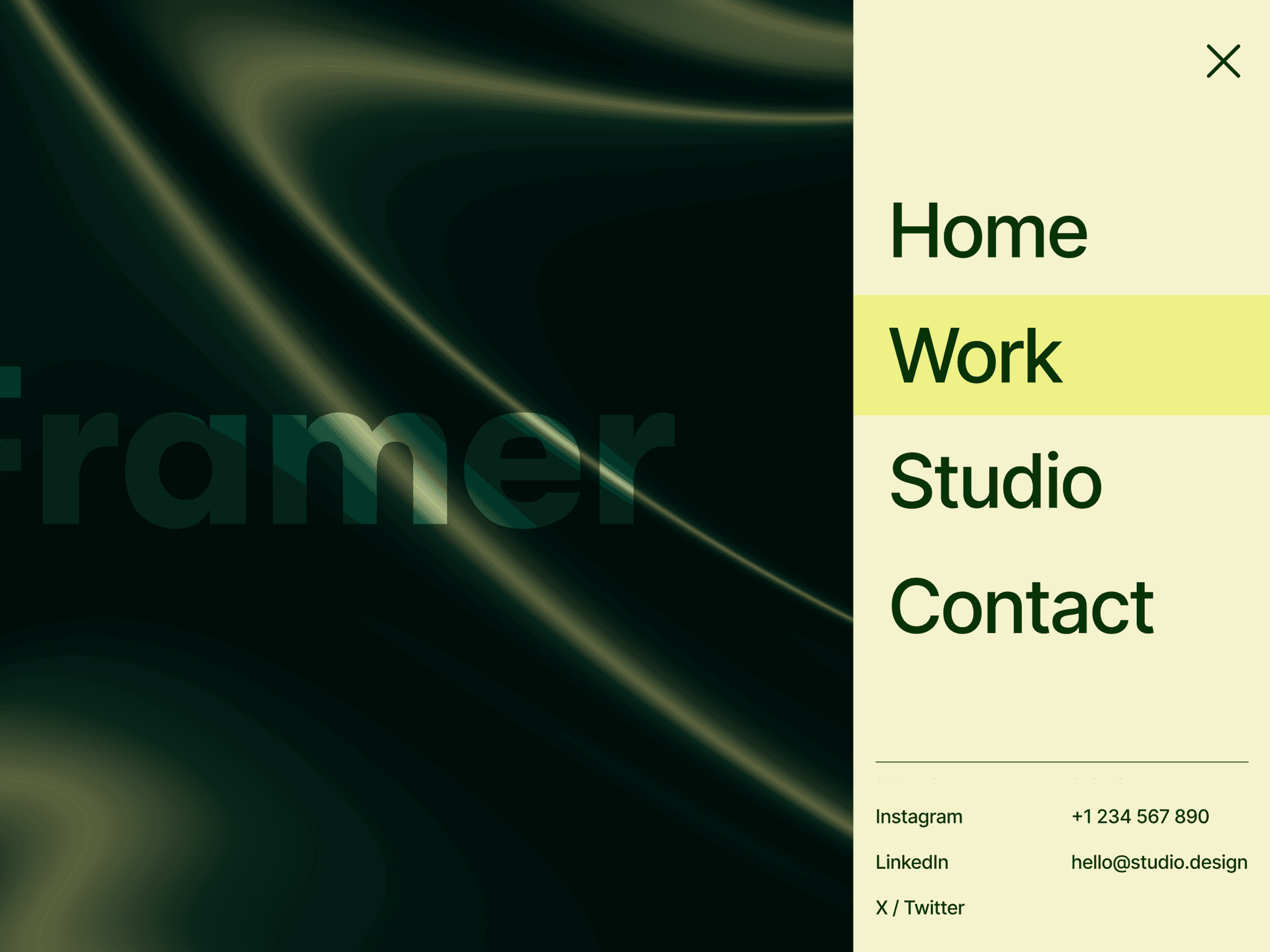
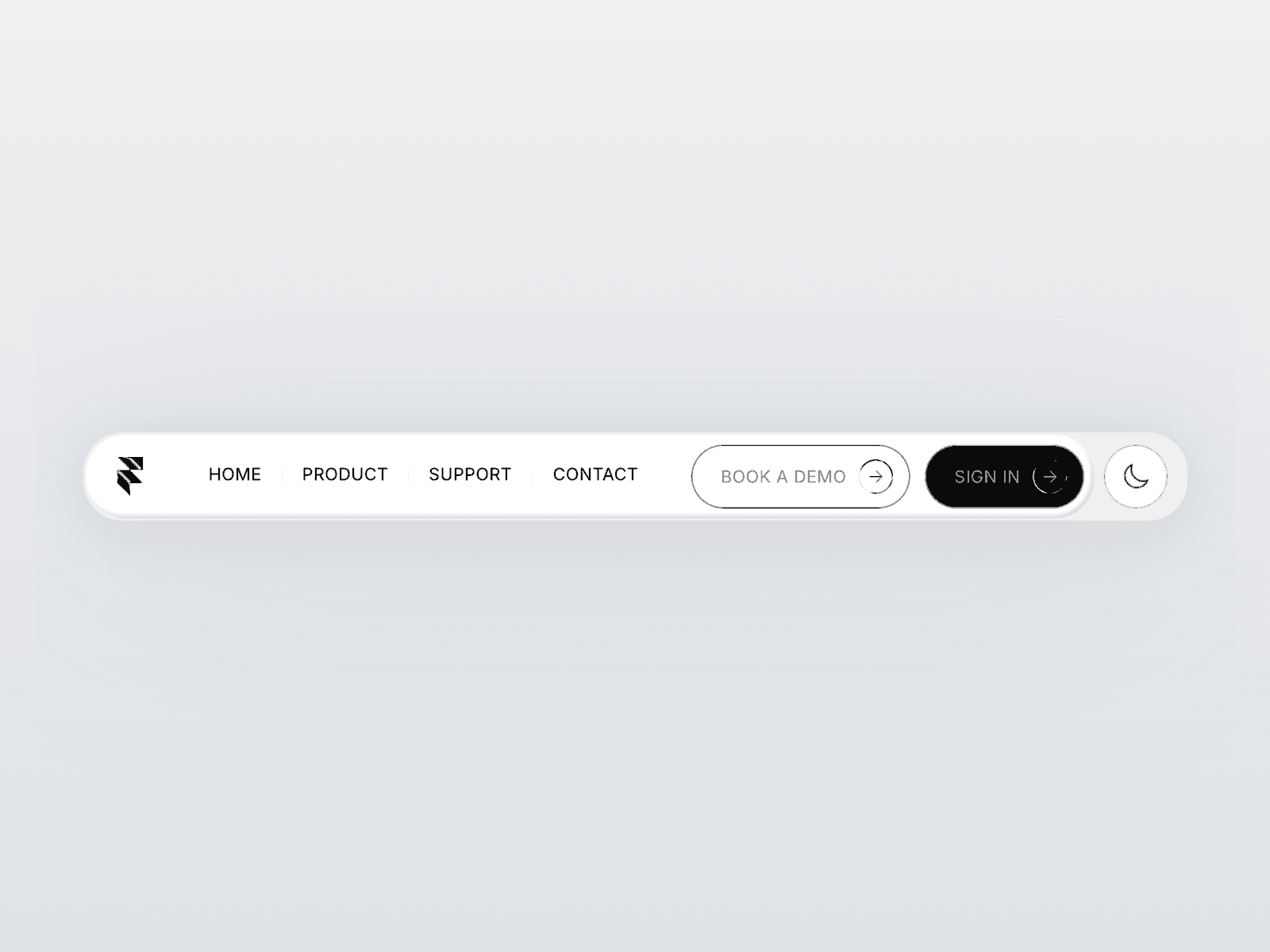
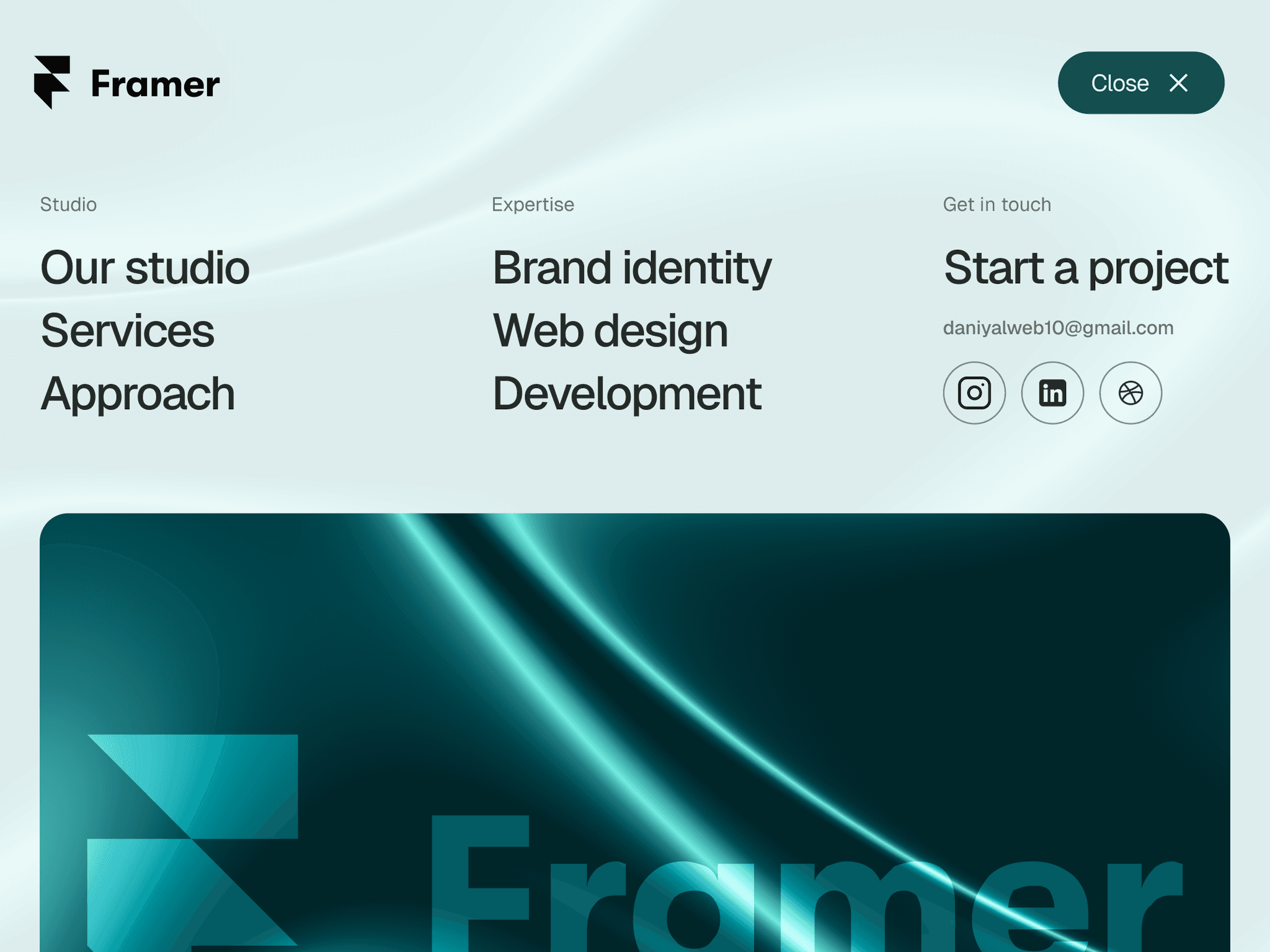
Push Down Navigation is a responsive Framer menu that reveals navigation from the top by pushing the current page down. The page scales into a rounded surface while grouped links reveal and exit in a staggered sequence. It preserves the current scroll position instead of jumping to the top.
Built with native Framer layers, a sliding Menu/Close toggle, refined link hovers, and a clean, editorial layout.
Features
Canvas Editable: Customize the navigation directly on the Framer canvas.
Agent Ready: Organized native layers for easy AI-assisted editing.
Responsive Design: Desktop, tablet, and phone variants.
Smooth Animations: Staggered link reveals, refined hover effects, and coordinated open/close transitions.
Page Push Effect: Pushes the page down while scaling it slightly and adding rounded corners.
Scroll Preservation: Keeps the current scroll position and pauses page scrolling while open.
Easy Customization: Edit links, labels, social icons, colors, page scale, corners, and motion settings.
Multiple Close Options: Close by clicking the page, using the toggle, or pressing Escape.
Reduced Motion: Respects reduced-motion preferences.
Copyable Code Override: Includes the override code needed to connect the navigation to your page content.
Ideal for creative studios, agencies, portfolios, and editorial websites.