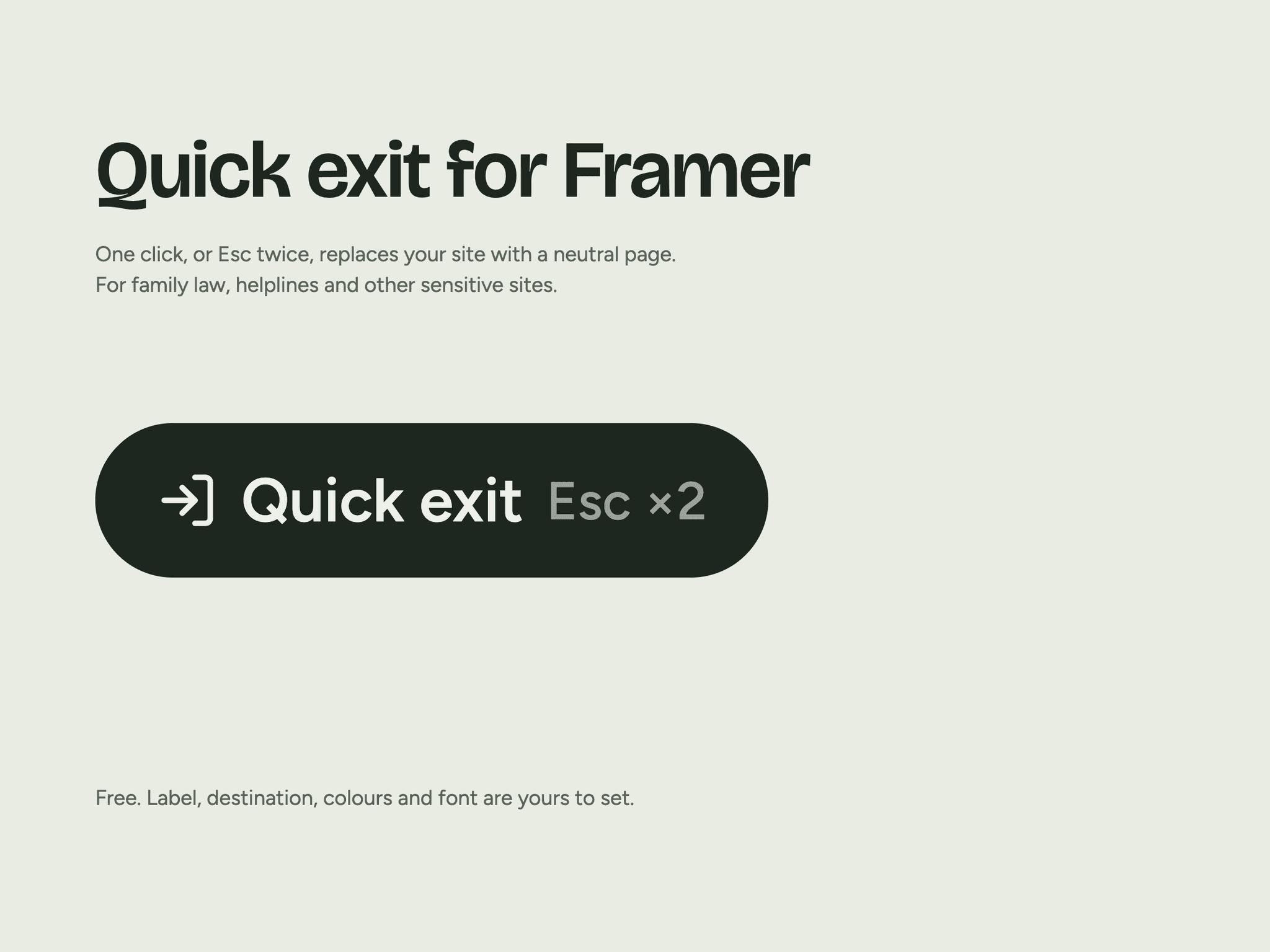
About Quick Exit Button
Quick Exit Button lets a visitor leave your site at once. One click, or Esc pressed twice, replaces your site with a neutral page you choose, and Back skips the page they left. Use it on sites for family law, domestic abuse support, helplines, sexual health and other subjects a visitor may need to keep private.
What it does
Leaves the site with one click, or with Esc pressed twice
Replaces the current page in the browser history
Works on Chrome, Edge, Safari 26+ and older Safari
Keep visit out of history (opt-in, off by default)
Off: navigation works exactly as usual, and Back can return to earlier pages of the visit
On: links across your whole site replace the history entry while the button is on the page, so Back skips every page of the visit. Back also leaves your site during normal browsing
Only same-origin links are touched. Downloads, forms and new tabs work as usual
Listeners are removed when the button leaves the page or the setting is off
Setup
Place the button in your navigation, on every page.
Set Exit to URL to a neutral site, such as a weather site.
If Back must not show your site, turn on Keep visit out of history.
Publish, then test: other site > your site > a few pages > Quick exit > Back.
What it does not do
It does not erase browsing history or guarantee that earlier visits cannot be recovered. Tell your visitors how to remove a visit
Your site stays on screen until the neutral page loads, up to about 2 seconds in our tests
It starts working once the page has loaded, 0.6 to 3.4 seconds after a fresh first load
With the setting on, older Safari does a full page load on internal links
Tested
Chrome, WebKit 27.2 and 18.2, plus a real iPhone by hand. Test yours too: this is a safety feature and each site differs.
Built into Wifaq, a family law and divorce firm template. Made by Fondouk. Questions: fondouk.studio@gmail.com


