About Rackline
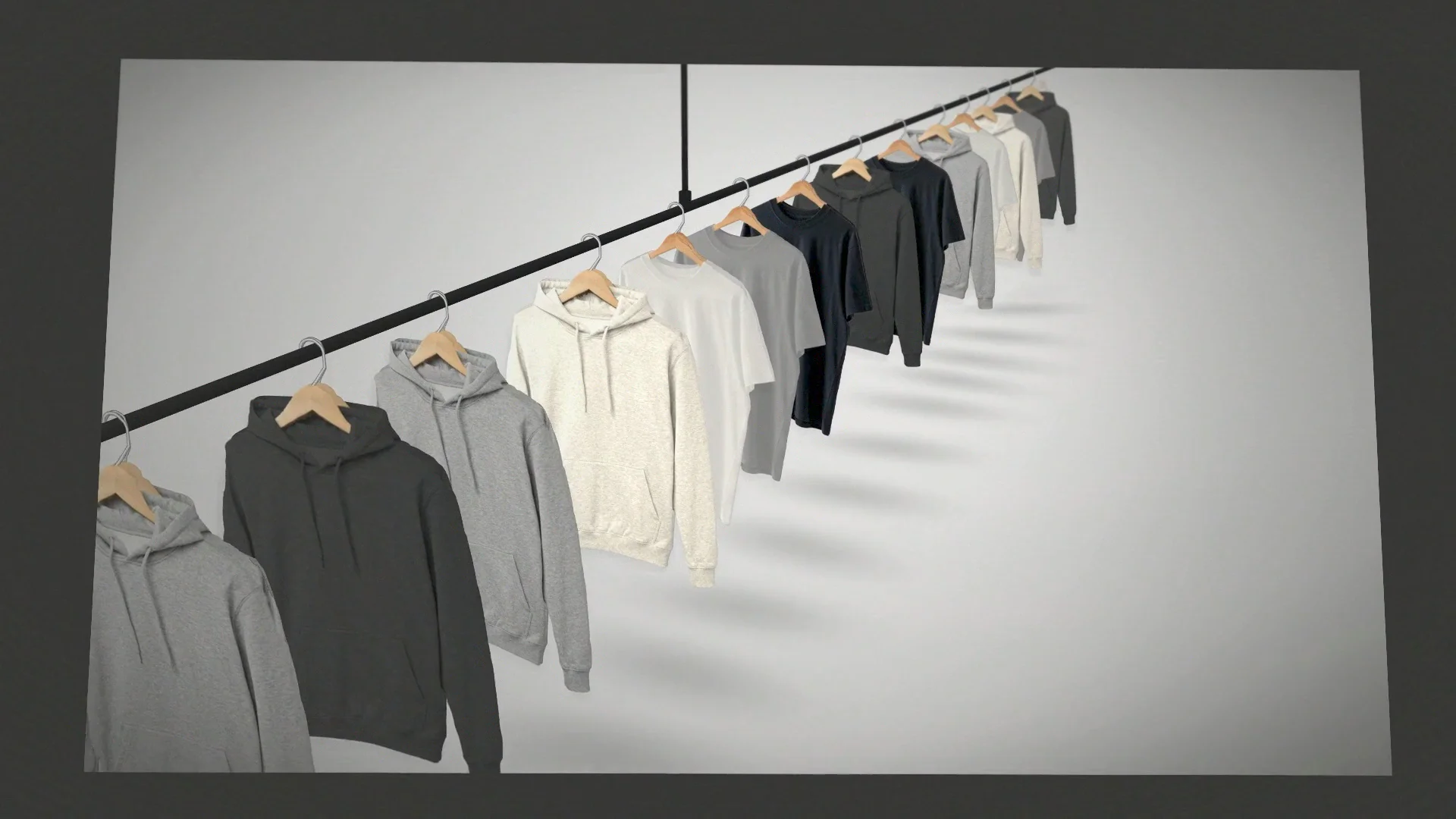
Rackline puts your products on a clothes rail drawn in WebGL. Each garment is a cut-out photo on a wooden hanger.
Scroll: the garments glide along the rail as the page scrolls.
Hover: a garment turns to face you while its neighbours make room, and a small tag on the wall above its hook gives its number, name and price.
Pick: a click (or Enter on the keyboard) brings the garment forward off the rail into a product card.
The product card shows the name, price, an earlier price, colour, code, specs, a note and the sizes as letters. Add to bag asks for a size first. On wide frames the card stands in a column beside the garment, with the next pieces on the rail as thumbnails; or it runs along the bottom as a strip. On phones it sits as a band under the garment. Previous and Next step through the rail without closing the card.
It is made for clothing brands, merch stores and fashion portfolios that want something more tactile than a product grid.
Fill the rail
In the property panel: for each garment, an image, name, type (tee, hoodie or trousers), price, sizes and link (up to 40).
From the CMS: connect a Collection List through the CMS List slot.
Connect a store. Add to bag works in three ways:
Link: opens the garment's product page on any shop.
Event: an Add to Bag event you can connect to your own cart or overlay in Framer.
Cart URL: opens your store's cart with the chosen piece and size. For Shopify that is
/cart/{variant}:1, with each garment's variant IDs in Variants.