About Ring Image Carousel
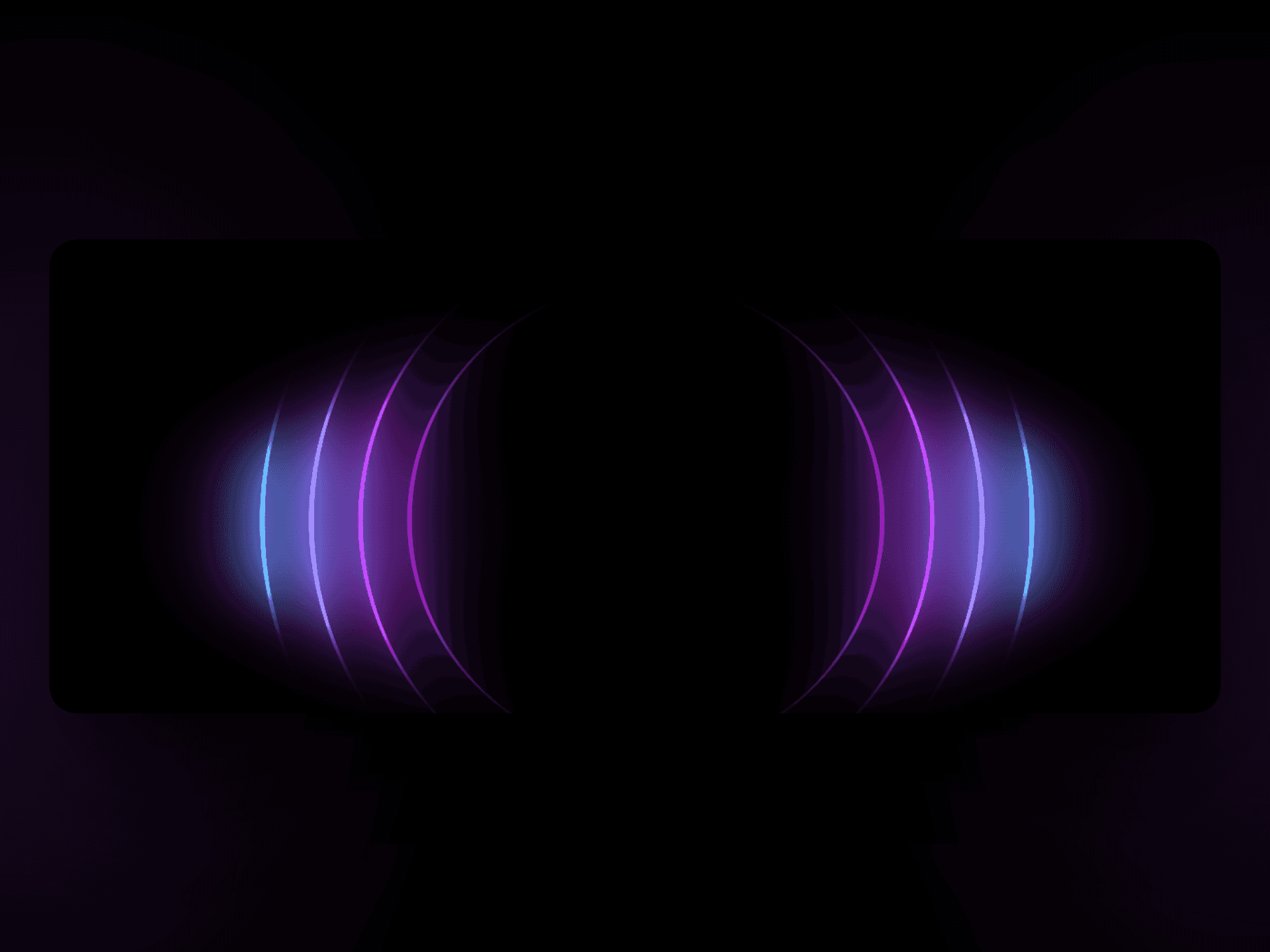
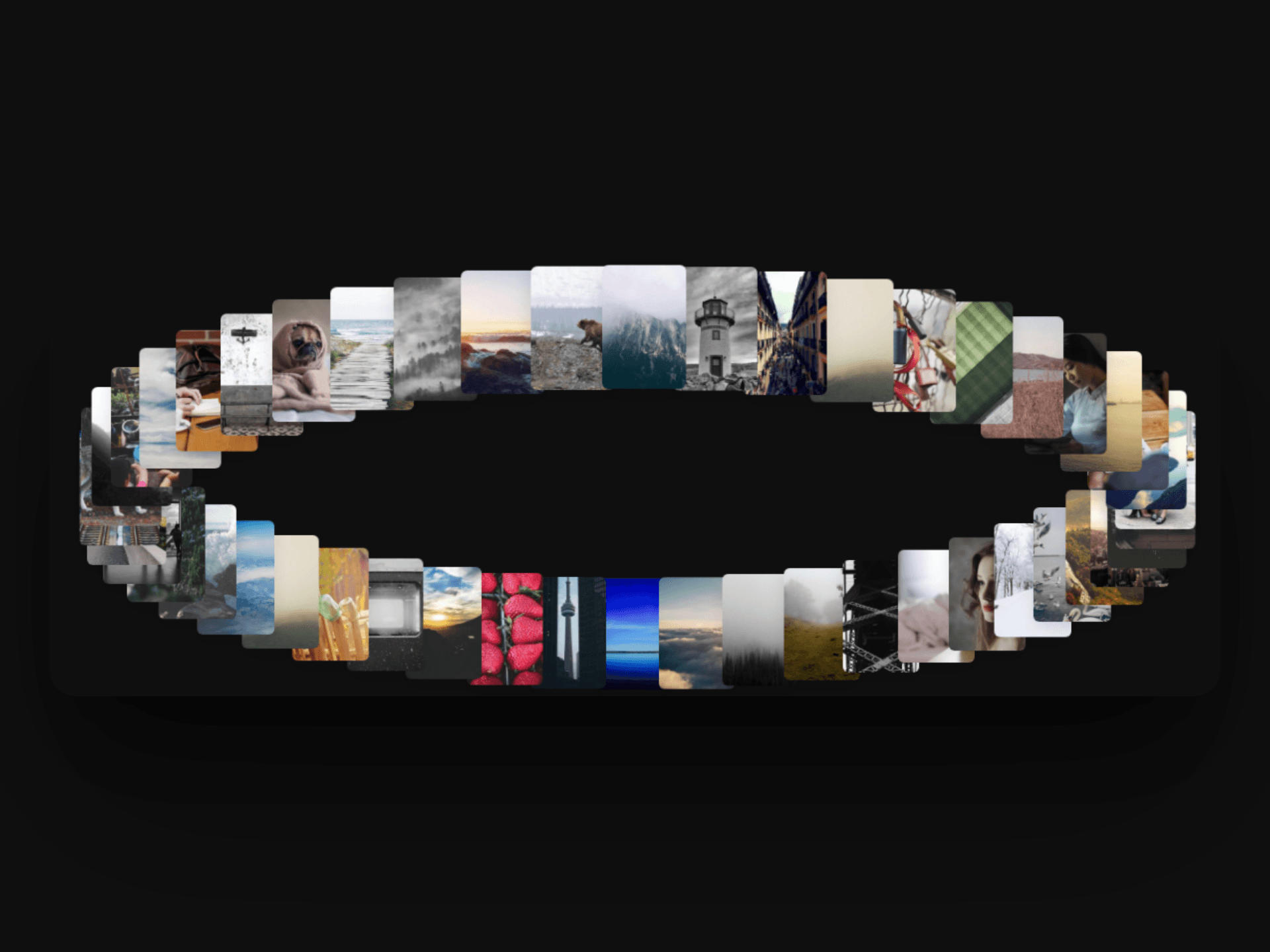
A 3D image carousel for Framer where thumbnails orbit along a true elliptical path, viewed from an elevated, tilted camera angle so it reads as a rotating gallery in space. The ring auto-rotates slowly and tilts gently as you move your mouse across it. Every thumbnail stays billboarded — always facing you, never skewed — even while swinging around the ellipse.
Hovering any thumbnail clones it and flies the clone to the center of the stage while scaling it up, giving a smooth "pop and enlarge" preview without disturbing the ring itself, which keeps spinning underneath.
How to use it:
Drag the component onto your canvas and resize it to fill your section.
Open Images and add your photo list (defaults to 48 placeholders if left empty).
Adjust Radius X / Radius Z and Camera Tilt to shape the ellipse and viewing angle.
Set Thumb Width/Height, Rotation Speed, Mouse Sensitivity, and Hover Scale.
Match your site with Corner Radius and Background.