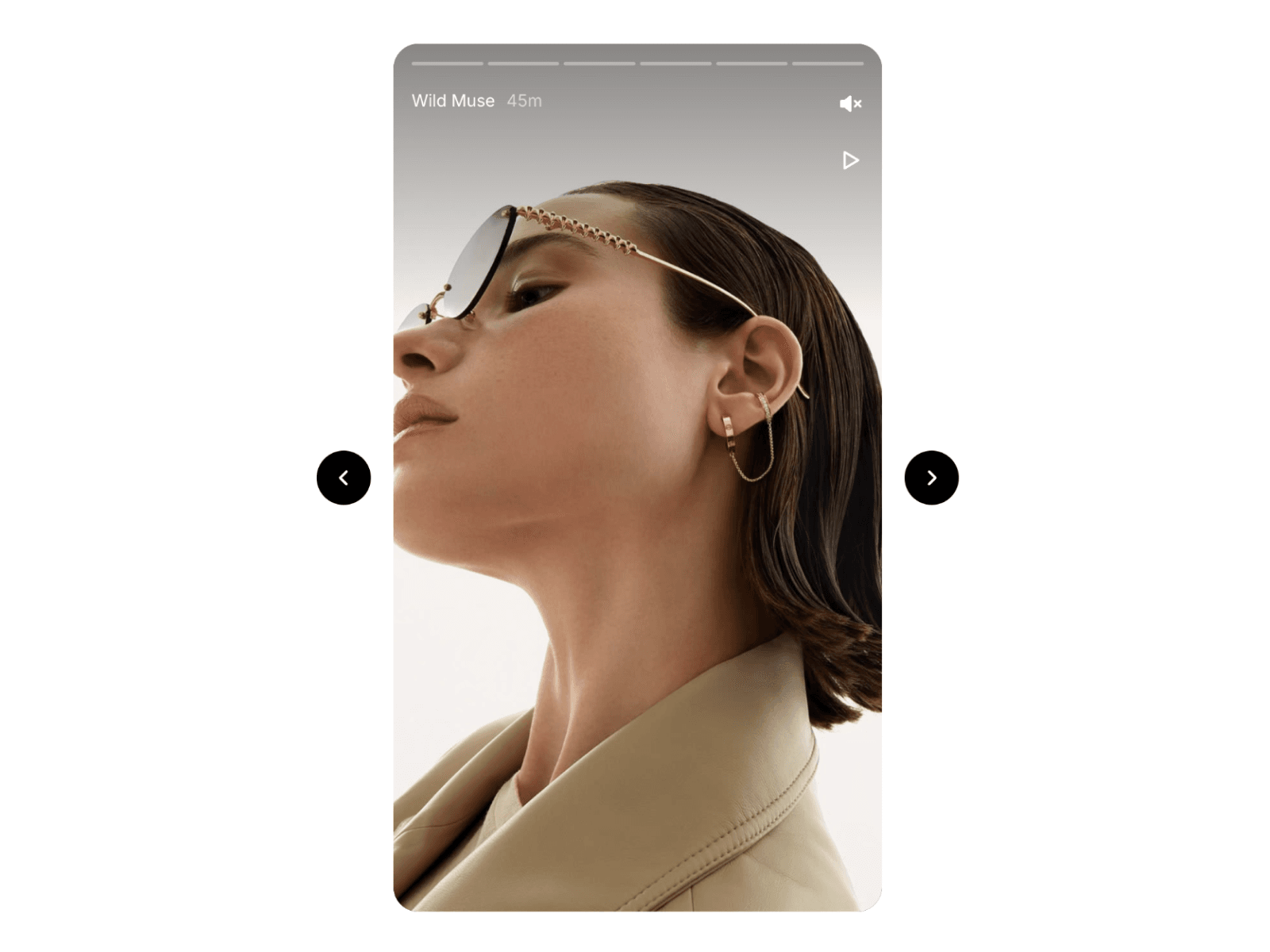
About Video Story
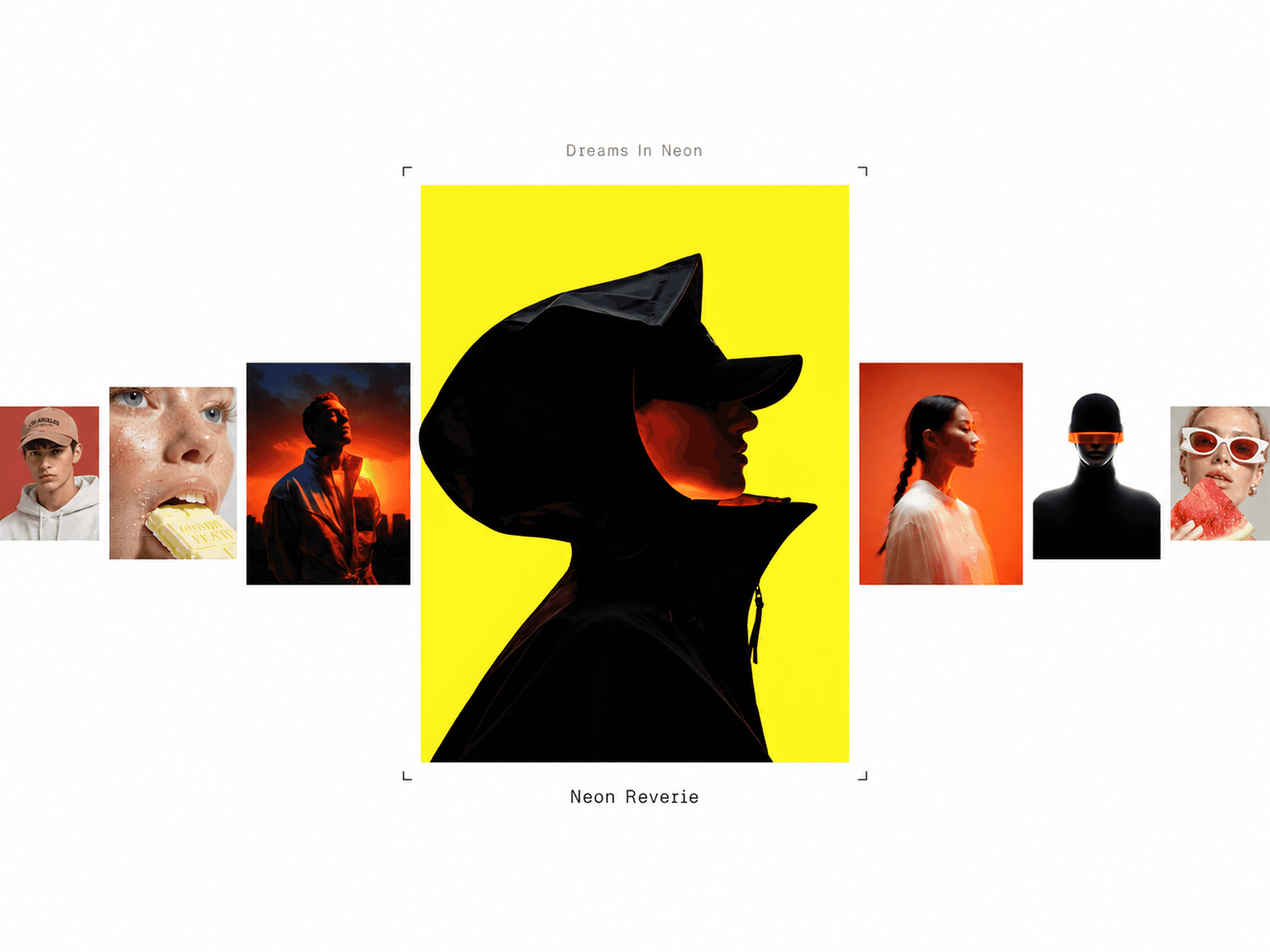
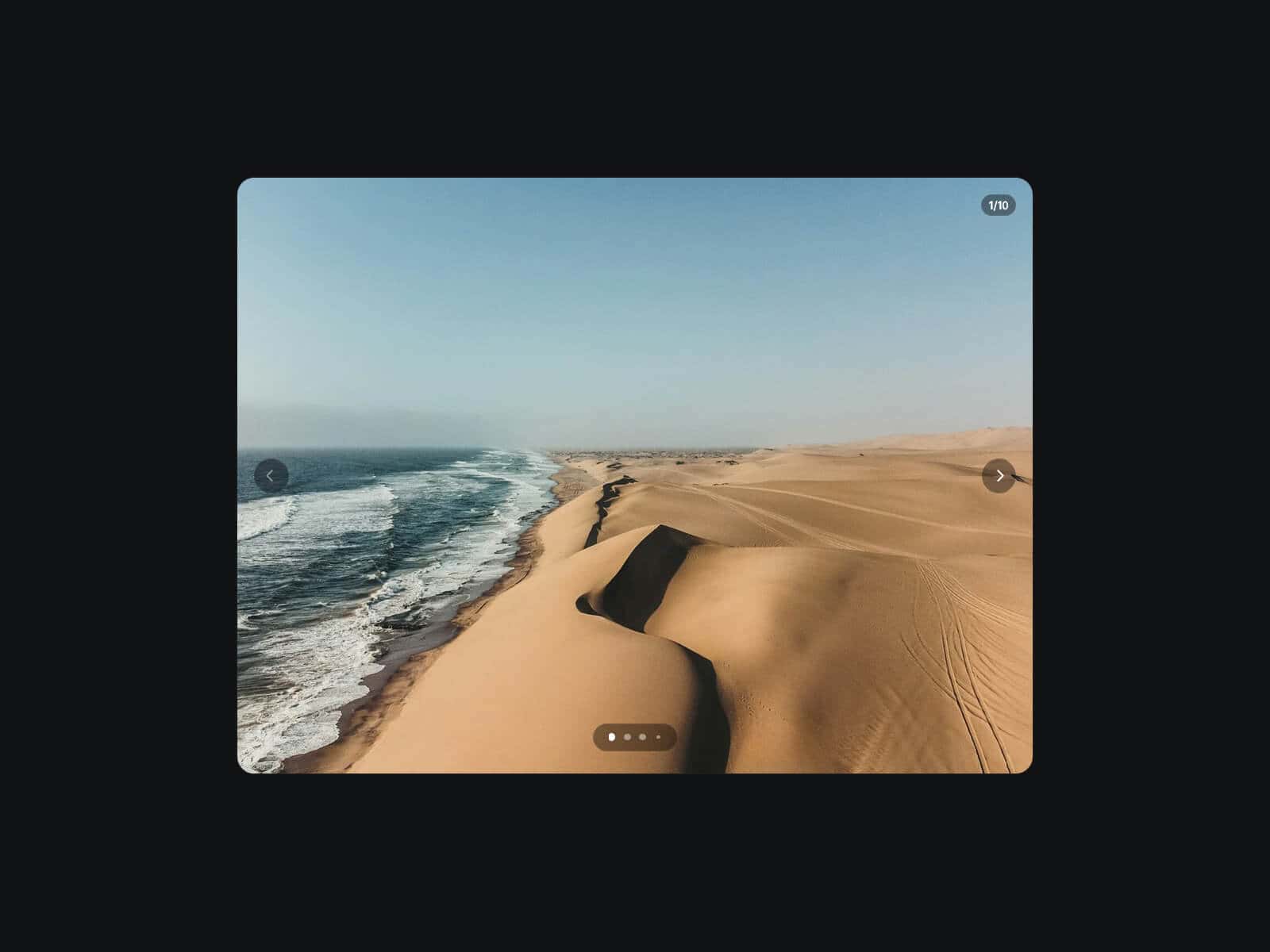
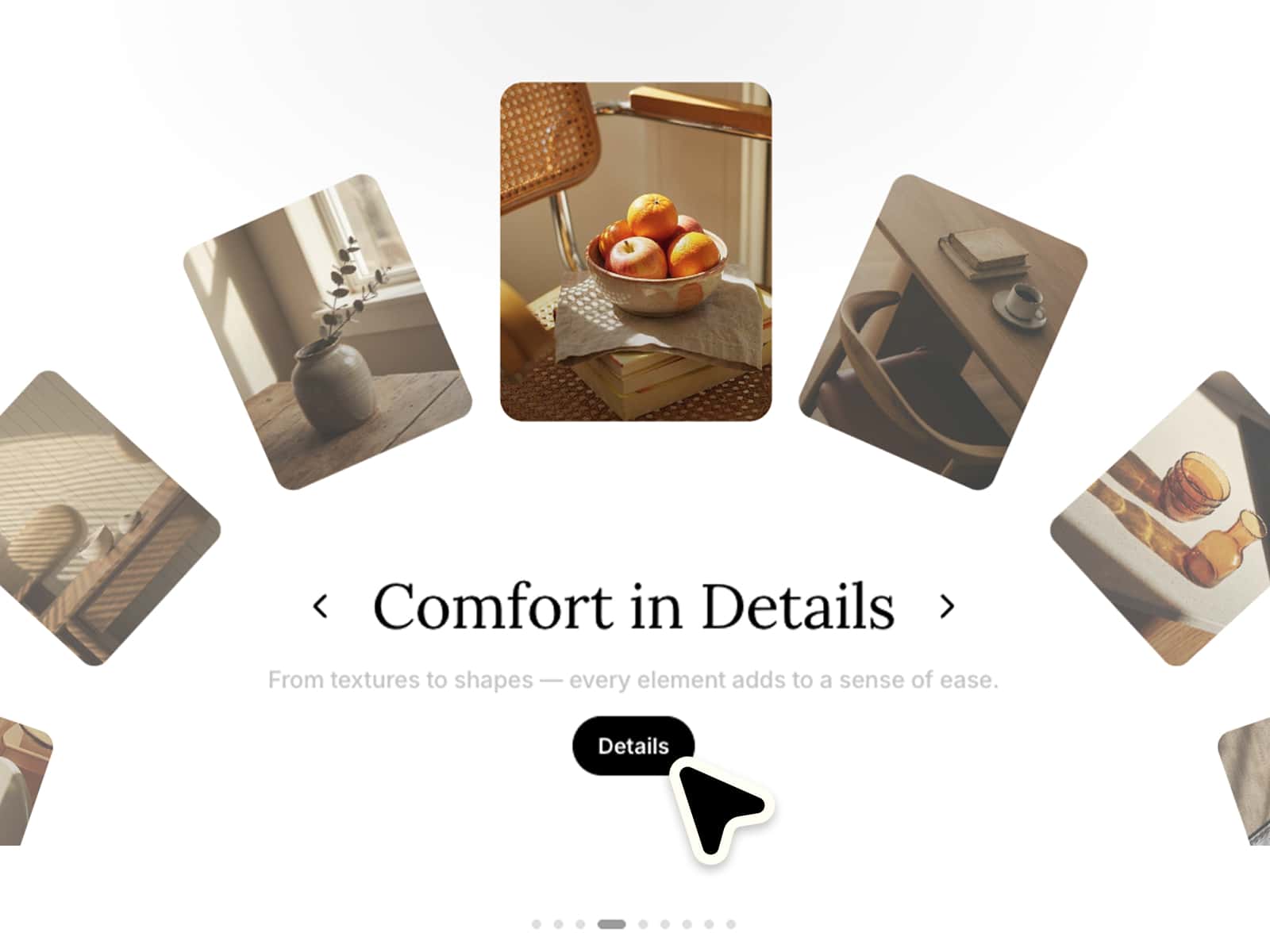
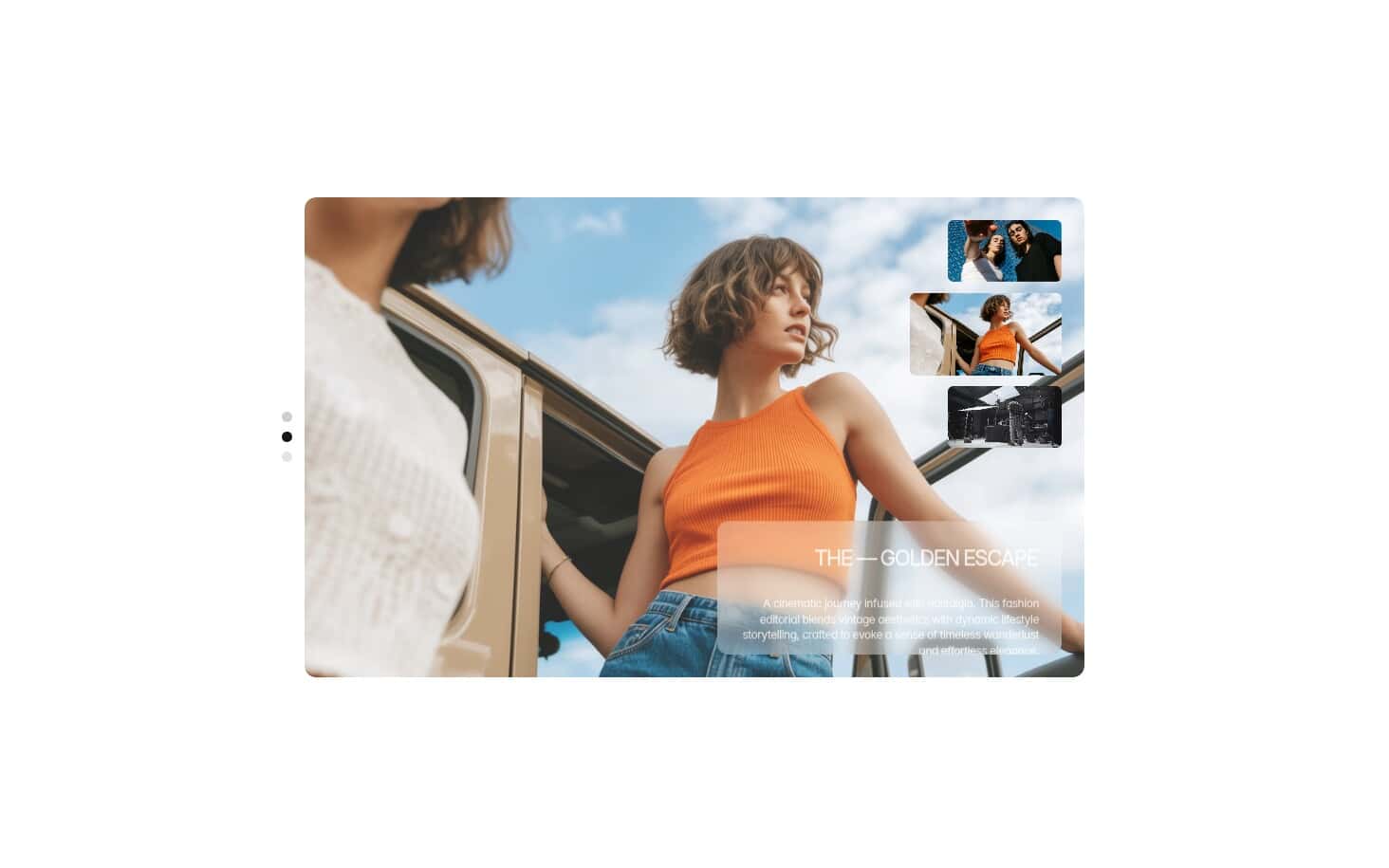
Video Story is a modern, interactive story viewer for Framer designed to showcase videos and images in an immersive, mobile-inspired storytelling experience. With autoplay, progress indicators, tap navigation, hold-to-pause interaction, sound controls, and smooth story transitions, it makes visual content feel engaging and effortless to browse.
HOW TO USE
Add Video Story to your Framer page
Add videos or images to each story
Add a title and optional time label
Add an individual Link to each story if needed
Customize playback, progress bars, card styling, icons, navigation, and backdrop
Choose autoplay, looping, muted playback, and image duration settings
KEY FEATURES
Video and image support for flexible visual storytelling
Individual Link on every story for connecting content to pages, projects, products, or CMS destinations
Autoplay and looping for continuous story playback
Progress indicators showing the current story and playback progress
Tap navigation for quickly moving between stories
Hold-to-pause interaction for a more natural story experience
Play and pause controls for manual playback control
Sound controls with mute and unmute interaction
Keyboard navigation using arrow keys and spacebar
Blurred or solid backdrop for a polished immersive presentation
Responsive card layout that adapts across different screen sizes
Customizable typography for titles and timestamps
Adjustable card ratio, radius, spacing, colors, and controls
Poster image support for videos and fallback visuals
WHY CUSTOMERS WILL LOVE IT
Video Story brings the familiar feel of modern social story interfaces into Framer while giving designers full control over the visual presentation. The focused card layout keeps attention on one piece of content at a time, while progress bars, autoplay, tap navigation, and playback controls make the experience intuitive.