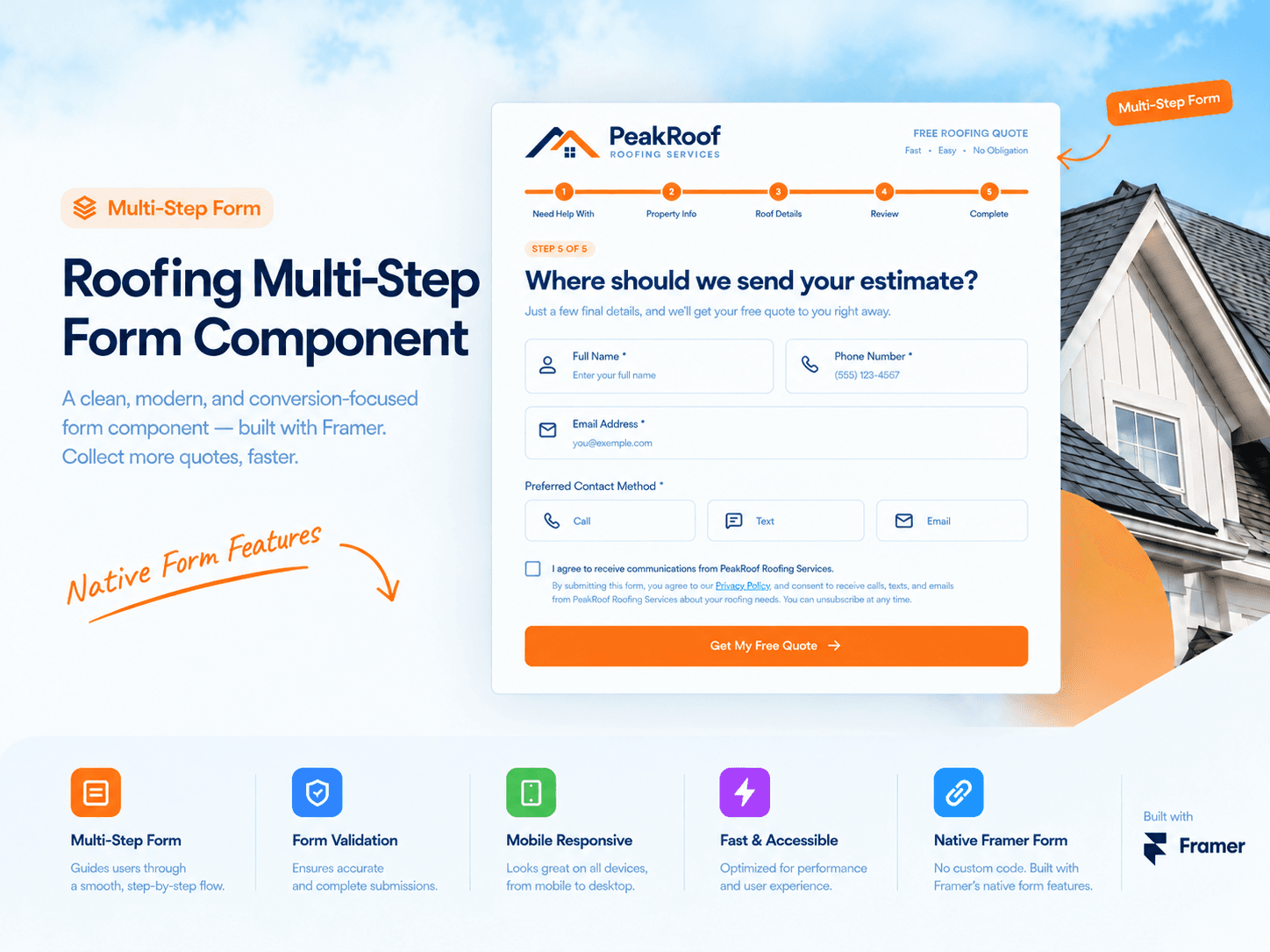
About Roof Multi Page Form
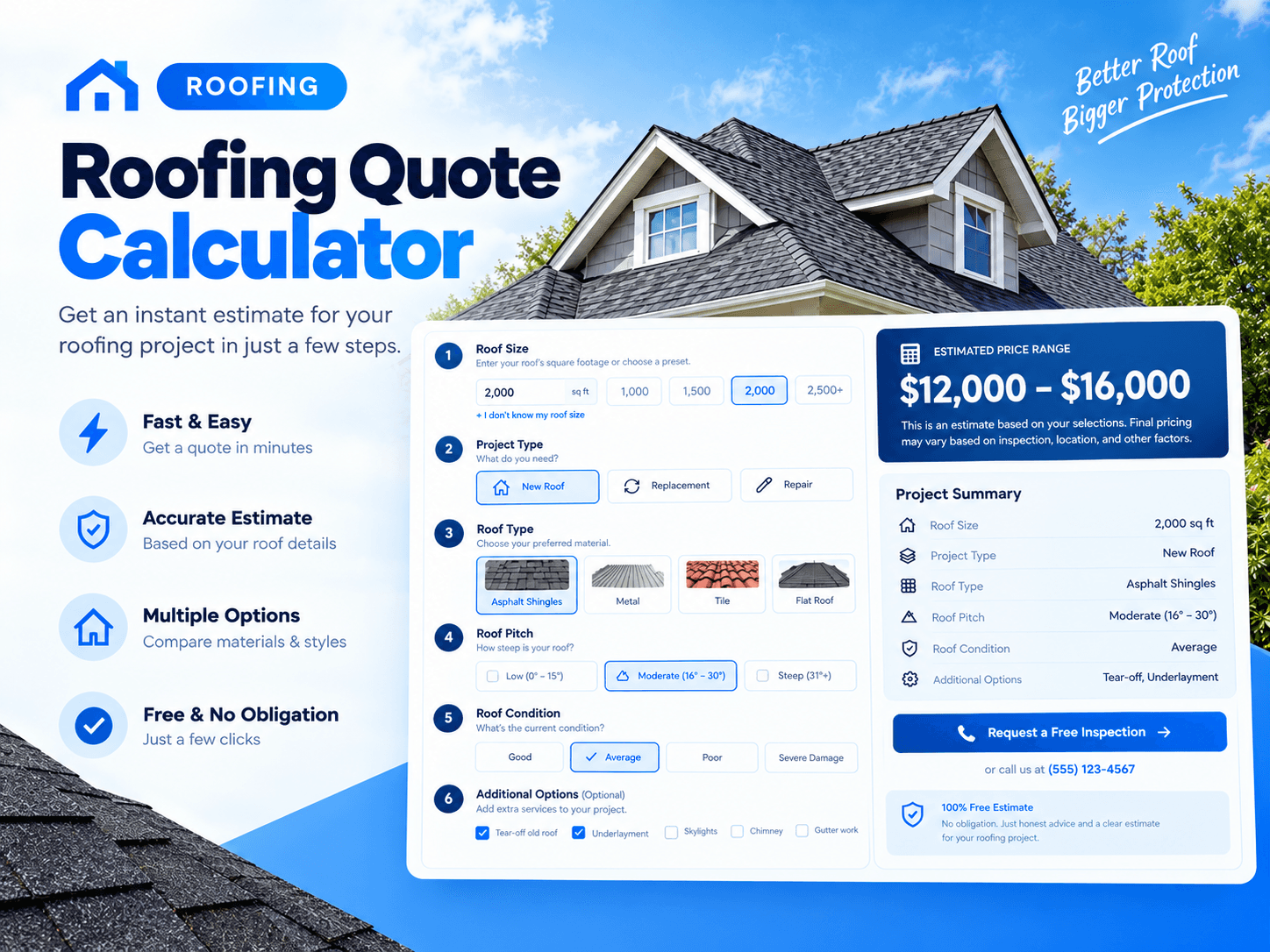
Roofing Multi-Step Page Quote Form
A clean, fully editable multi-step quote form for roofing businesses. Visitors complete 5 quick steps, and their requests are sent using Framer's native form features: Email, Webhook, Google Sheets, and more. No code needed.
How to Set Up
Click + → Form Builder to add a Framer form.
Delete the default fields.
Drag RoofingQuoteForm into the form.
Hide Framer's Submit button (Visible = No). The component has its own final button.
Select the outer Form → Send to → choose Email, Webhook, or Google Sheets. You can add multiple destinations.
Video Tutorial
Responsive Tips
Set Width = Rel (100%) and Height = Fit Content on Desktop, Tablet, and Phone.
Adjust padding in the properties panel for mobile layouts.
Features
5 steps: service, roof type, property details, timeline, and contact
Add, edit, or delete steps, fields, and options
Cards, photo cards, toggles, dropdowns, and chips
Native Framer integrations: Email, Webhook, Google Sheets, Redirect, Antispam, and Tracking
Optional standalone mode with a custom endpoint URL
ZIP code service-area validation
Automatic urgent lead flags for emergencies and storm damage
UTM parameters and Google Ads click ID tracking
Built-in validation and clear error messages
Keyboard and screen reader accessibility
Customizable colors, fonts, radius, and text
For native Framer form integration, please watch the video tutorial above.
Contact
Questions or custom work?
Email: tktamimahmed@email.com