About Scanline
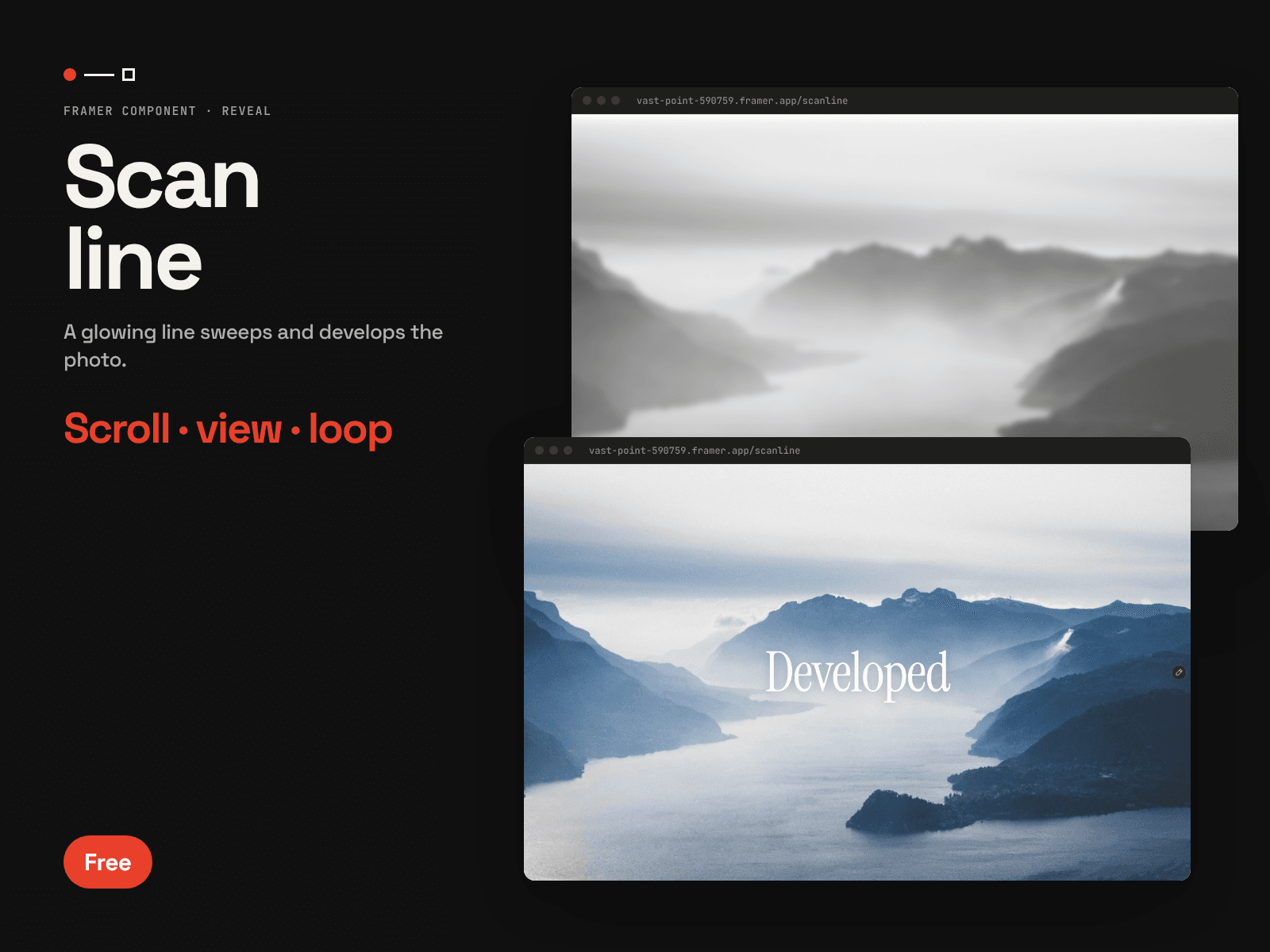
Scanline sweeps a glowing line across your image and "develops" everything behind it — from a grey, soft version (or a titled cover) into the finished photo.
Features
Develop Effect — The front is the same photo, desaturated and blurred, so the scan reveals it.
Cover Mode — Or put a solid cover with a title in front, and reveal a second title behind.
Direction — Sweep left to right, right to left, top down or bottom up.
Glowing Beam — Set line colour, weight, glow and beam width.
Triggers — Play on view, follow scroll, or loop with a hold.
Easing, Duration, Delay — Full timing control.
Canvas Preview — See the scan in the editor.
Great for project covers, case-study heroes and before/after moments.
Part of the Dot Line Plane series.