About Scratch Image Reveal
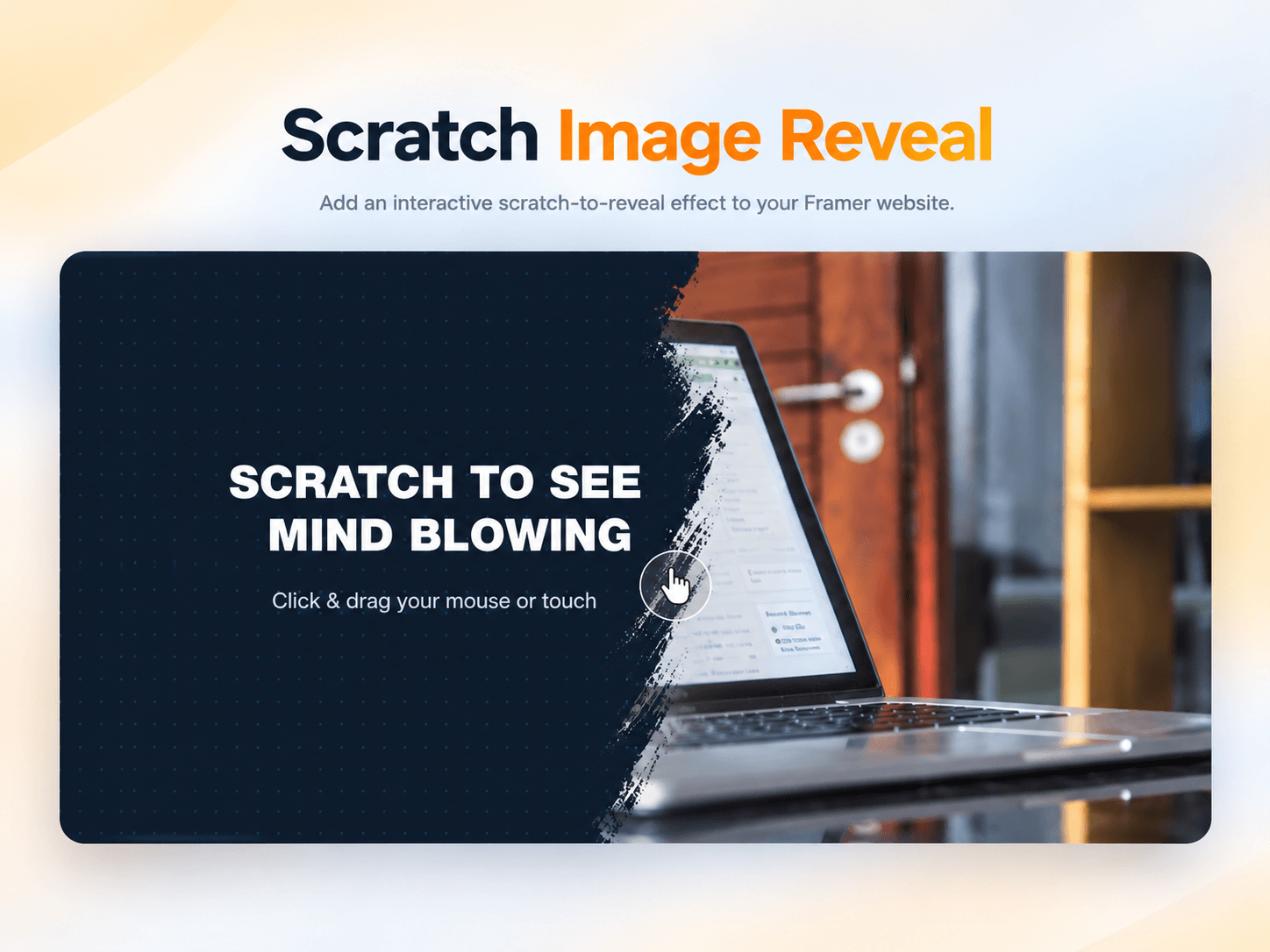
Add an engaging scratch-to-reveal interaction to your Framer website and turn a simple image section into an interactive experience.
Scratch Image Reveal lets you hide an image behind a customizable cover that visitors can scratch away using their mouse or finger. As they interact with the component, the hidden image is gradually revealed, creating a simple but engaging interaction that can make your website sections more memorable.
The component is fully customizable through Framer’s property panel, allowing you to change the revealed image, text, colors, typography, brush size and corner radius without editing the code.
Features
Mouse interaction - Scratch using click and drag
Touch support - Works with touch gestures on mobile and tablets
Custom image - Upload any image to reveal
Custom cover color - Change the scratch layer background
Pattern customization - Adjust the dot pattern color
Custom text - Add your own headline and subline
Font controls - Customize the font and font size
Adjustable brush size - Control how much is revealed with each stroke
Custom radius - Adjust the component's corner radius
No extra setup - Add it to your Framer project and customize it from the properties panel
Perfect For
Website mockup reveals
Portfolio projects
Before & after sections
Product reveals
Creative landing pages
Interactive presentations
Case studies
Design showcases
How It Works
Add the Scratch Image Reveal component to your Framer project.
Upload the image you want to reveal.
Customize the headline, subline, colors, font, brush size, and radius.
Publish your website.
Visitors can scratch the cover using their mouse or finger to reveal the image underneath.
Support
Need help setting up or customizing the component?
Contact khizerjaved139@gmail.com and I'll be happy to help.