About Screenstage
Show your app the way people use it. Screenstage Phone Carousel is a Framer code component that turns a set of screenshots into a smooth, swipeable showcase with realistic phones, polished motion and layouts that fit any landing page.
Drop in your screens, pick a preset, and you’re done. Or switch to Custom and fine-tune every detail.
Highlights
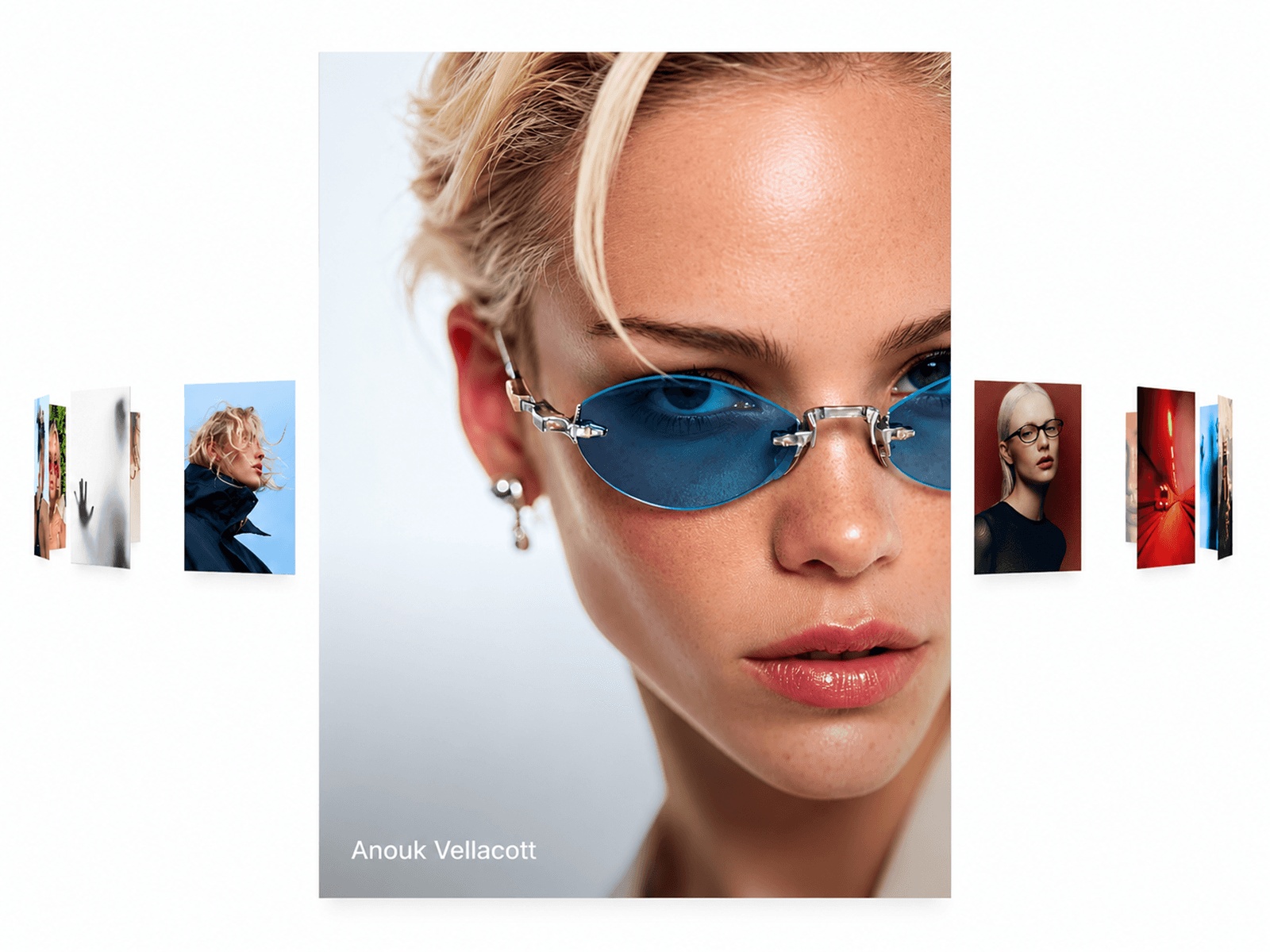
Three layouts: Coverflow, Fan and Stack.
Real device frames: Dynamic Island, Notch, Punch-hole or Minimal, with matte or titanium finish, adjustable bezel, corner radius and side buttons.
Status bar and home bar: optional, with editable time and light or dark color.
Tilt and glare: the active phone leans toward the mouse, with a soft highlight on the glass.
Scrolling screenshots: let a long full-page screenshot scroll inside the phone, automatically or following the mouse.
Captions and backgrounds per screen: each screen can have its own caption and stage color that blends as you swipe.
Four style presets: Minimal, Soft, Glass and Bold.
Swipe, drag or click: arrows, keyboard, dots, looping, and optional auto swipe with a pause button.
Built to be safe on any site
Keyboard accessible and screen reader friendly.
Respects “reduce motion”: no auto swipe, no tilt, no gliding.
Shows a clean still on the canvas and in exports.
Pauses when off-screen or when the tab is hidden.
Self-contained: no external scripts, fonts or images.
How to use
Add Phone Carousel to your page.
Open Screens and add a screenshot to each item. Use portrait images, about 9:19.5 (for example 1170×2532).
Choose a Preset, or set it to Custom and adjust the frame, colors and layout.
Optional: turn on Tall screenshot for a long screen, add captions, or connect the events to other layers.