About Scroll Burn Effect
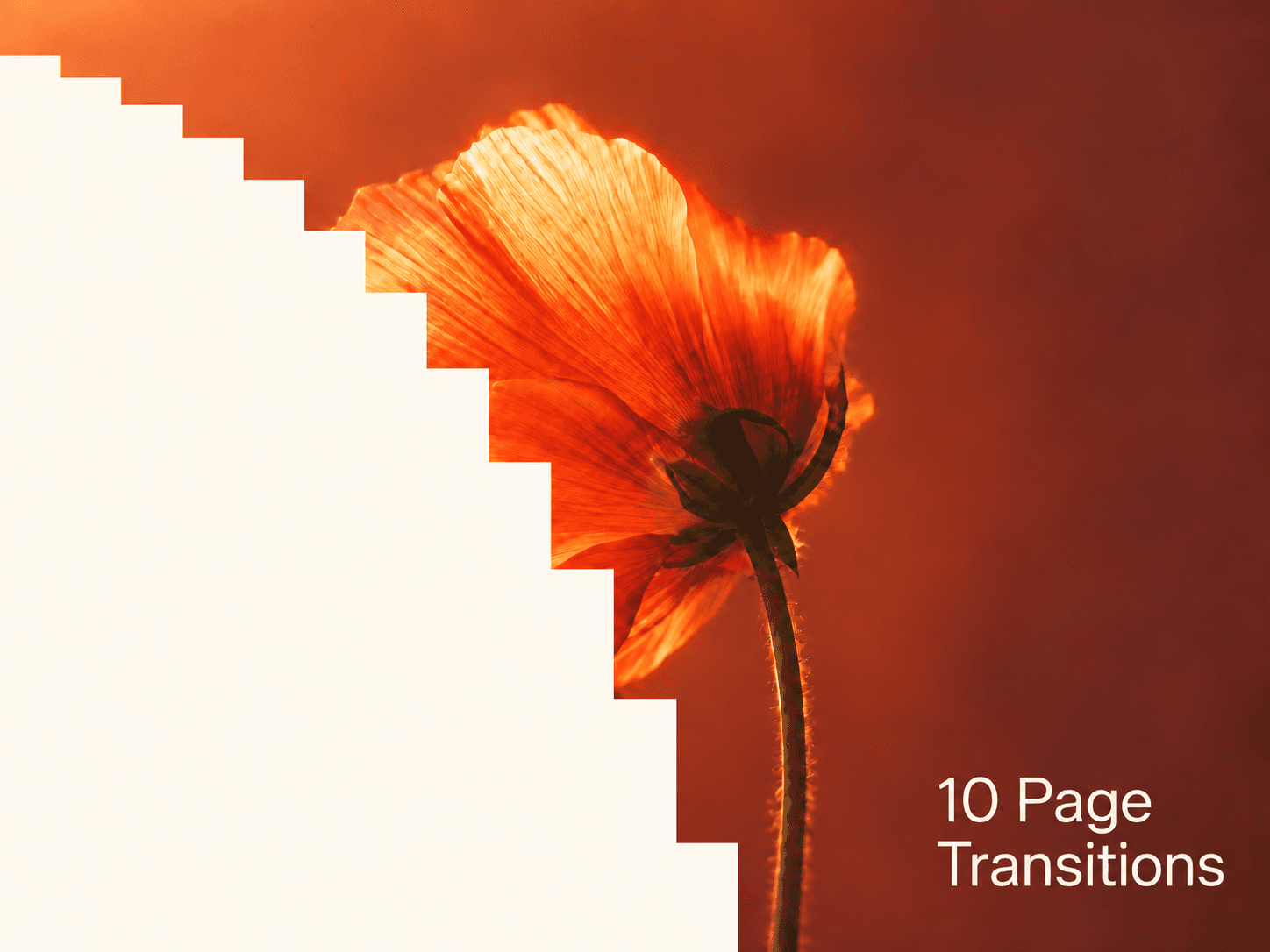

Scroll Burn turns a plain section change into a moment. As visitors scroll, the next section eats into the one above with an organic, inky edge, like paper catching fire. It keeps burning for as long as they scroll, runs backwards when they scroll up, and starts empty at the top of the page.
Paste it into any dark section, pin it to the bottom and you’re done. No code, works on desktop, tablet and phone.
What you can change
Color: match it to your next section
Grow: burn up from the bottom or down from the top
Start and End: when the burn begins and finishes
Smoothing: soft and lazy, or locked to the scroll
Blob Size, Noise, Detail and Seed: shape the edge your way
Canvas Preview: see the burn while you design
How to use
Paste the component link on your canvas (Cmd + V).
Put it inside your dark section: Position Absolute, pinned Left, Right and Bottom to 0, Width 100%, Height 100vh.
Set Color to your next section’s background. Preview and scroll.