About Scroll Flip
What is Scroll Flip?
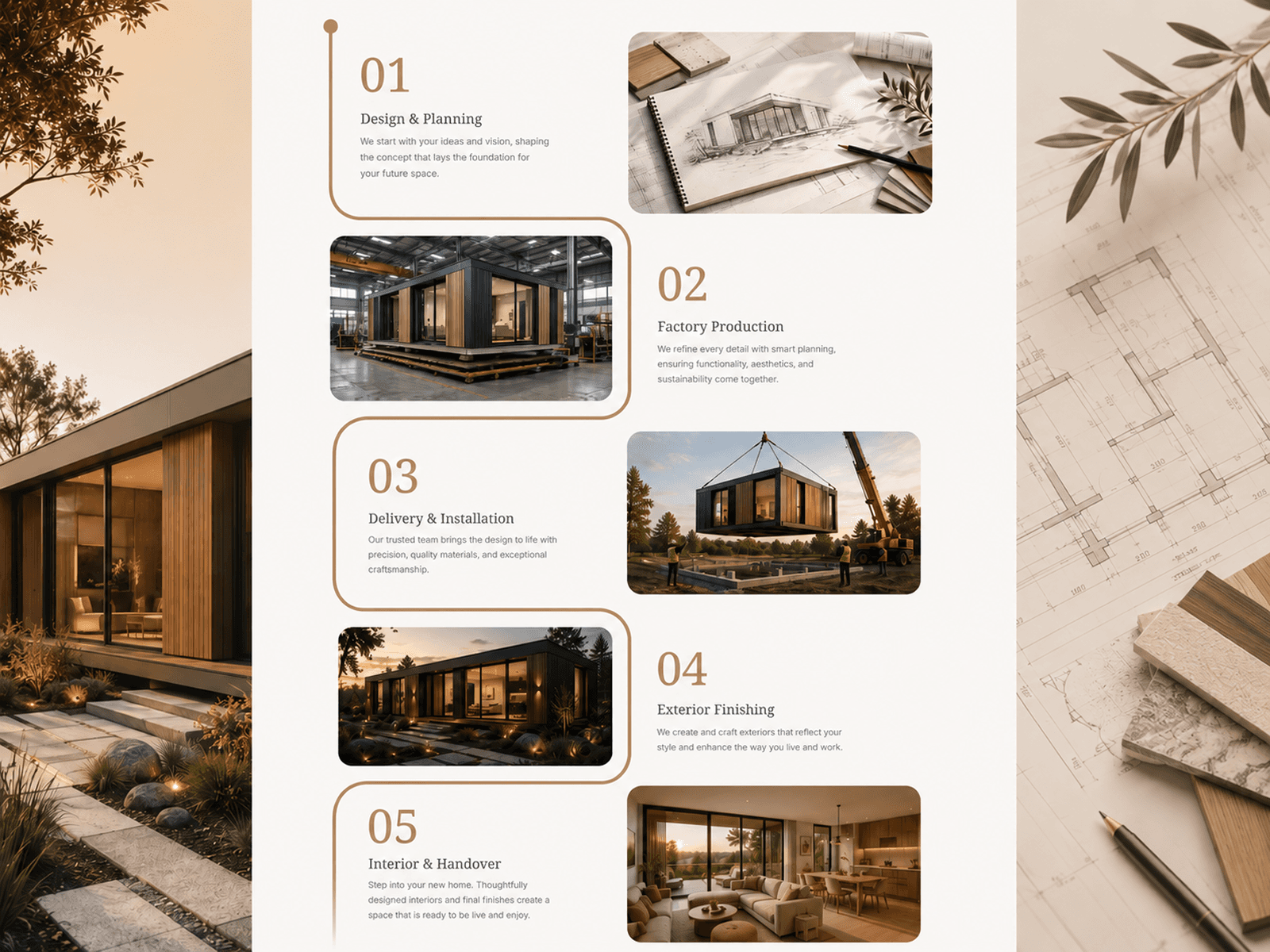
Scroll Flip is a scroll-driven component that pairs a vertical dot-and-line timeline with a 3D card that flips to reveal new content as visitors scroll. Each step transition triggers a realistic multi-axis card flip with dynamic shadows and scale effects. Perfect for process timelines, product walkthroughs, onboarding sequences, and multi-step service breakdowns.
Core Features
Realistic 3D card flip animation driven entirely by scroll position, with multi-axis rotation, scale dynamics, and shadow depth that responds fluidly to scroll direction and speed
Synchronised timeline with progressive dot highlighting, segment fill lines, badge labels, descriptions, and accent-coloured statistics that animate in as each step activates
Each card face supports custom icons (upload your own or use built-in SVG defaults), titles, descriptions, and optional full-bleed background images with gradient overlays
Horizontal (book-style) or vertical (calendar-style) flip direction, with left or right card placement
Toggle the card on or off to use the component as a timeline-only layout or a full card-and-timeline experience
8 curated theme presets — Dark, Light, Indigo, Emerald, Rose, Amber, Sky, and fully Custom — with complete colour control
Controls inside Framer
Content
Steps array (up to 10) — each with label, title, description, stat, stat label, card icon, card title, card description, and card background image
Appearance
Theme preset selector (Dark, Light, Indigo, Emerald, Rose, Amber, Sky, Custom)
Custom Colors group — text, text muted, accent, card background, inactive dot, line
Show Card — toggle the 3D flip card on or off
Card Position — Left or Right (segmented toggle)
Flip Direction — Horizontal or Vertical (segmented toggle)
Layout
Scroll per Step — distance in pixels before the next step activates
Step Gap — vertical spacing between timeline items
Card Style
Border Radius
Shadow Intensity — controls shadow strength during flip animation
Accent Bar — toggle the coloured stripe at the card bottom
Perspective — controls how dramatic the 3D depth effect appears
Typography
Title Font
Description Font
Label Font
Stat Font
Stat Label Font
Card Font
Visibility
Card Icons
Card Descriptions
Dot Pulse animation
Progress Bar
Labels
Descriptions
Stats
Best use cases
Multi-step process or service breakdowns (e.g. "How we work" sections)
Product feature walkthroughs with visual cards at each stage
Onboarding or getting-started flows
Case study timelines with supporting imagery and metrics
Timeline-only layouts with the card toggled off
Each step is fully editable from the property panel — swap icons, upload images, adjust card styling, and fine-tune scroll pacing to match your page.
Questions or custom requests?
We design and build custom Framer components. Get in touch at contact@teampixel.com.au.