About Scroll For Next Page
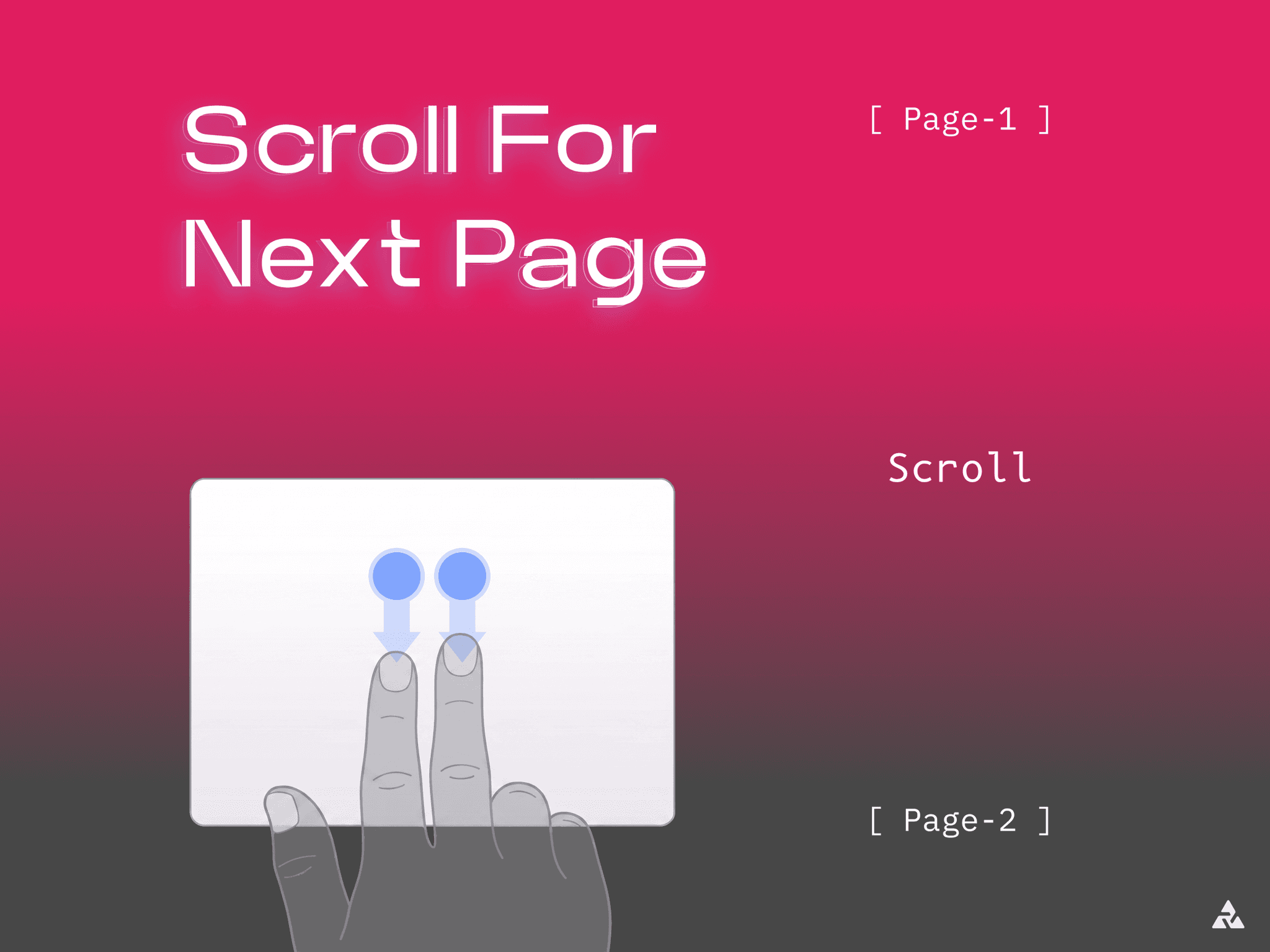
Turn a simple scroll into the doorway to what's next.
When a user scrolls to the bottom of your page, Scroll for Next Page seamlessly carries them into the next one. No flat jump cuts—just a smooth, cinematic transition to wherever you want them to go next.
WHY IT FEELS DIFFERENT
No experimental browser APIs or fragile tags. The animation uses plain CSS transitions, so what you design is exactly what every visitor sees across modern browsers.
Preloads the destination page the moment the component mounts. By the time a user triggers the transition, the next page is often already cached.
In supported browsers, it prerenders the destination in the background for an instant, seamless handoff.
14 TRANSITIONS, SUBTLE TO VISCERAL
Fade, Slide (all 4 directions), Zoom In, Blur — clean and understated
Iris Wipe — opens like a camera aperture
Split Horizontal / Vertical — the screen cracks open from the center seam
Diagonal Wipe — sweeps in at an angle
Vortex Warp — spins and pulls the screen through itself
Shutter Blinds — closes in cascading panels
Every transition shares the same controls. Switching from a quiet fade to a dramatic vortex is a simple one-click swap.
BUILT FOR REAL PROJECTS, NOT JUST DEMOS
Trigger on scroll, on click or tap, or both
Set exactly how far into view the layer needs to be to fire
Add a delay, and choose once-per-visit or every time
Fully tune duration, easing, and sweep color
The trigger is a real, accessible link with its own screen-reader label, never an invisible click trap
Drop it at the bottom of a page, point it to your destination, and pick a transition that matches your brand.
GOOD TO KNOW
The transition runs on your published site — Framer's in-editor preview doesn't perform real page navigation, so test after publishing.
Instant prerendering currently works in Chromium browsers; others still benefit from preloading and the animation.
Questions, feedback, or custom requests? contact@alt3studio.com
Made by Alt3 Studio.