About Scroll Grid Gallery
About this Component
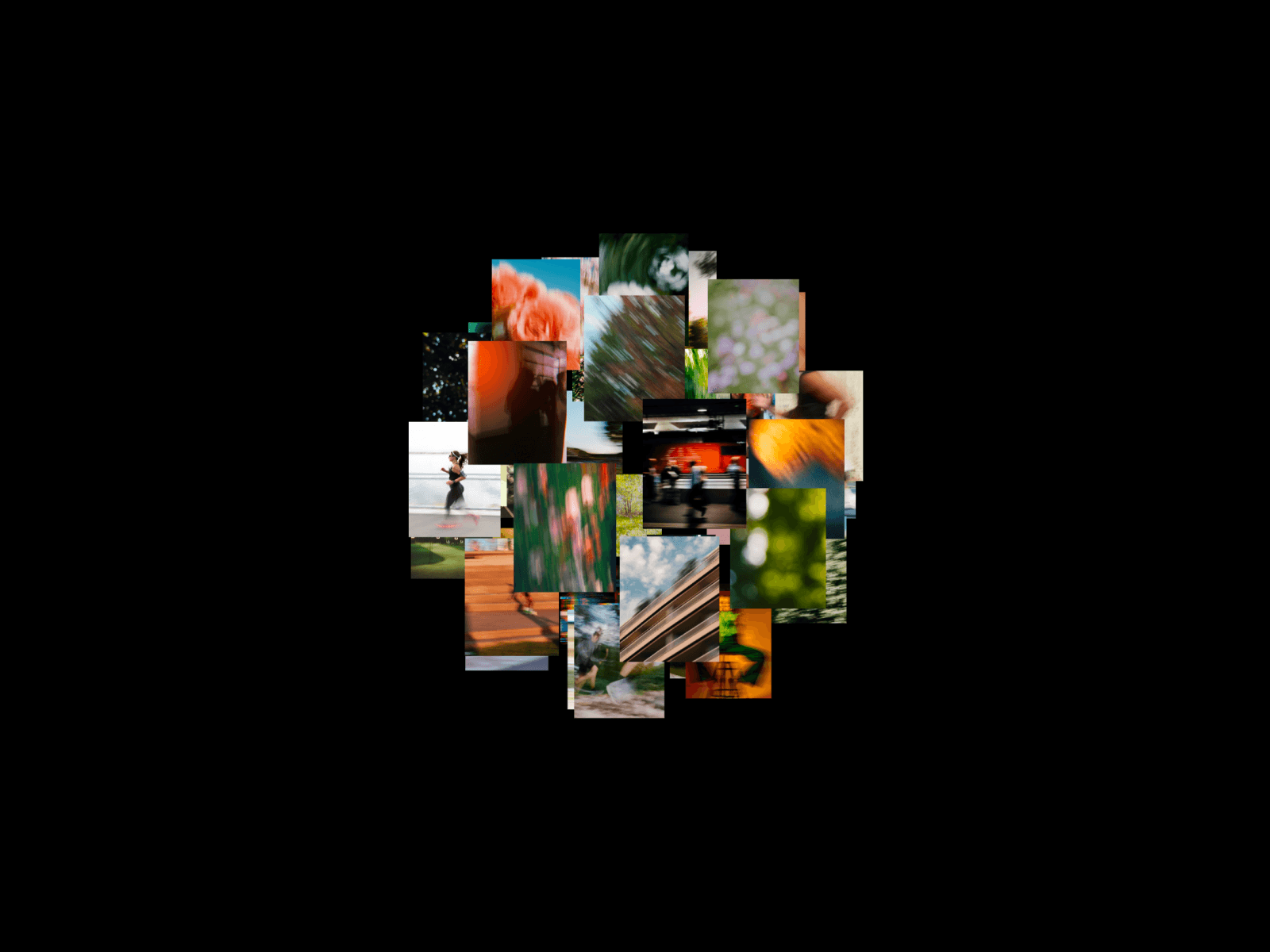
The Scroll Grid Gallery component creates a cinematic scroll-driven reveal effect for your Framer projects. An adaptive hero image smoothly shrinks into a grid cell while surrounding tiles scale and fade in from the center outward - transforming a single featured image into a complete 5×3 image grid, all driven by the user's scroll position.
Key Features
- Scroll-Driven Cinematic Animation - As the user scrolls, an adaptive hero image smoothly shrinks into a grid cell while surrounding tiles scale and fade in layer by layer - from center outward. Three animation layers reveal sequentially with staggered timing and custom cubic-bezier easing, creating a polished, cinematic transition from a single image to a full 5×3 grid.
- Fully Responsive - On desktop the component displays a complete 5-column by 3-row grid with all three animation layers. On mobile (≤ 600px) it automatically collapses to 3 columns, hiding the outermost layer for a cleaner layout. It also respects the prefers-reduced-motion setting, showing a static grid when the user has motion disabled.
- Easy Customization - Everything is controlled through the Framer properties panel: upload images or paste URLs for each layer, set background color, grid width (400–3000 px), gap spacing, border radius, and scroll length (150–500 vh) to speed up or slow down the animation. Default Unsplash images are included, so the component works immediately after adding it to your project.
How to Set Up
1. Drag & Drop the Scroll Grid Gallery component onto your canvas in Framer.
3. Replace the default images by uploading your own or pasting image URLs for each layer (center, inner columns, outer edges).
4. Adjust the Scroll Length to control how fast or slow the animation plays during scroll.
5. Customize appearance settings - background color, grid width, gap, and border radius.
6. Preview your project to see the scroll animation in action (the effect is only visible in preview/published mode, not on the canvas).For more details on installation and component properties, please refer to the documentation - https://docs.zeroqode.com/framer-plugins/scroll-grid-gallery
Perfect For
- Portfolio and photography showcases with a cinematic first impression
- Landing pages that need a visually striking hero-to-gallery transition
- Creative agency websites looking for scroll-based storytelling
- Product galleries that reveal items in an engaging, layered sequence
- Any project where you want to wow visitors with scroll-driven motion
Support
💬 For any questions, feel free to contact us at this support email: support@zeroqode.com