About Scroll Image Reel
About
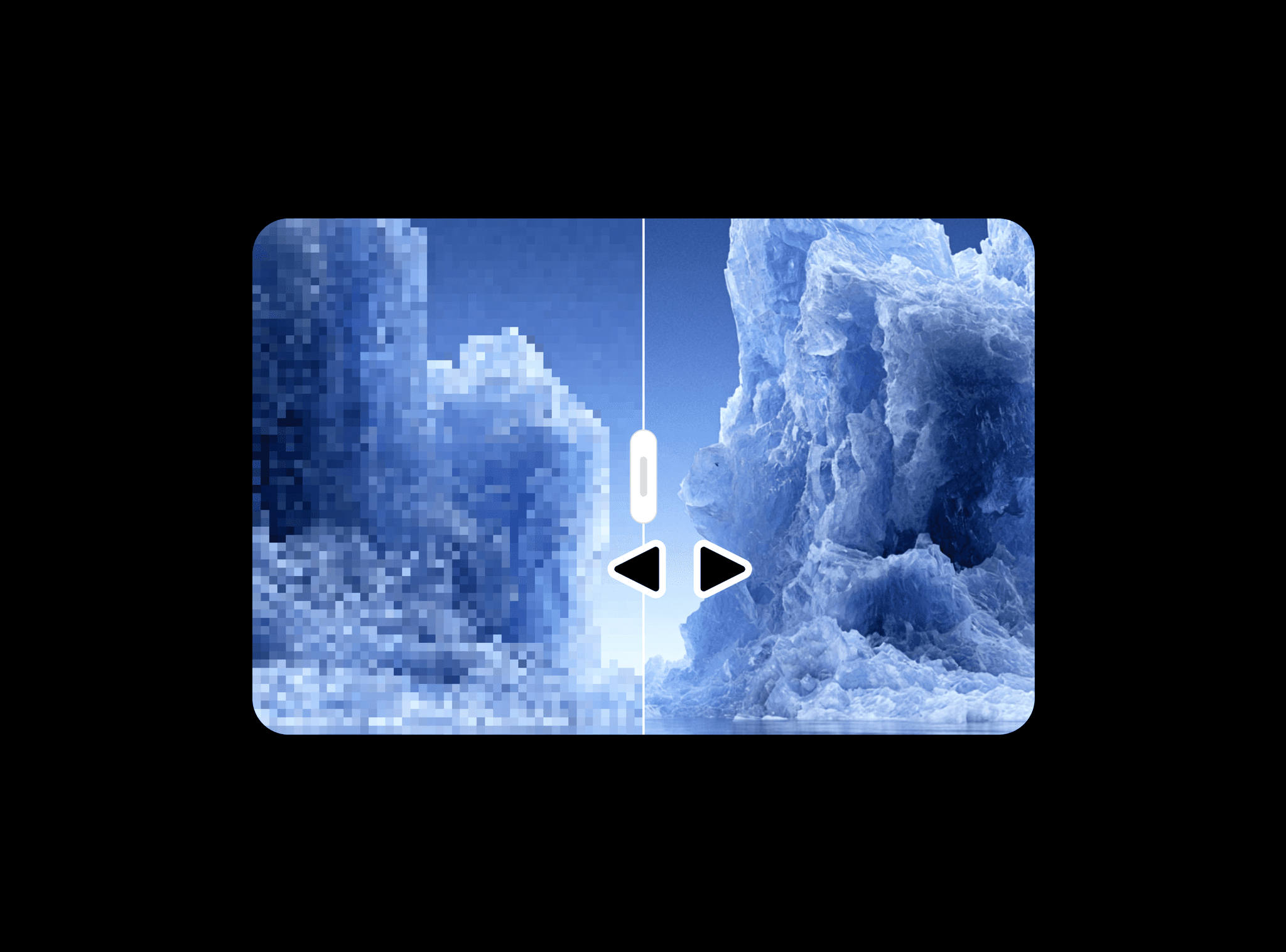
A scroll-driven image sequencer that smoothly transitions between multiple images based on the user's scroll position. It creates an engaging visual narrative that adapts to the scrolling speed and direction. Perfect for visual storytelling, product showcases, or creating immersive scrolling experiences. Ideal for case studies, photography portfolios.
This component a part of the 400+ components, layouts, templates, UI Kits and code overrides from SegmentUI PRO. Click here to see the full library
Instructions
Copy and paste the ScrollImages component into your project file. Place your component where you want the scroll effect to trigger. Images will automatically transition as users scroll through your design.
Upload your sequence of images to the Images array
Adjust the speed to control how quickly images change
Test the scroll behavior to ensure proper timing and transitions
How It Works
The component can be customized using:
Images: Upload multiple images to transition between
Speed: Control how quickly images change while scrolling
Object Fit: Adjust how images fill the container
Border Radius: Round the corners of the container
Support
For any queries and help setting up the component, contact hello@segmentui.com
Refund Policy
If a component does not function as advertised and the issue cannot be resolved, you are eligible for a full refund under our quality guarantee. Refunds will not be provided for any other reasons, including change of mind, accidental purchase, lack of use, or expectations of features not explicitly advertised.