About Before - After Slide
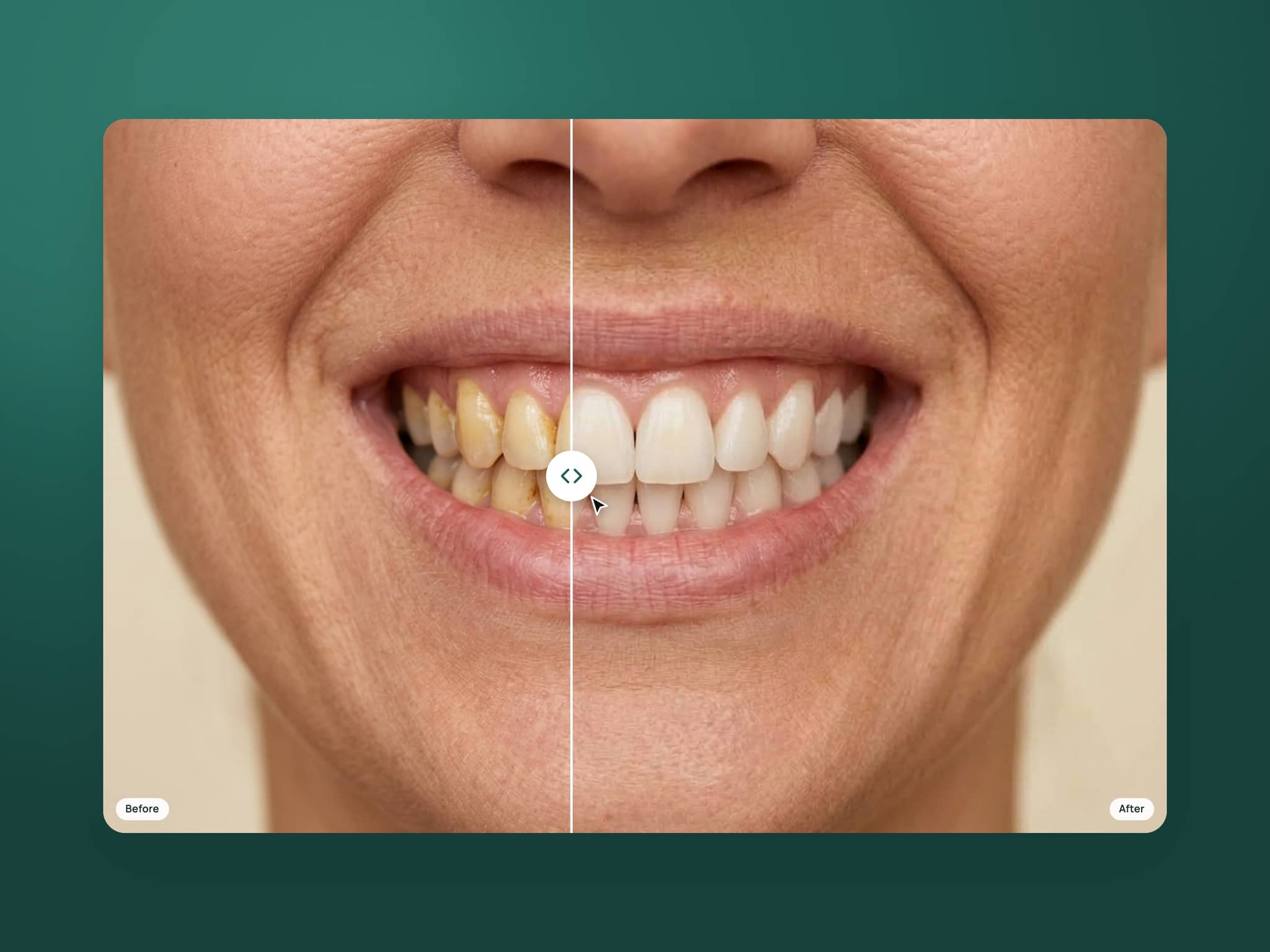
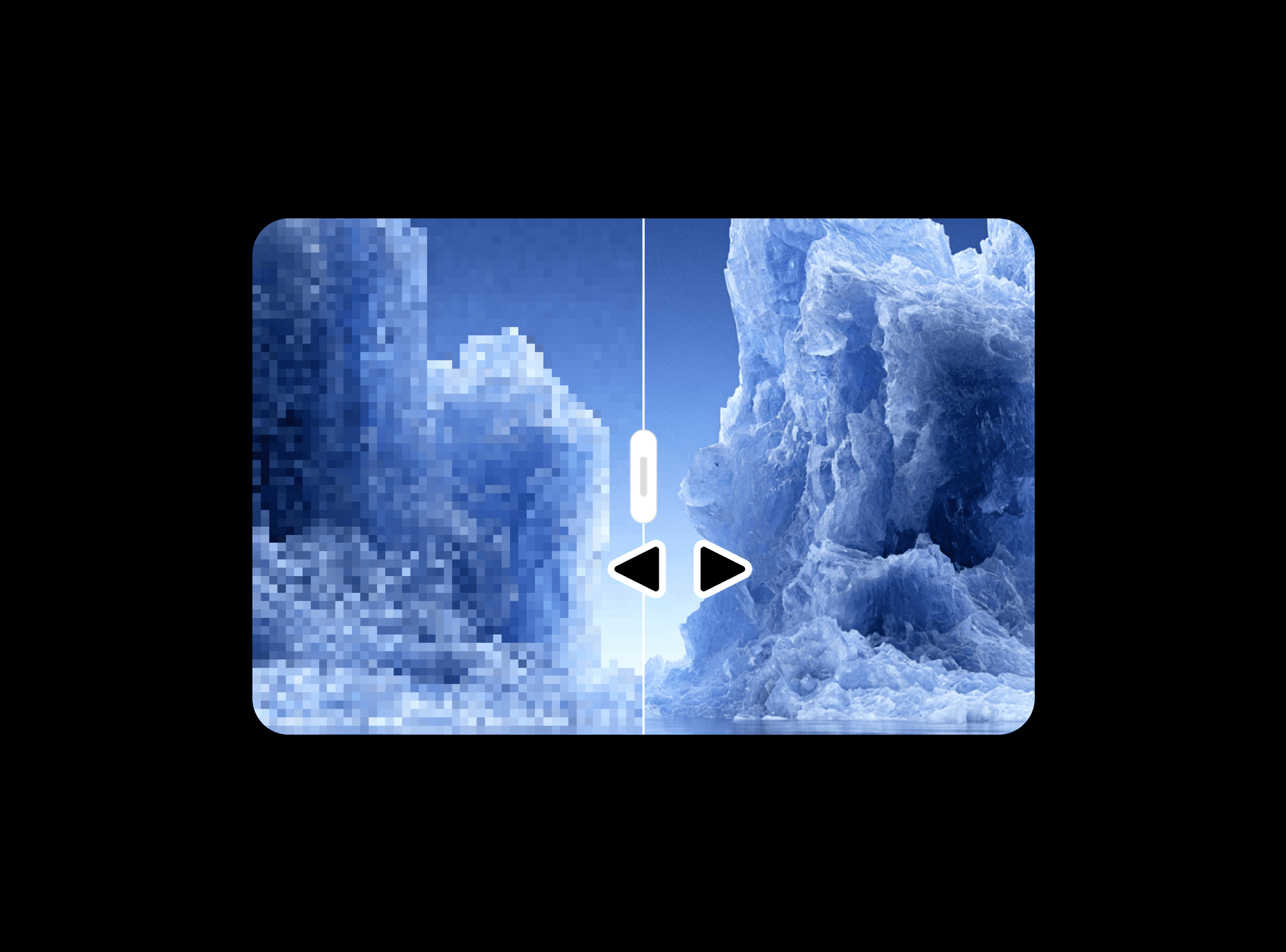
Before - After Slider places two images in the same frame with a draggable divider. Visitors reveal either version at their own pace, making subtle edits and larger transformations easy to compare.
What you can customize
Choose the Before and After images from the property panel. Set Reveal to control the starting split, then customize the divider, handle, grip, and handle border to match your site.
How to use
Copy the component from the Marketplace and paste it onto the canvas
Choose your Before and After images
Use images with matching framing to make differences easy to spot
Set Reveal and adjust the divider and handle colors
Preview the page and drag the handle across both images
Great for
Original and retouched photographs
Image restoration and enhancement
Architectural renovations
Design iterations