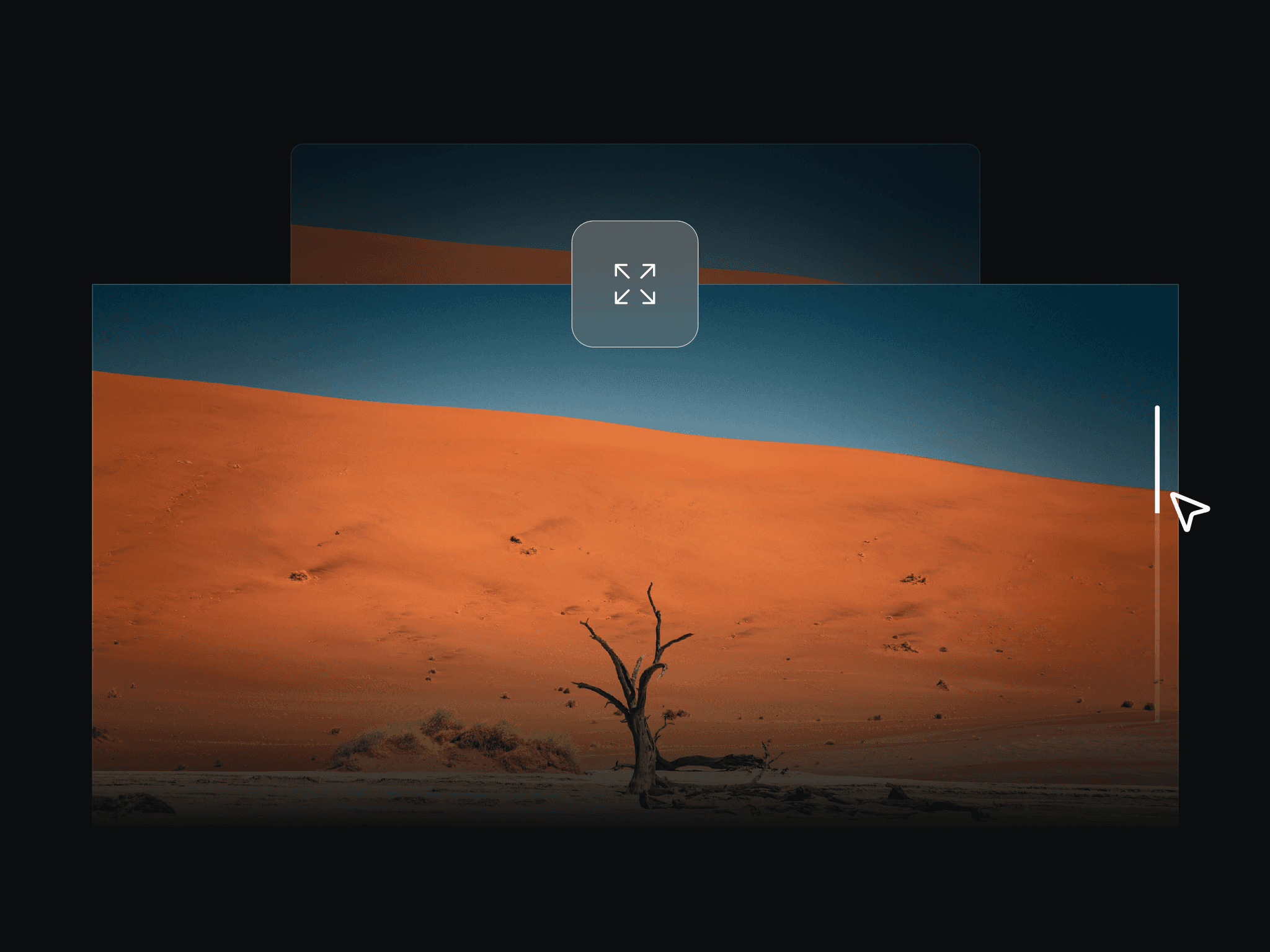
About ScrollEdgeLine
Scroll Edge Line — Setup Guide
Follow these steps to correctly set up the scroll-based border animation.
1. Create your scroll sections
Add multiple Frames stacked vertically on the page.
Each frame should represent one scroll section (for example: Section 1, Section 2, Section 3).
Make sure the frames are tall enough to allow scrolling.
2. Assign IDs to the sections
Select each section frame.
In the Properties panel, find the Scroll Section Field.
Assign a unique ID to each section, for example:
section-1, section-2, section-3
⚠️ These IDs are required.
These IDs are used by the component to track scroll progress.
3. Set up a Parent Frame (required)
Wrap all your sections inside a parent frame.
Select the parent frame.
Set its position to Relative.
This ensures the sections remain align while scrolling, allowing the border animation to track progress correctly.
4. Add the Scroll Edge Line component
Drag the Scroll Edge Line component onto the canvas.
Create another Frame, which will be parent to both the sections and the srcoll line component
You can wrap the component in a frame
Set the component’s frame position to Sticky.
Set Top = 0.
5. Connect the scroll sections
Select the Scroll Edge Line component.
In the Properties panel:
Set From section ID to the ID of the first section (e.g. section-1)
Set To section ID to the ID of the last section (e.g. section-3)
Adjust:
Scroll Span to control how much scrolling completes the animation
Stroke Width and Color for styling
The border animation will only start once both section IDs are set correctly.
6. Preview and adjust
Scroll the page to see the border progressively fill.
If the border does not animate:
Check that the IDs match exactly
Confirm the sections are inside a sticky parent
Ensure the component is absolutely positioned over the frame
Notes
The animation will not run until valid section IDs are provided.
IDs can be entered with or without a # prefix.
This component is designed for vertical scroll layouts.