About Shoji Audio Player
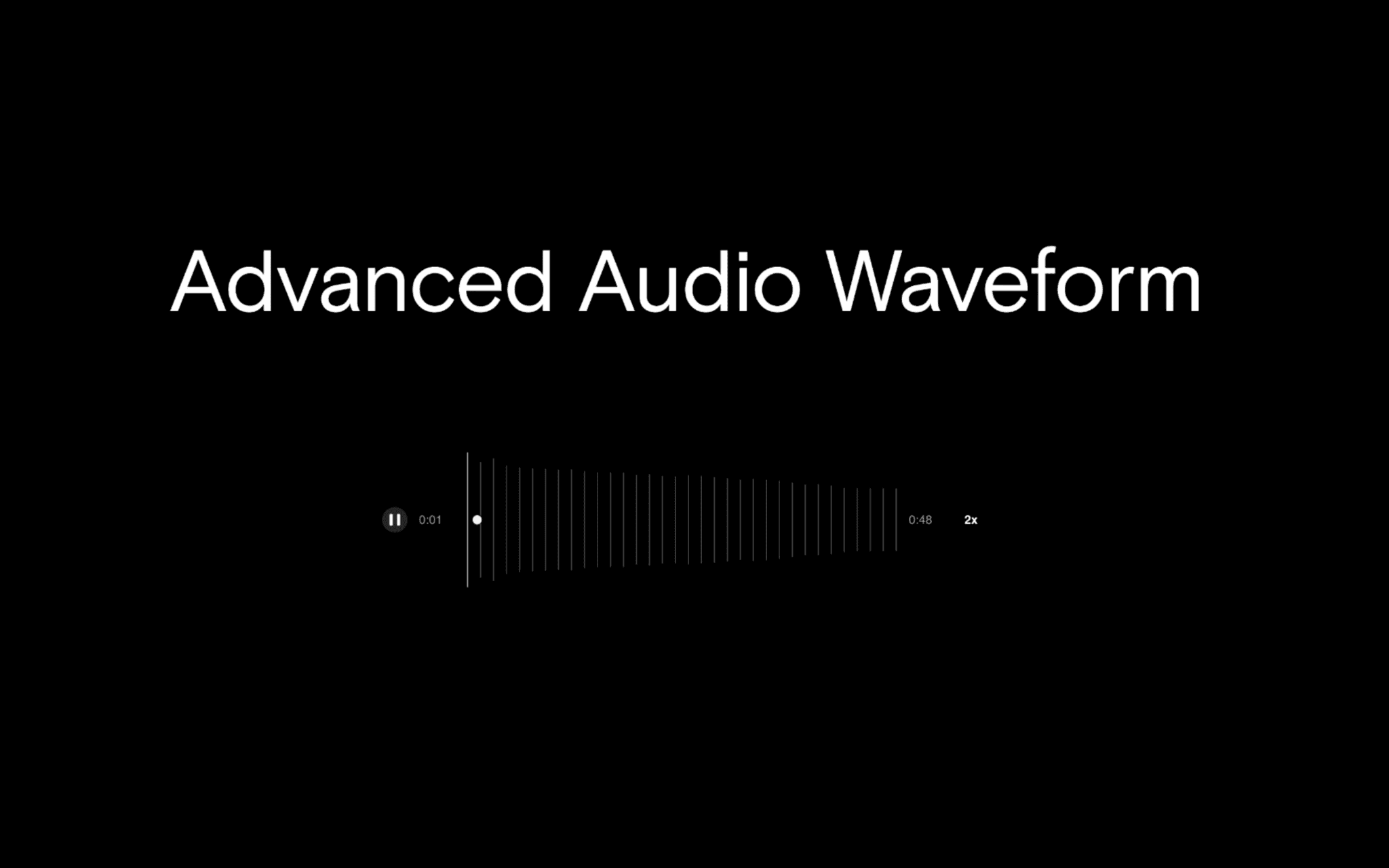
A drag and drop audio player that brings a professional Web Audio engine to your Framer site. Built with a 5-band equalizer, smart playlist queuing, auto-fade transitions, and viewport-aware menus.
Pro Music & Audio Player 🎛️
Elevate your site's audio experience. Whether you are selling beats, hosting a podcast, or showcasing sound design, this component gives your visitors an immersive, app-like listening experience directly on the page.
Best use cases:
Beat stores, podcast landing pages, sound design portfolios, ambient background tracks, and musician link-in-bio sites.
How to Use:
Drag and drop the component onto your canvas.
Upload your audio files (MP3, WAV, FLAC, etc.) directly in the Framer properties panel to build your playlist.
Choose your layout (Full, Medium, Small, Miniscule) and tweak the colors, padding, and UI settings to perfectly match your brand.
Preview to test the EQ, volume, and auto-fade features.
Highlights:
True Web Audio API integration
Working 5-band Equalizer (EQ)
Auto-fade & crossfading between tracks
Smart playlist queuing with Shuffle & Repeat
4 responsive layout modes
Viewport-aware collision detection for the settings menu
Custom playback speed controls
Smooth drag-to-seek progress bar
Native Framer padding controls (FusedNumbers)
Highly customizable colors, radii, and fonts
Autoplay support with adjustable delays
Crafted by: Joshua Roberts