About CMS Carousel Slider
The Ultimate CMS Slider for Framer
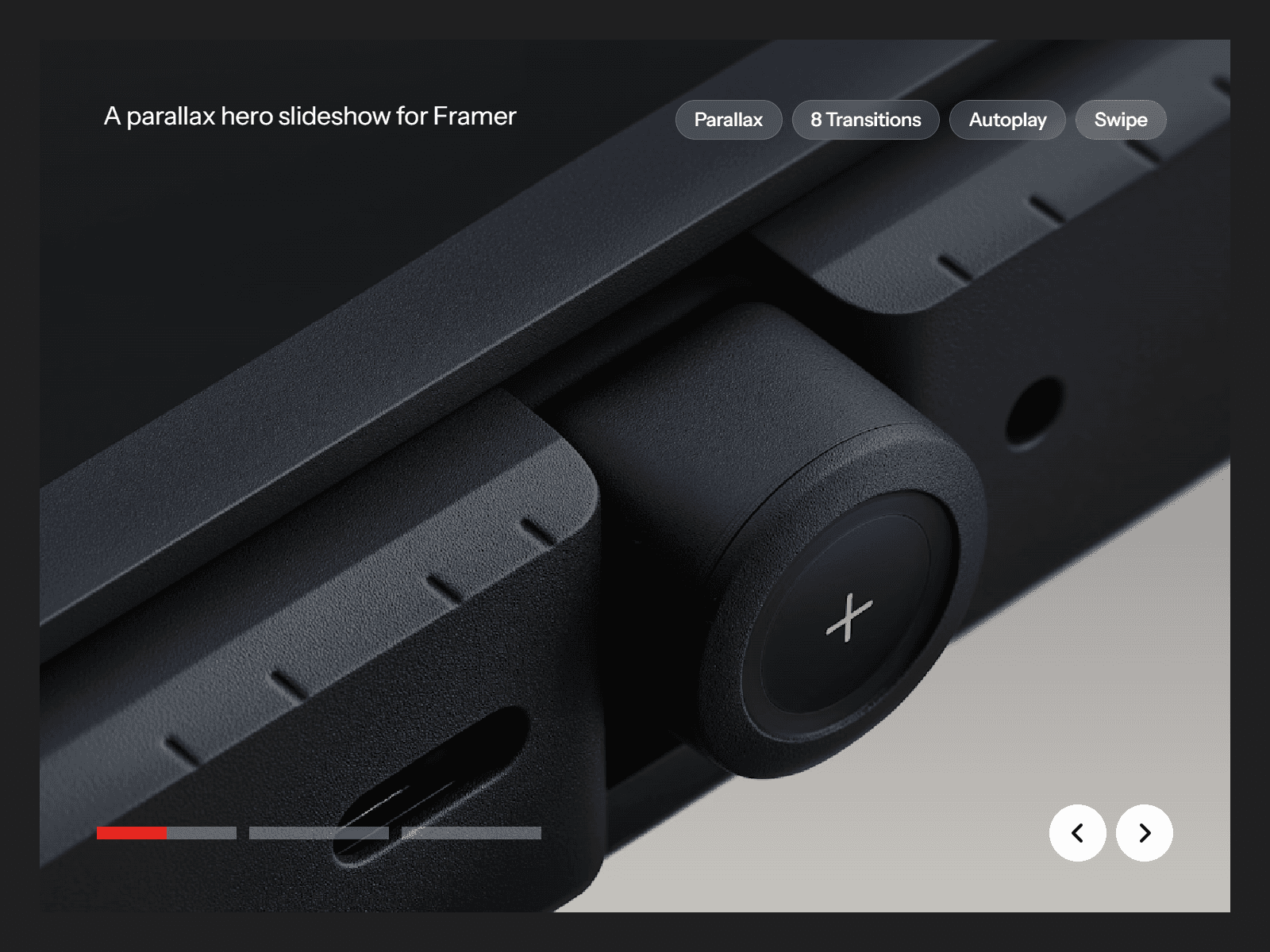
Stop wrestling with complex overrides and clunky workarounds just to get your CMS items to swipe. The Simple CMS Slider is a production-ready, highly customizable carousel built specifically for Framer's CMS.
Designed with both aesthetics and performance in mind, this component is truly plug-and-play. Just drop it onto your canvas, connect your CMS Collection List or Gallery field, and instantly get a buttery-smooth, fully responsive slider. Whether you need a classic drag-to-swipe carousel or an elegant fading slideshow, this component handles it all.
✨ Key Features
Native CMS Integration: Built from the ground up to accept Framer Collection Lists and Gallery fields, it means you have full control over the creation and styling of your slides.
Dual Animation Modes: Choose between physics-based Swipe (with draggable elasticity) or a sleek Fade transition to suit your layout's vibe. Choose intervals for autoplay and pause on hover are also available.
Total Layout Control: Customize the number of visible slides, gaps, padding, and vertical alignment (Top, Center, or Stretch to match heights).
Full Control:
Arrows: Group them together, split them apart, use custom SVG icons. Full control over colors, sizing, shadows, positioning and hover states.
Pagination: Highly customizable dots with active-state scaling, opacity, and color transitions. Position them exactly where you need them.
Limit Items: Easily cap the maximum number of items displayed directly from the properties panel without needing to filter your actual CMS data.
Perfect For:
Testimonial & Review Carousels
E-commerce Product Showcases
Blog Post Highlights
Portfolio Project Galleries
Team Member Directories
Gallery Fields on Detail Pages
🛡️ Built for the Real World
Accessible by Default: Unlike many custom sliders, this component includes full keyboard navigation (Tab to focus, arrows to scroll), ARIA labels, and visually hidden screen-reader text so your site remains compliant and usable for everyone.
Bulletproof Performance: Powered by framer-motion, the physics and transitions are exceptionally smooth. It dynamically measures containers and recalculates layouts automatically so it looks perfect on every breakpoint.
Zero Code Required: Exposes a beautifully organized Property Controls panel. You have granular control over every shadow, radius, and timing duration without ever looking at the code.
Refund Policy
If this component does not function as advertised and the issue cannot be resolved, you are eligible for a full refund. As this is a digital product, refunds will not be provided for any other reason, including change of mind, accidental purchase, lack of use, or expectations of features not explicitly advertised.