About Sitewide Search
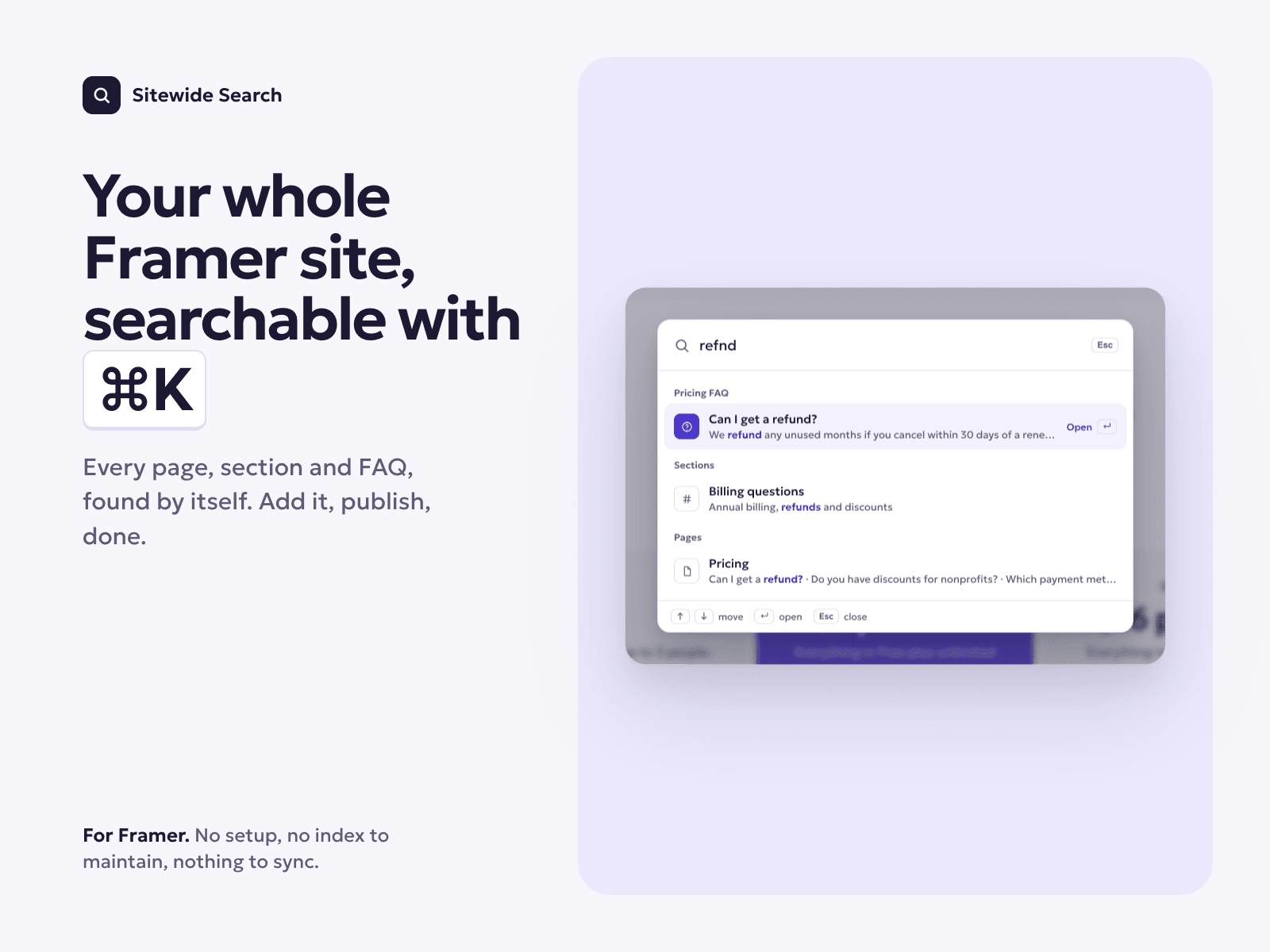
Add Sitewide Search to your nav and publish. That's it. Visitors press ⌘K and can search every page, section and FAQ on your site. It finds them all by itself.
Search that understands people
Typos are fine: "pricng" finds Pricing, and the panel shows "Showing results for pricing"
Finds "pricing" when someone types "cost"
Shows a snippet with the matching words highlighted
Opens the page and scrolls to the match
Finds answers inside closed FAQs and shows the question
Make it yours
Match your fonts, colours and corner radius
Pin your most important pages before anyone types
Use ⌘K, Ctrl K, or any key you like
Search your CMS with CMS Plugger (included)
Put CMS items into search, even ones without their own page. Or turn site reading off and search only your CMS. In Framer, CMS Plugger shows up as Search Entry.
Setup
1. Paste Sitewide Search into your nav
2. Publish
3. Press ⌘K on your live site
How it works
When a visitor first opens search, it reads your site's sitemap (or your home page's links if there's no sitemap) and only loads pages from your own domain. Pages marked noindex are skipped. The index is saved in the visitor's browser so search is instant next time. Nothing is sent anywhere, and there are no cookies or tracking.
Contact
Questions or ideas? Email studiocusame@gmail.com