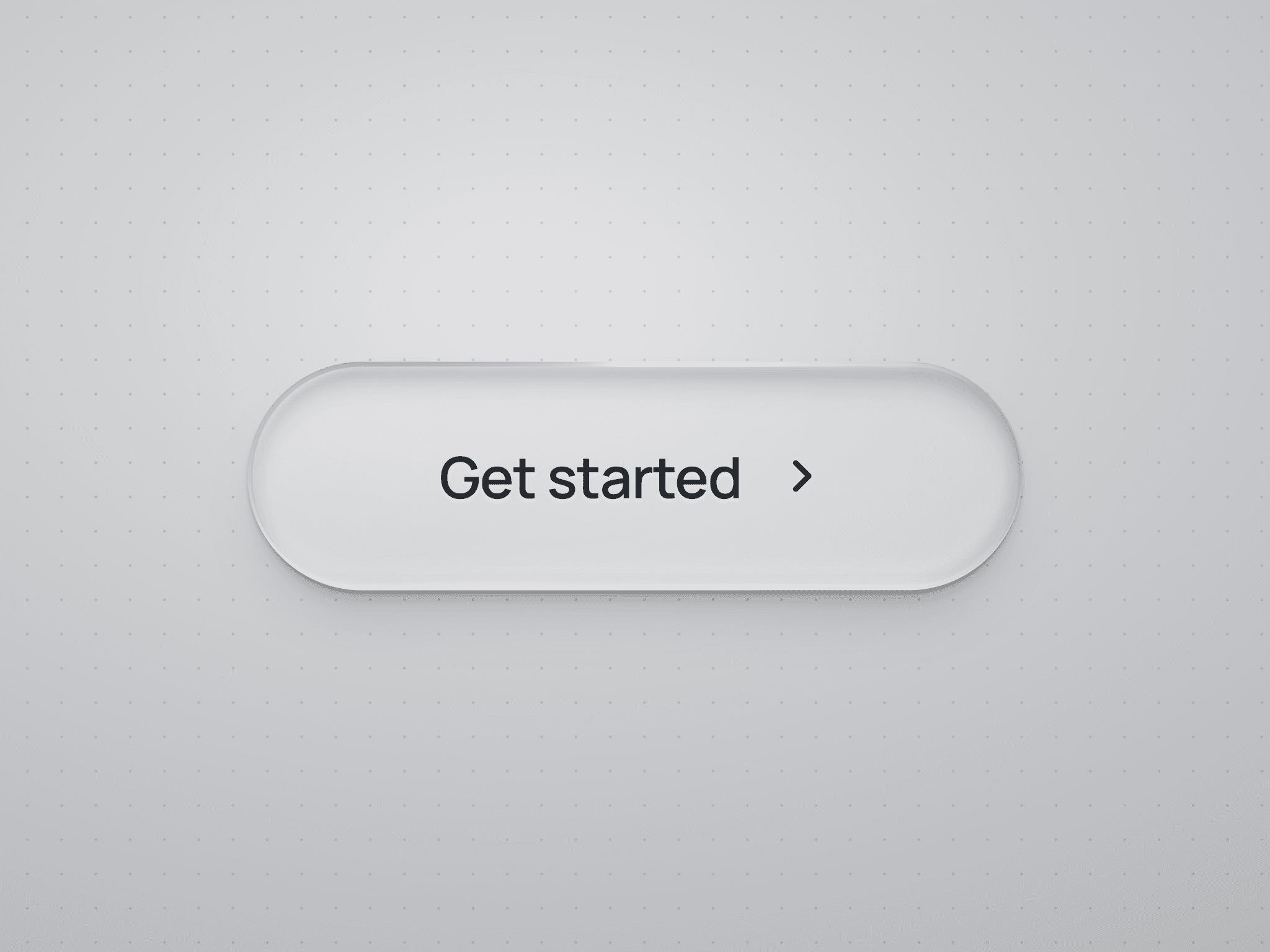
About Slide Button
Perfect for payments, confirmations, or critical actions.
Slide Button brings intent and delight to critical CTAs — like “Slide to Pay” or “Slide to Confirm”.
Smooth motion, tactile feedback, and success/error states make every interaction feel meaningful.
Mobile-first performance — optimized for smooth sliding and haptics.
Why users love it
Shows intent and prevents accidental taps/clicks
Success + error state logic with optional redirects
Works beautifully on desktop and mobile
Looks premium out of the box
Customization Categories
Animation & feedback
Labels & icons
Success/loading/error presets
Redirect links (optional)
Styling controls
Setup
Add the component
Customize labels & icons
Add success/error redirects (optional)
Done.
Note: Internal redirects (such as/home and/about) work only within a browser window. Previewing in the Framer Player may return a 404 error.
After completing your purchase, you will receive a link to the component.
Copy the URL and paste it into your Framer project to import it.