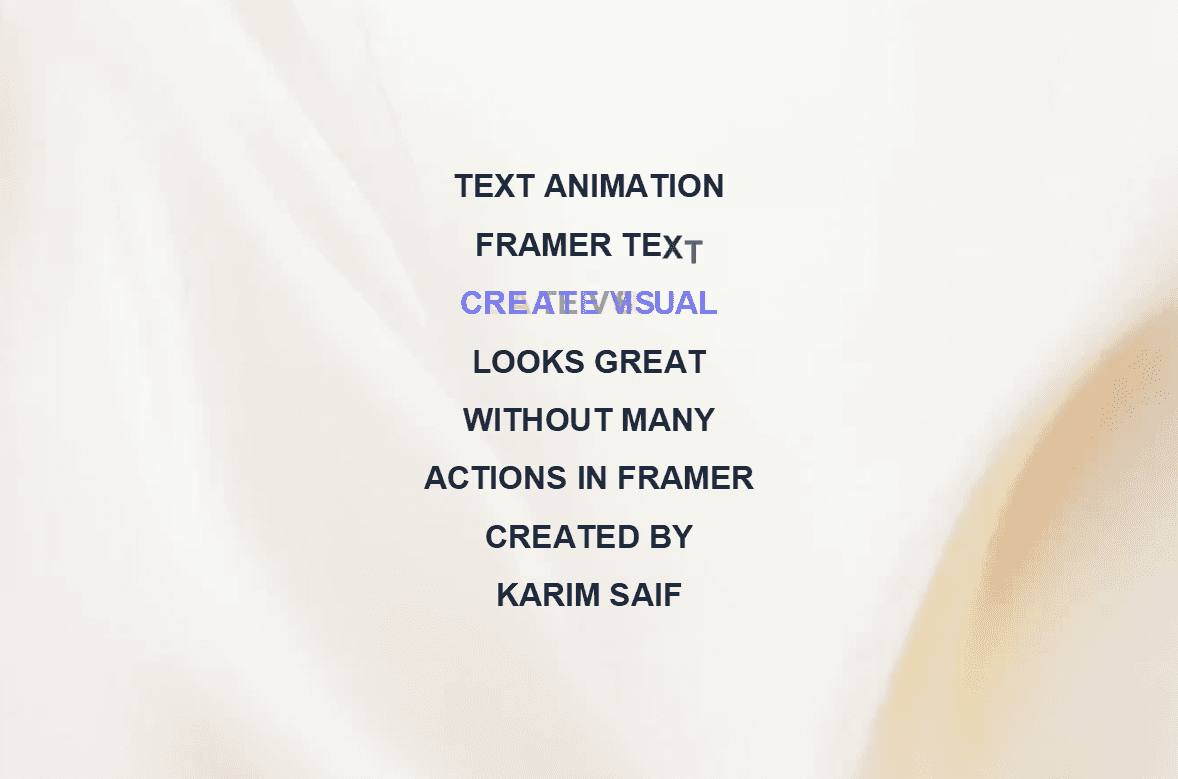
About Cursor Mask Text
Cursor Mask Text is an interactive text animation component that transforms ordinary headlines into engaging hover experiences. By layering two text versions and revealing one through a moving mask, it creates a dynamic effect that responds directly to user interaction.
On touch devices, the component automatically switches to a tap-to-toggle interaction, ensuring a seamless experience across desktop, tablet, and mobile.
Perfect for hero sections, portfolio websites, landing pages, product showcases, creative agencies, and interactive typography.
Demo
What Makes It Stand Out
Interactive cursor-following text reveal effect
Smooth masked typography animation
Tap-to-toggle reveal for touch devices
Four reveal directions: Left to Right, Right to Left, Top to Bottom, and Bottom to Top
Multiple divider styles: Solid, Soft, Glow, and None
The divider automatically stays within component bounds
Independent styling for base and reveal text layers
Fully responsive and touch-friendly
Lightweight and performance-optimized
Customizations
Base Text
Reveal Text
Base Font
Base Color
Reveal Font
Reveal Color
Text Alignment
Reveal Direction
Divider Style
Divider Color
Divider Size
Usage
Add Cursor Mask Text to your Framer canvas.
Enter your Base Text and Reveal Text.
Choose a reveal direction and text alignment.
Customize the divider style, color, and size.
That's it, you're done!