About Slider Compare
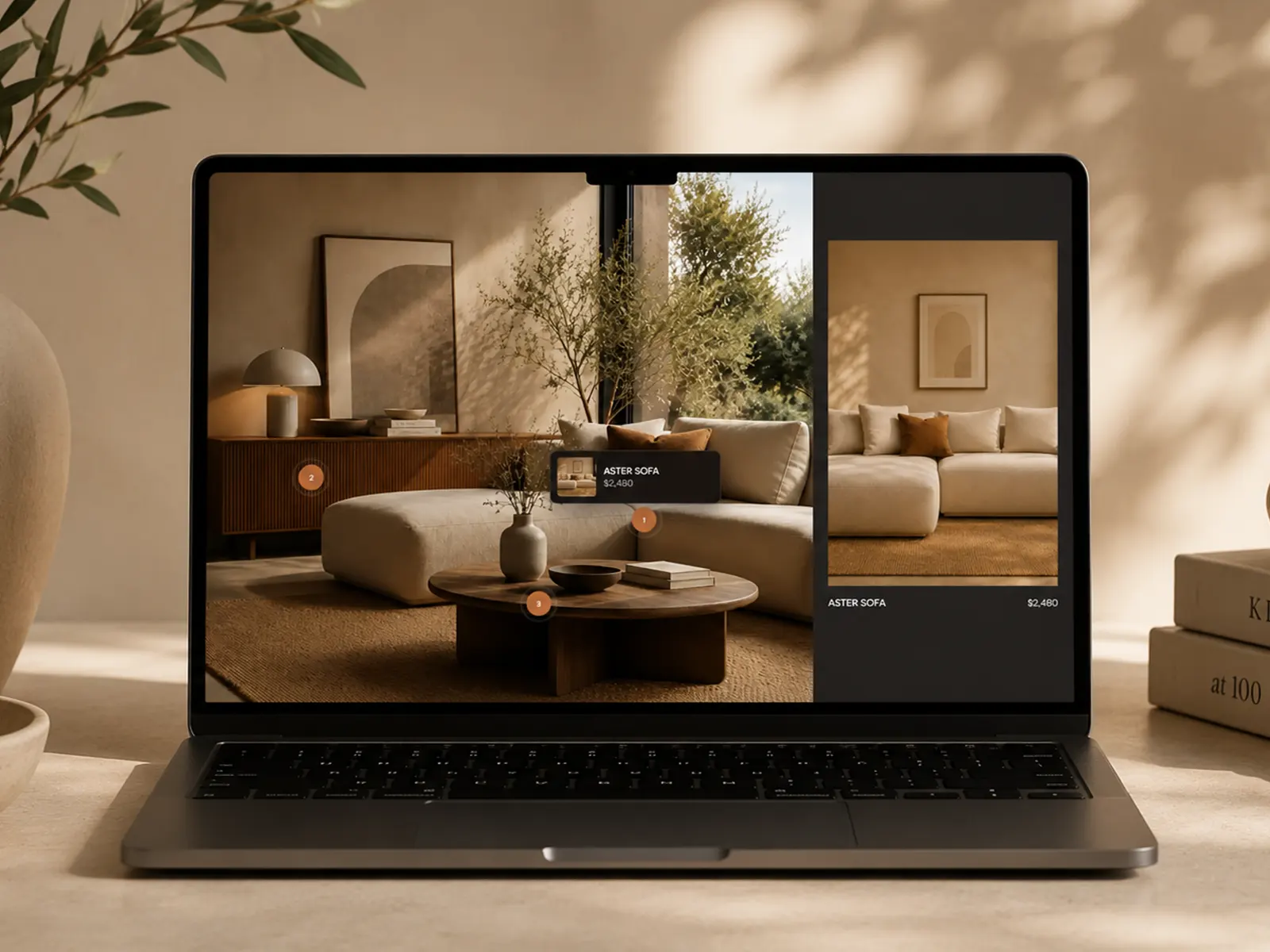
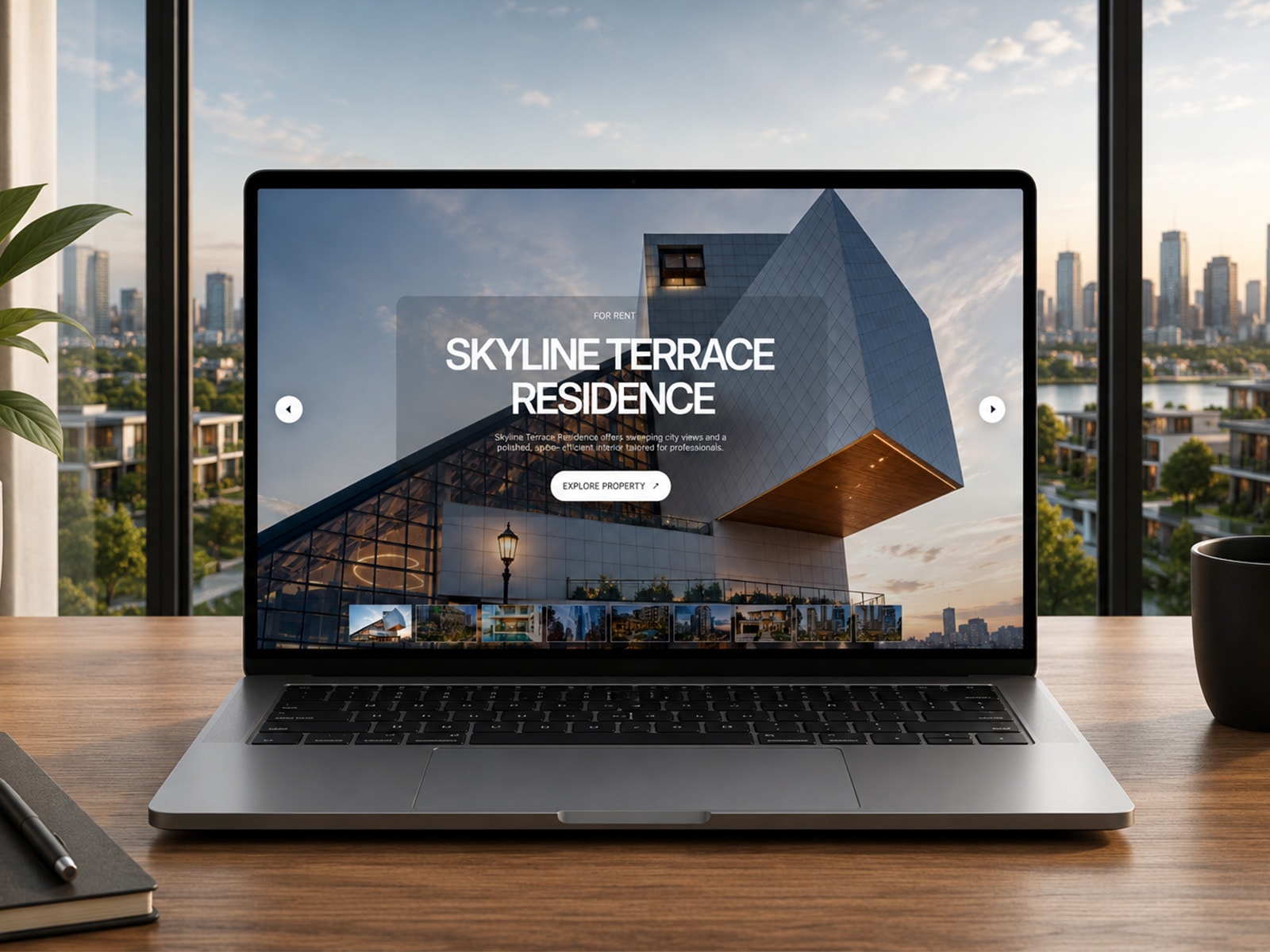
Create a polished interactive comparison between two images with Slider Compare. Reveal differences, transformations, and visual progress with a smooth draggable slider that works beautifully across desktop and mobile.
Perfect for before & after showcases, photography, design revisions, architecture, interiors, renovations, product presentations, AI imagery, retouching, branding, and creative portfolios.
Key Features
Interactive drag-to-compare slider
Vertical or Horizontal slider orientation
Optional Spotlight comparison mode
Adjustable spotlight size and softness
Before & After image support
Smooth mouse and touch interaction
Adjustable starting slider position
Customizable divider and handle
Before / After labels
Custom typography controls
Adjustable label position and styling
Border radius and spacing controls
Fully responsive design
Works with any image combination
Easy customization through Framer Property Controls
Lightweight and focused on smooth interaction
Spotlight Mode provides an alternative way to explore your images by focusing on a specific area while revealing the corresponding before-and-after detail. Use the Vertical slider for a side-by-side reveal or the Horizontal slider for a top-to-bottom comparison.
Designed as a flexible Framer Code Component, Image Compare Slider can be dropped into any project and styled to match your website.
Compare. Reveal. Focus on the details.