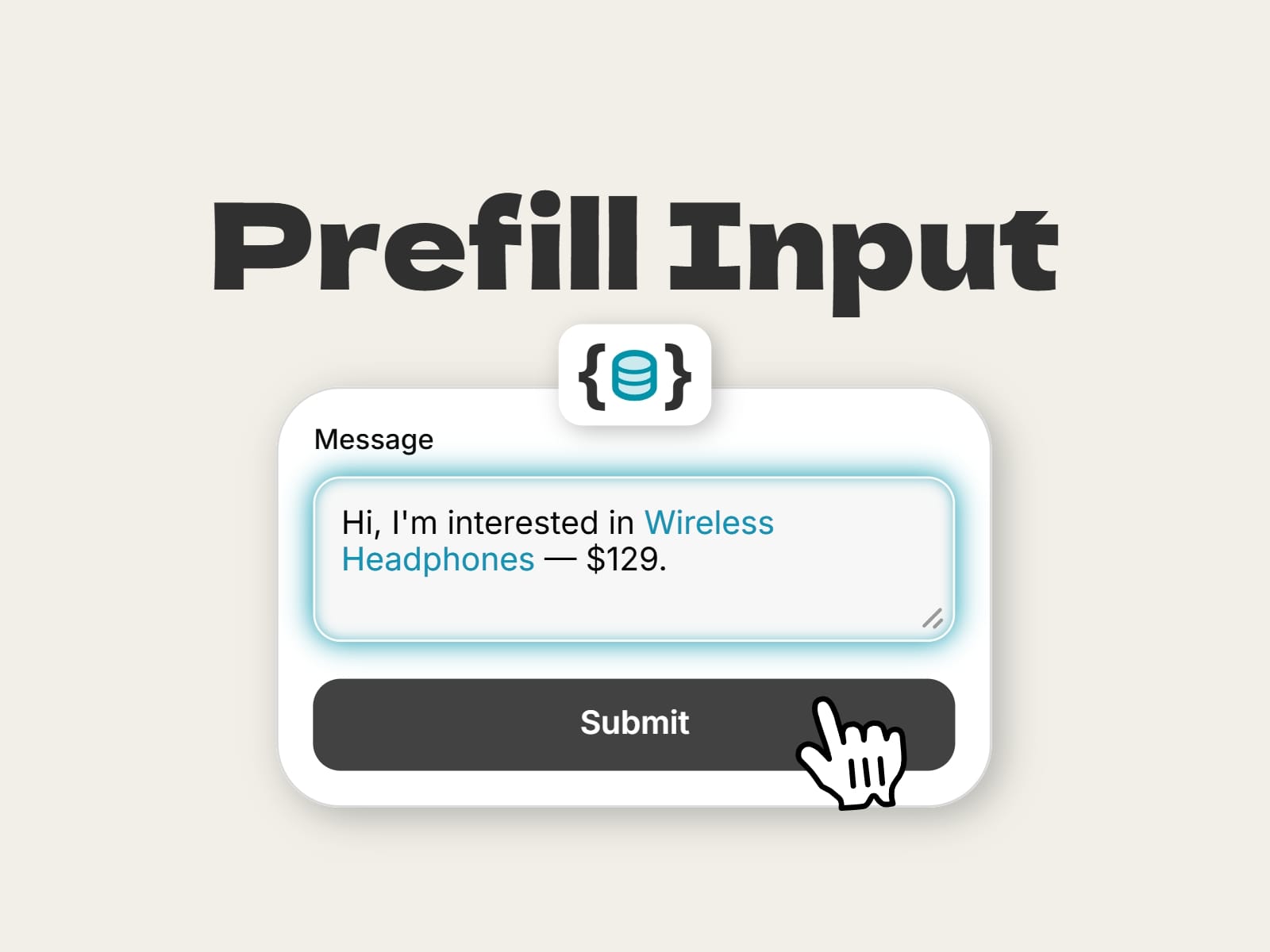
About Smart Form Prefill
Smart Form Prefill lets your Framer forms greet visitors with the right context already filled in. Connect up to four values to your CMS fields, drop the component inside a native Framer form, and it writes a personalized message, subject or hidden field for every item page.
Perfect for product pages, real estate listings, rentals, events, job posts or any CMS site where one form is shared across many items.
How it works
Place the component inside your form layers, add an entry in Fields, type the Name of the input to fill, and write your content with tokens:
Hi, I'm interested in {value1} — {value2}
Connect Value 1–4 to your CMS fields (product name, price, address...). Use {url} for the page address, and {utm_source}, {utm_medium}, {utm_campaign}, {utm_term} or {utm_content} to capture where the lead came from.
Features
- Works with native Framer forms
- Up to 4 CMS values, the page URL and UTM tags
- Multiple fields, each with its own content
- Prefill mode: fills an input, textarea or select
- Hidden field mode: sends data without the visitor seeing it
- Perfect for CRMs: send the listing and campaign source with every lead
- Never overwrites what the visitor typed
- Stays in sync with the CMS until the visitor edits
- Accepts {value1} or [value 1] syntax
- Lightweight, no dependencies
Setup in 3 steps
1. Drop it inside your form.
2. Connect Value 1–4 to your CMS.
3. Add the field Name and your message.
Tip: the component must be inside a native Framer form, and the field Name must match the Name set on the form input in Framer.
Share your build
If you ship something cool with it, post it on X and tag me @danielgrafix_, or send it over. I'd love to see what you create.
Need help? Questions or feedback?
Reach me anytime: danielgrafix12@gmail.com or on X @danielgrafix_