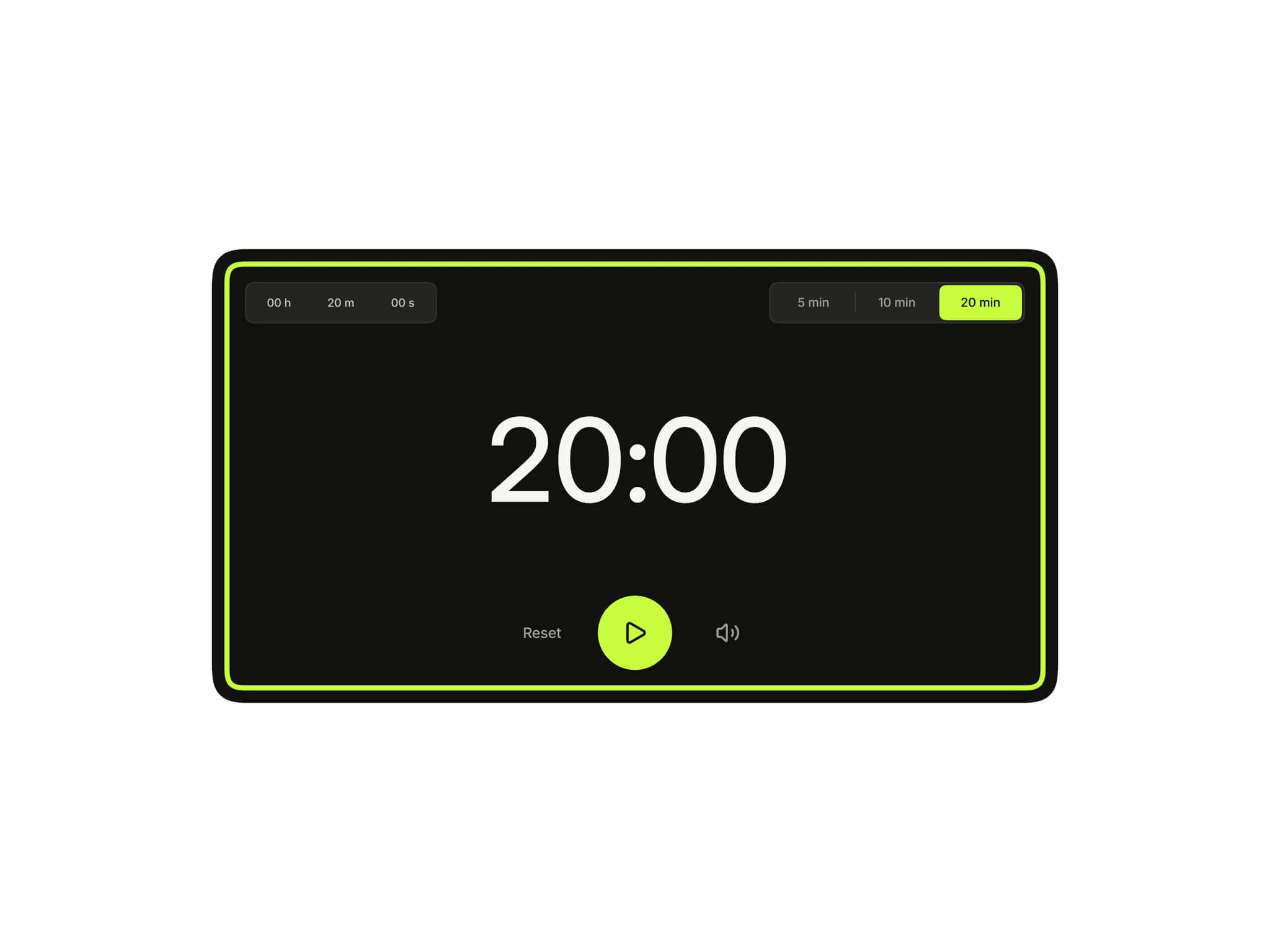
About Smart Popups
Framer makes it easy to open a popup when someone clicks a button.
But what if you want a popup to appear automatically?
What if you need a timed popup after 5 seconds, a scroll trigger popup when visitors reach 50% of the page, an exit intent popup before someone leaves your website, an inactivity popup after users stop interacting, or a popup that only appears during specific dates, campaigns, business hours, or time windows?
That's where Smart Popup comes in.
Smart Popup removes Framer's click-only limitation and gives you complete control over when and how your popup appears. Whether you're creating a newsletter popup, coupon popup, announcement banner, cookie banner, lead capture popup, or a fullscreen framer modal, everything can be configured visually from the right-hand panel.
No code.
No custom scripts.
Just connect your design and choose the trigger.
🎁 Bonus Included
Every popup demo shown in the preview is included with your purchase.
You'll receive all 4 pre-built popup demos, allowing you to quickly remix, customize, and launch without starting from scratch.
Use them as-is or modify them to match your brand and workflow.
Instructions
Getting started with Smart Popup is simple:
Copy the Smart Popup component URL (provided after purchase)
Paste it into your Framer project and place it under your Desktop frame
Set the component position to "Absolute"
Set both Top and Left values to "0"
And Remove the default Z-Index style from Framer's right-side panel. Smart Popup manages layering through its built-in Popup Layout → Z-Index control, giving you full control directly from the component settings.
In the Popup Card slot, connect any Framer Frame or Component you've designed
Connect banners, coupon cards, announcement bars, newsletter forms, cookie notices, or any custom popup design
Optionally connect a custom Close Button design
Use Canvas Preview (enabled by default) to visualize the popup while designing
Configure triggers, animations, placement, frequency rules, and behavior directly from the property panel
Pro Tip
If the setup feels overwhelming, don't worry. The included remix project contains a complete video walkthrough showing the entire setup process step by step, so you can get everything working quickly and confidently.
What Makes This Different
Most popup components sit directly on top of your design while you're working in Framer, making it difficult to select, edit, and build the content underneath.
Smart Popup solves this with a built-in Canvas Preview toggle.
Turn the preview on when you want to position and style your popup. Turn it off when you're designing the rest of your page, and the popup instantly gets out of the way.
This keeps your canvas clean and accessible, so you can continue designing without a large overlay blocking your content.
It's a small detail that makes a huge difference during everyday Framer workflows.
How It Works
Smart Popup includes a powerful collection of controls organized into logical groups.
- Popup Card
Connect any popup design including: Announcement banners, Coupon overlays, Newsletter forms, Cookie notices, Marketing popups, Fullscreen overlays
- Close Button
Attach your own custom close button design and position it anywhere.
- Canvas Preview
Preview popup placement and appearance directly inside Framer.
- Trigger
Choose exactly when the popup should appear:
Time Delay Popup: show after a specific number of seconds.
Scroll Depth Popup: trigger after visitors reach a selected scroll percentage or pixel depth.
Exit Intent Popup: appear when users attempt to leave the page.
Inactivity Popup: trigger after a period of no mouse movement, clicks, or keyboard activity.
Date & Time Popup: schedule campaigns, promotions, launches, or announcements to automatically start and stop on specific dates and times.
Time Only Popup: show popups only during selected hours of the day, perfect for business hours, flash sales, support availability, and time-sensitive promotions.
Additional options:
Combine Exit Intent with Delay, Scroll Depth, Date & Time, or Time Only triggers.
Trigger popups only after visitors have viewed a certain number of pages during the current session.
Add cooldown periods between popup displays.
- Frequency
Control how often the popup appears:
Always
Once Per Session
Show Once Ever
Custom Frequency Rules
- Close Behavior
Choose how visitors dismiss the popup:
Backdrop Click
Escape Key
Page Scroll
Auto Close Timer
- Popup Layout
Switch between:
Modal Layout
Full Width Banner Layout
Customize:
Width
Radius
Scale
Z-index
- Placement
Position your popup anywhere:
Center
Top
Bottom
Left
Right
Corner Positions
- Backdrop
Customize:
Color
Opacity
Blur
Animation
- Enter & Exit Animation
Create fully customized animations using:
Opacity
Scale
Position
Skew
Rotate X/Y/Z
Spring or Tween transitions
- Storage Key & Version
Control popup memory behavior and reset display history whenever needed.
Features
6 Smart Popup Triggers: Time Delay, Scroll Depth, Exit Intent, Inactivity, Date & Time Scheduling, and Time Only Scheduling.
Combine Exit Intent with Delay, Scroll Depth, Date & Time, or Time Only triggers for advanced targeting.
Build powerful Framer popups without writing code.
Perfect for newsletter popups, coupon popups, lead capture popups, cookie banners, announcement banners, marketing popups, and fullscreen Framer modals.
Date & Time Scheduling: automatically start and stop popups on specific dates and times.
Time Only Scheduling: display popups only during selected hours of the day.
Inactivity Trigger: show popups when visitors stop interacting with the page.
Scroll Depth Trigger: activate popups after a specific scroll percentage or pixel depth.
Exit Intent Detection: recover abandoning visitors before they leave.
Time Delay Trigger: display popups after a customizable delay.
Page View Targeting: trigger popups only after visitors view a selected number of pages during a session.
Custom Cooldown Controls: prevent popup fatigue by delaying future displays after a popup is closed.
User Timezone or Custom Timezone Support.
Start Date & End Date Controls for seasonal campaigns and scheduled promotions.
Flexible Frequency Rules: Always, Once Per Session, Show Once Ever, or fully custom display limits.
Custom Display Limits with automatic reset intervals.
Full Width Banner Mode for announcement bars, cookie notices, and promotional banners.
Modal Popup Mode for traditional centered overlays.
9 Placement Positions: Center, Top, Bottom, Left, Right, and Corner placements.
Independent Popup Enter and Exit Animations.
Advanced 3D Animation Controls including Scale, Opacity, Position, Skew, Rotate X, Rotate Y, and Rotate Z.
Spring and Tween Animation Support.
Backdrop Customization with color, opacity, and blur controls.
Independent Backdrop Animations.
Auto Close Timer Support.
Delayed Close Button Appearance.
Custom Close Button Support.
Close on Backdrop Click.
Close on Escape Key.
Close on Page Scroll.
Page Scroll Lock while the popup is open.
Storage Key System for managing multiple popups independently.
Version Control to instantly reset popup history for all visitors.
Persistent Session and Local Storage Memory.
Canvas Preview Mode for visual editing directly inside Framer.
Canvas-Friendly Workflow: disable popup preview while designing so overlays never block your content.
Popup stays out of the way while building your website on the canvas.
Fully Responsive across Desktop, Tablet, and Mobile.
Works with any Framer Frame, Component, Section, Banner, Form, or Custom Design.
Zero-Code Setup.
Production Ready with SSR-safe behavior.
Optimized for real-world marketing, lead generation, announcements, promotions, onboarding, and engagement campaigns.
Built 100% natively for Framer.
🎁 Bonus Included: All 4 popup demos shown in the preview are included and fully customizable.
Use Cases
Newsletter Popup: Capture leads after visitors engage with your content.
Coupon Popup: Display discount offers using exit intent popup triggers.
Announcement Banner: Launch promotions, product updates, or company announcements.
Cookie Banner: Build GDPR-style consent notices using full-width mode.
Lead Capture Popup: Offer ebooks, downloads, demos, or free resources.
Marketing Popup: Create highly targeted campaigns based on user behavior.
Scroll Depth Popup: Display offers after users reach a certain section of the page.
Full Width Banner: Create sticky top or bottom banners that trigger automatically.
Welcome Modal: Introduce visitors to your brand with a polished opening experience.
Black Friday Promotions: Automatically activate and deactivate popups between specific dates.
Business Hours Banner: Show support, chat, or contact popups only during working hours.
Flash Sale Campaigns: Trigger promotions only between selected times of day.
Inactive Visitor Recovery: Display offers when users stop interacting with the page.
Multi-Page Lead Capture: Show popups only after visitors have viewed multiple pages.
Event Launches: Automatically launch announcements at a specific date and time.
Seasonal Marketing Campaigns: Schedule holiday, festival, or limited-time promotions without manually enabling or disabling popups.
Made with ❤️ by Soyeb
Refund Policy: Due to the digital nature of these components, all sales are final, and once delivered they cannot be returned, exchanged or refunded. Please review product details and demos before purchasing, and feel free to reach out if anything is unclear.
Have questions or need a custom Framer component? Reach out at heysoyebali@gmail.com