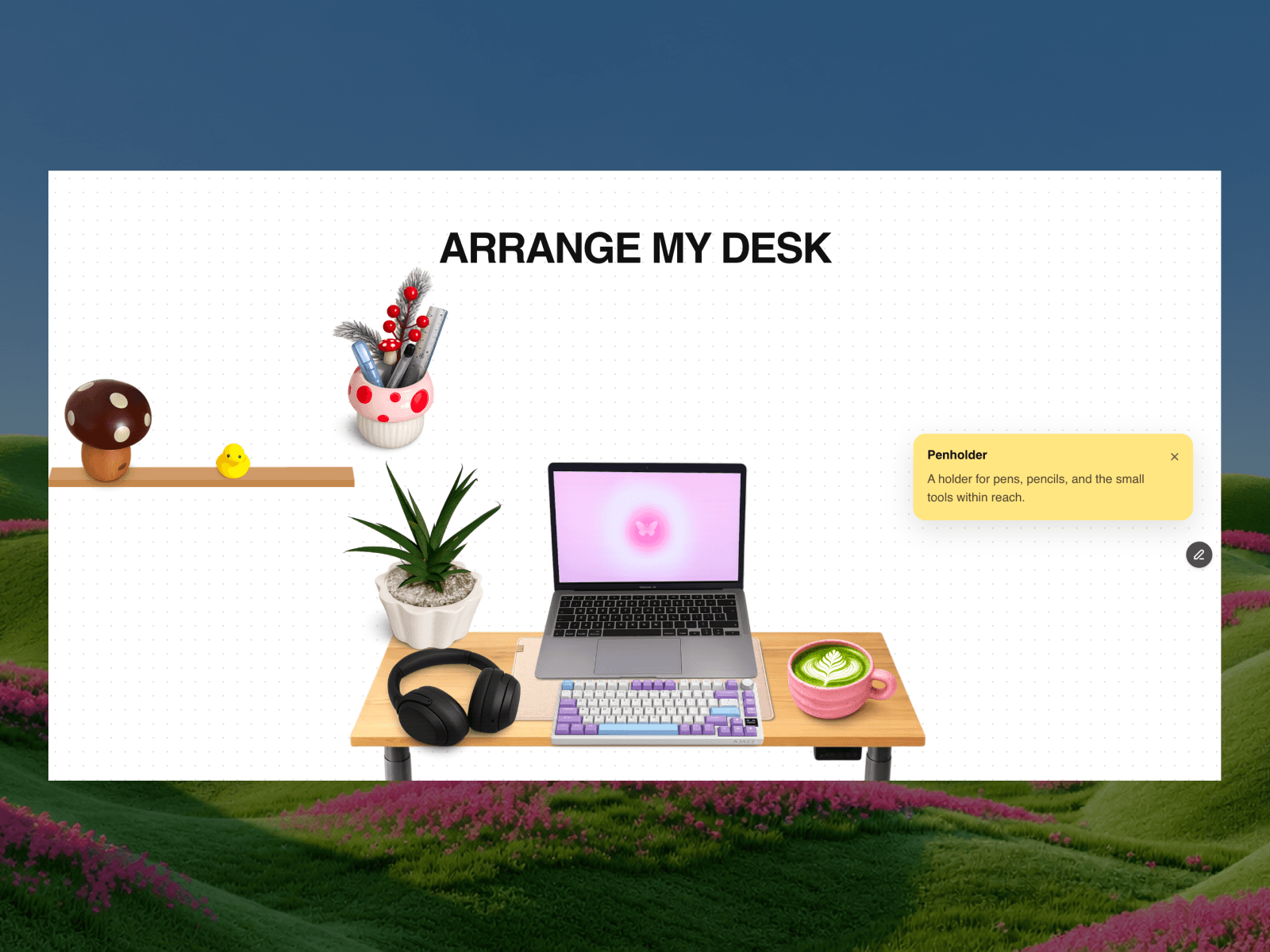
About Smart Tooltips
Smart Tooltips is a professional, highly customizable component for Framer designed to enhance user experience by providing rich, context-aware information exactly when it's needed. Go beyond simple pop-ups with advanced triggers, smart positioning, and deep styling controls.
Key Features
Interactive Triggers & Pinning: Choose between Click or Hover to reveal the tooltip. The unique hover mode allows users to reveal a tooltip on mouseover, and then click to "pin" it in place for further reading—a feature perfect for complex information.
Smart Positioning: The tooltip is designed to be intelligent. While you can set a preferred position (Bottom or Right), it will automatically reposition itself to Top or Left to avoid being cut off by the edges of the screen, ensuring a flawless user experience on any device.
Live Editor Preview: Style with confidence using the Preview toggle. This feature displays the tooltip directly on the Framer canvas, allowing you to perfect its appearance without constantly switching to presentation mode.
Deep Button Customization: The trigger button is fully customizable. Control the:
Icon: Use a custom SVG, a fallback icon, and set its Color, Hover Color, and Size.
Style: Adjust the Background Color, Hover Color, Rotation, and Border Radius.
Borders: Define unique border widths and colors for both the default and hover states.
Rich Tooltip Styling: Tailor the tooltip bubble to perfectly match your brand. Customize the Text content, Background and Text Color, Max Width, Border Radius, and apply a detailed Shadow with a native-like editor (Color, X, Y, Blur, Spread).
Full Font Control: Utilize Framer's extended font controls to manage the tooltip's typography down to the smallest detail, including font family, size, line height, and letter spacing.
Professional & Accessible: Built with the user in mind, the tooltip automatically closes on outside clicks or on scroll, and is fully keyboard-navigable for enhanced accessibility.