About Smooth Cursor
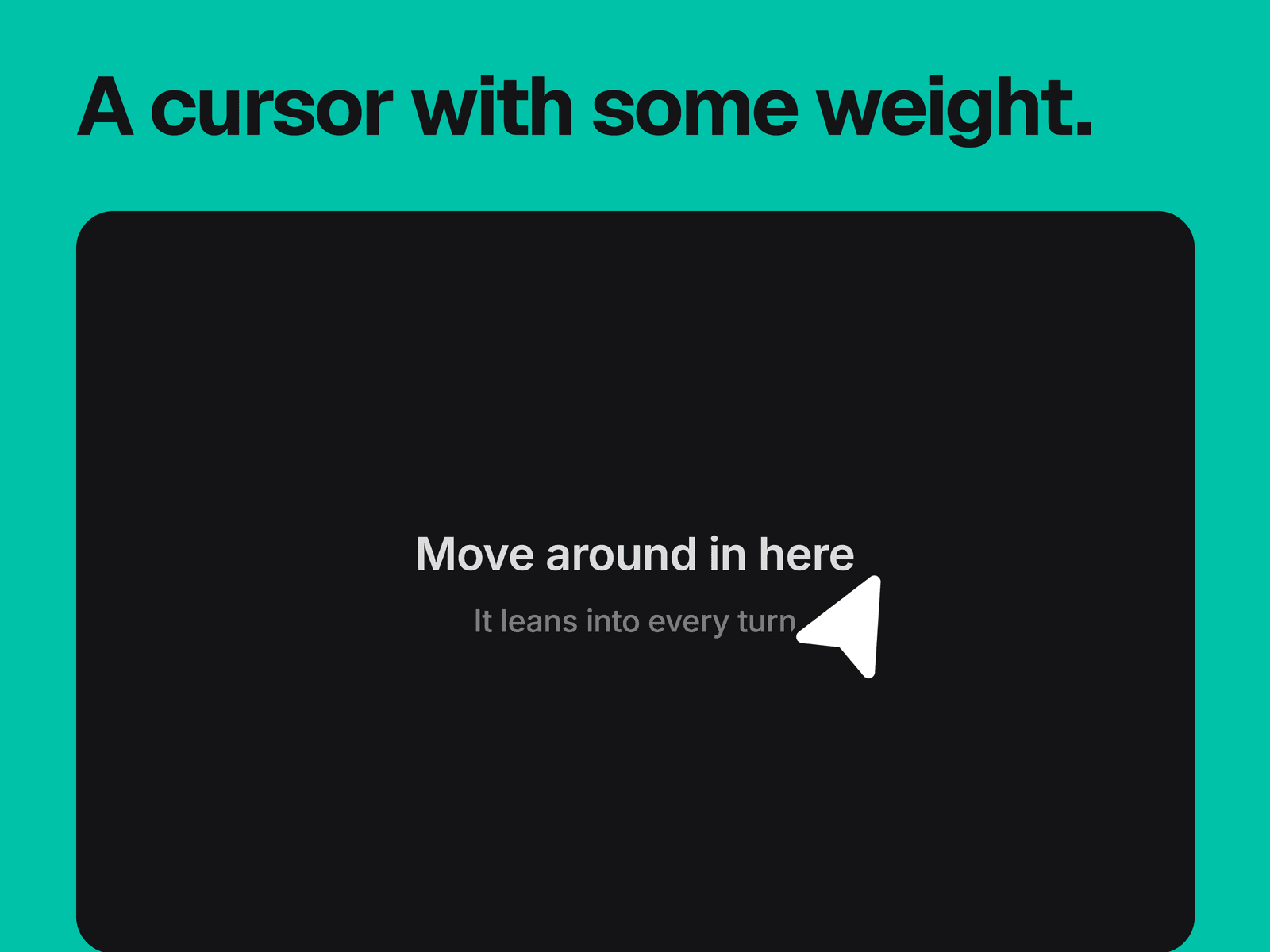
A custom cursor that follows the pointer on a spring, turns to face the way it's moving and shrinks slightly while in motion. It runs across the whole page, or inside its own frame with a background and optional title text.
What you can change
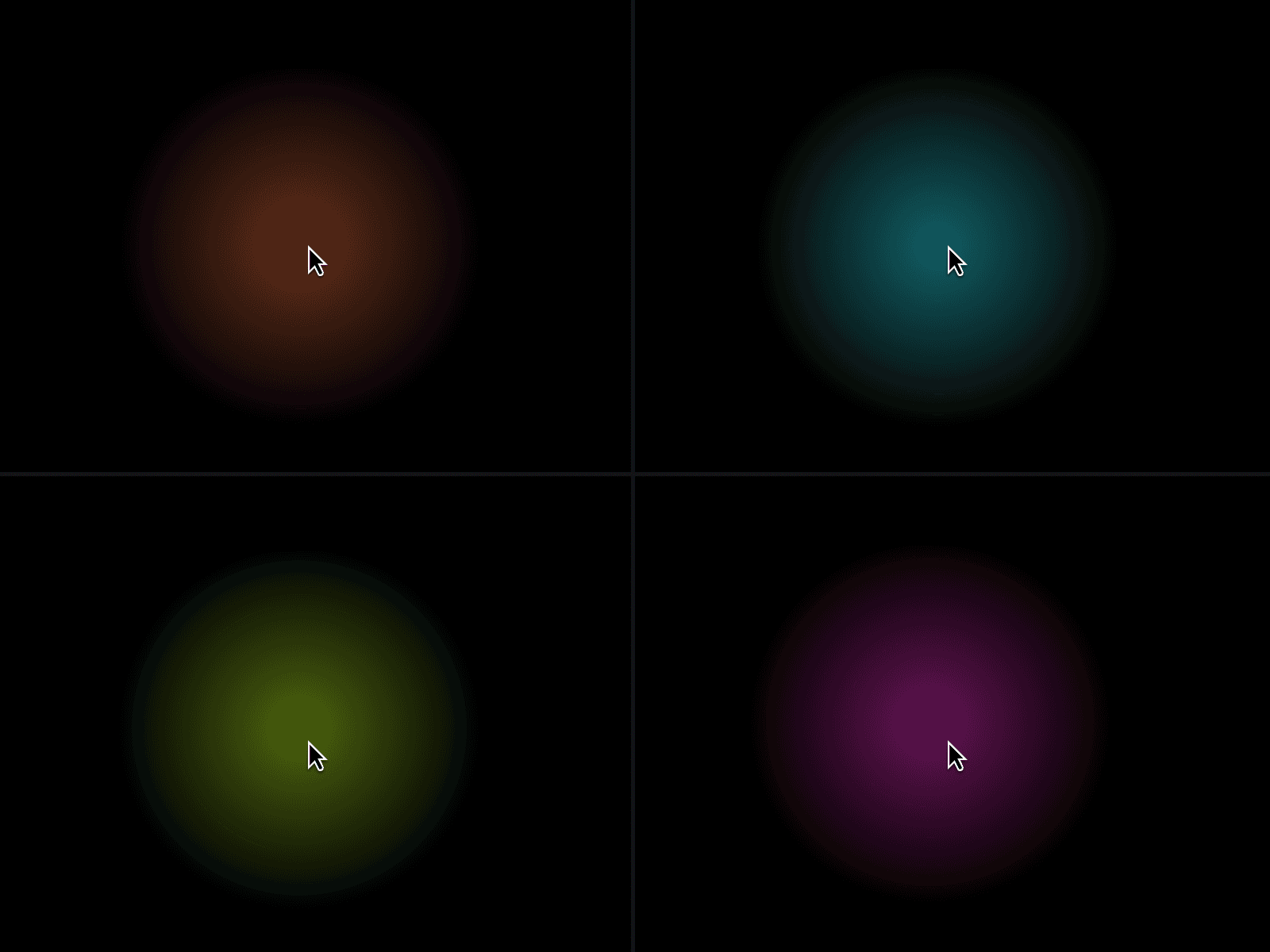
The shape, either arrow, circle, dot or crosshair, its size from 12 to 64 px, and its fill and stroke colors.
The spring's damping, stiffness and mass, with separate damping and stiffness for the rotation.
Follow Page, which switches between This Frame and Whole Page.
Whether the system cursor is hidden.
In This Frame mode, the background, as any CSS color or gradient.
In This Frame mode, the title and subtitle, with their fonts and colors, or hide them.
Where it fits
Portfolios and landing pages that want a custom cursor everywhere, or one panel where the cursor is the effect.
Good to know
Whole Page works on the page you put it on, so add it to a layout template or to each page for the full site.
In This Frame mode, the frame can't hold other layers. It blocks clicks on anything behind it, and a layer placed on top of it stops the cursor from tracking there.
Touch screens show no cursor, only the background and text.
The cursor's center sits on the pointer's position, so the arrow's tip is slightly ahead of it. Every shape rotates, including the dot and crosshair.
The sample title talks about the cursor itself, so change or hide it before publishing.
The editor shows the cursor parked near the top of the frame. It follows the pointer in preview and on the published site.