About Source Notes
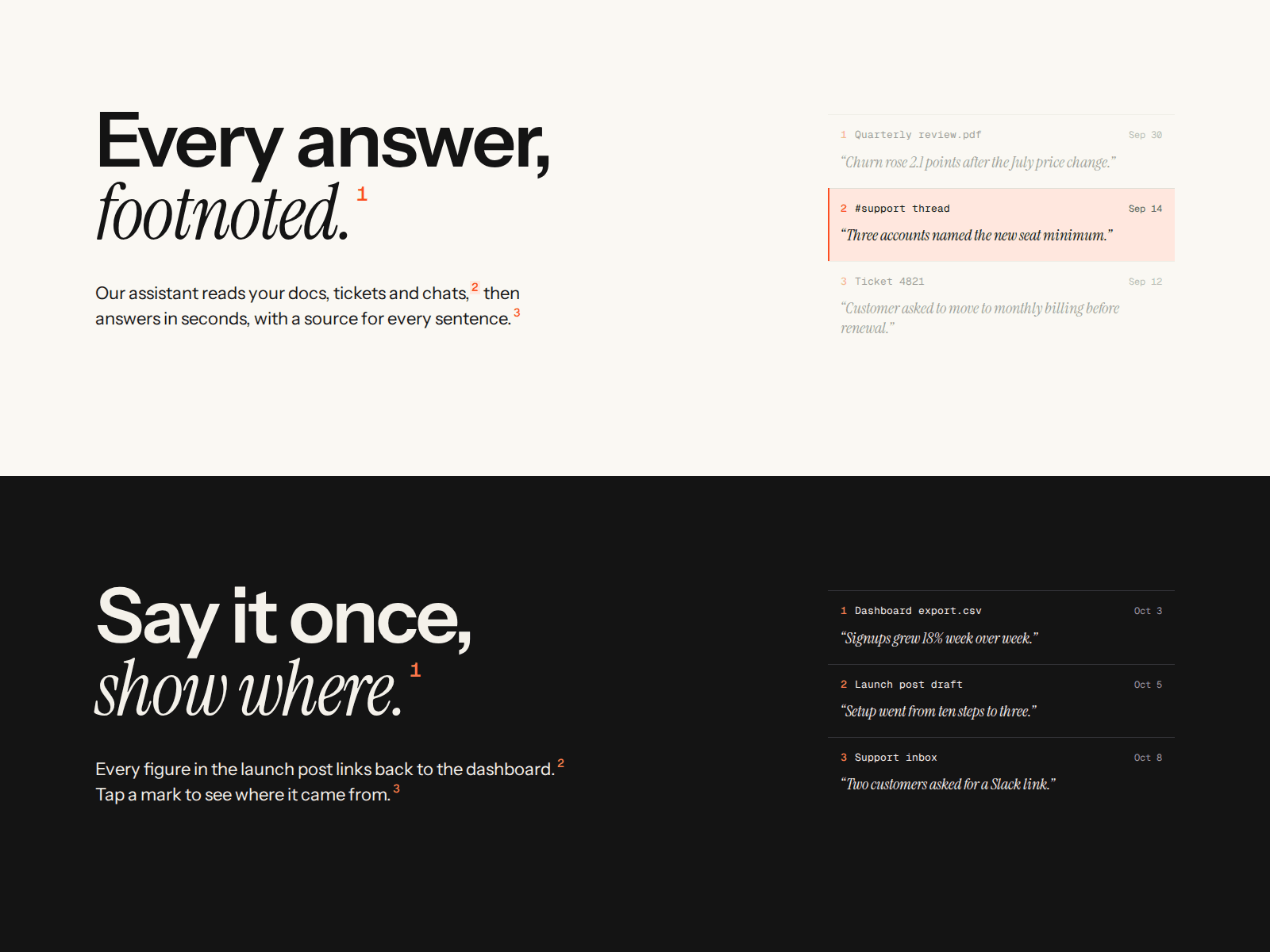
A two-line headline with a lead paragraph, where small footnote numbers sit in the text and the sources they point to sit in a margin column next to it. Hover a number, focus it with the keyboard or tap it, and the matching source card lights up while the others dim.
On load the lines rise one after another, then the numbers light up one at a time and their cards appear, once the headline scrolls into view. Turn Auto play off, or let the visitor's reduced-motion setting do it, and everything shows at once.
Write your own text in the properties panel. Put each title line on its own row, wrap a word in *asterisks* to set it in the serif italic, and drop {1}, {2} or {3} where a footnote number should go. Each number points at the first, second or third source. Sources are an array with a document name, a date and a quote, up to six. It runs on its defaults, so you can drop it on a page and see it work before you change anything.
Layout follows the component's own width. Wide: the text on the left and the cards stacked in the margin. Narrow: the cards turn into a row you swipe, and a tapped number scrolls its card into view. The numbers are real buttons with labels, so keyboard and screen reader users reach every source.
Five colors, three font slots (sans, serif italic, mono), left, center or right alignment and the speed of the sequence are all controls. Works in any Framer plan. Free for personal and commercial projects.
See it in a full site: the preview is the home page of our Footnote template: https://www.framer.com/marketplace/templates/footnote/