About Split Media cursor
About this Component
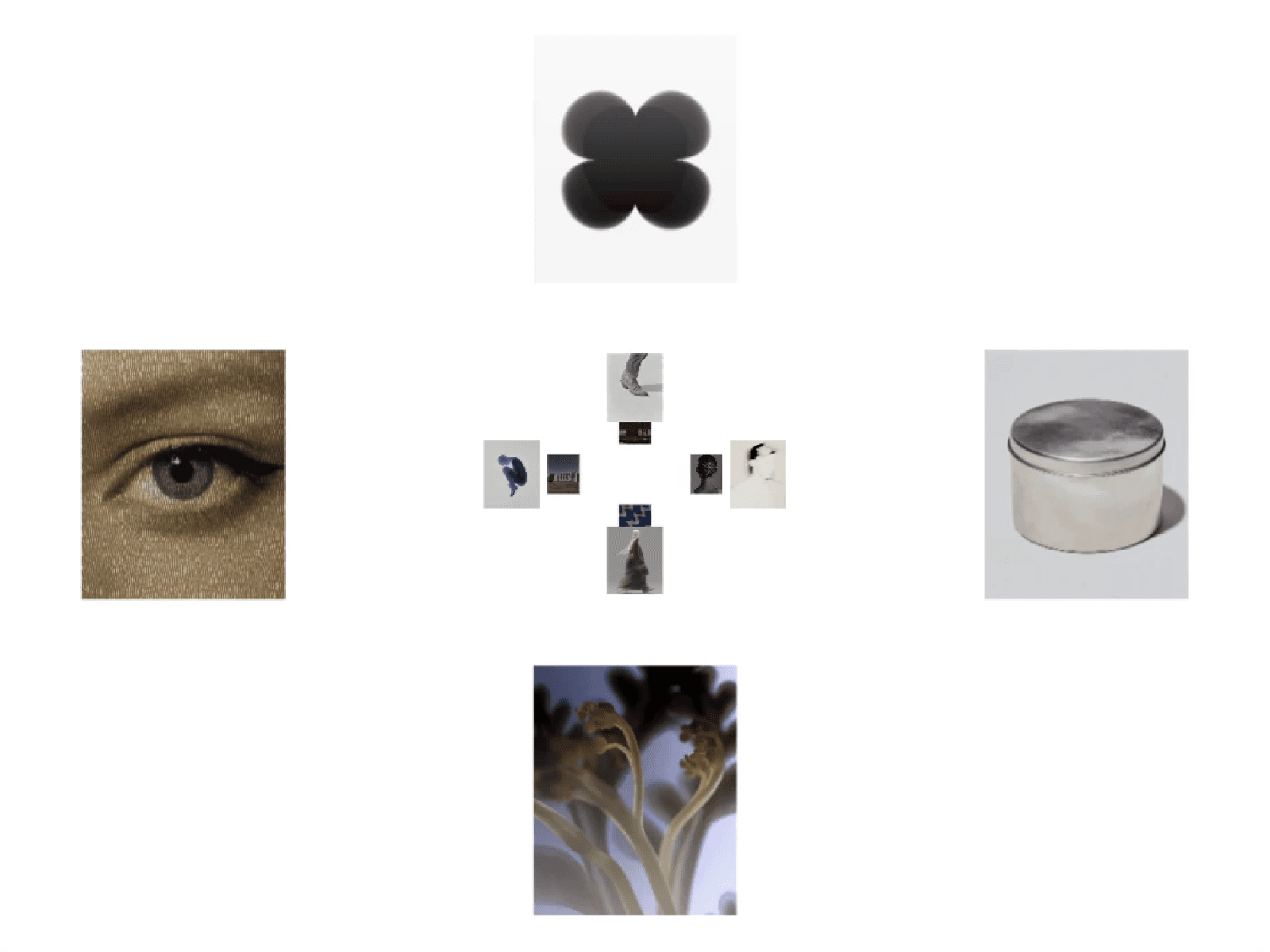
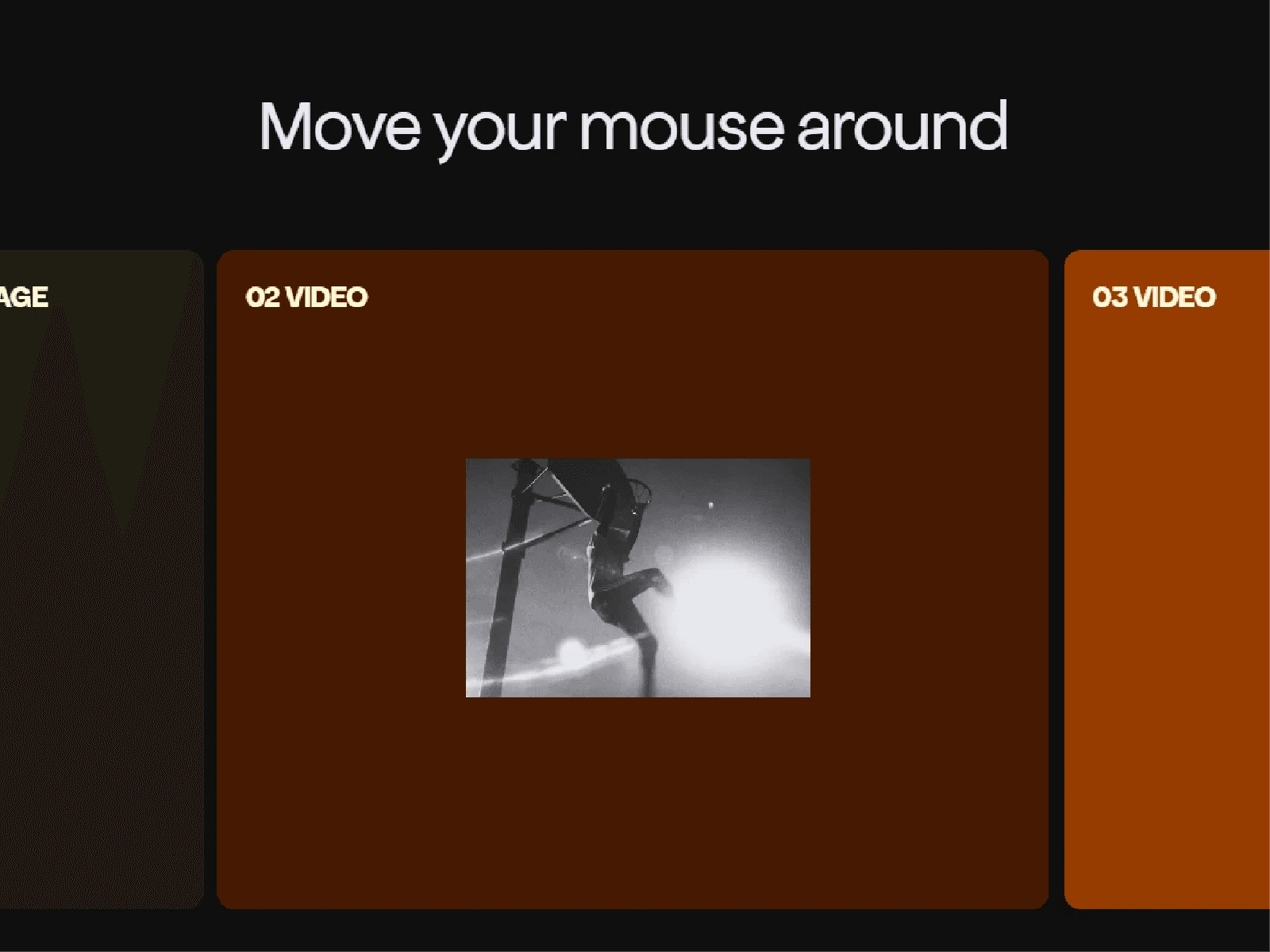
Split Media Cursor turns ordinary Framer frames into a connected, cursor-driven media experience. Each frame displays its own image or video inside one shared moving preview area, with smooth momentum and subtle 3D tilt. Move across a frame boundary and the preview splits naturally, revealing different media on either side—even while the cursor rests in the gap.
Perfect For
Editorial portfolios and project grids
Creative studios and agency websites
Interactive galleries and showcases
Key Features
Shared cursor motion across multiple frames
Individual image or video uploads per frame
Seamless frame-by-frame clipping, including gaps
Velocity-based rotation and smooth follow physics
Adjustable preview size, radius, shadow and motion
Organized Framer property controls
Zero-size, drag-and-drop instances with no override
How It Works
Place one 0 × 0 instance inside each Framer frame. Assign its media and keep the same Shared Group name across connected frames. Preview or publish to experience the interaction. Use a different group name for independent grids.
Questions?
Need setup help? Reach out at hasanwali6890@gmail.com.
Refund Policy
All sales are final for this digital product. Refunds are considered only for a confirmed critical technical failure that cannot be resolved. Please report the issue with supporting evidence within 14 days of purchase. Refunds are not provided for buyer's remorse, aesthetic preferences, or customization requests, subject to applicable law and checkout-platform policies.