About Stack Deck
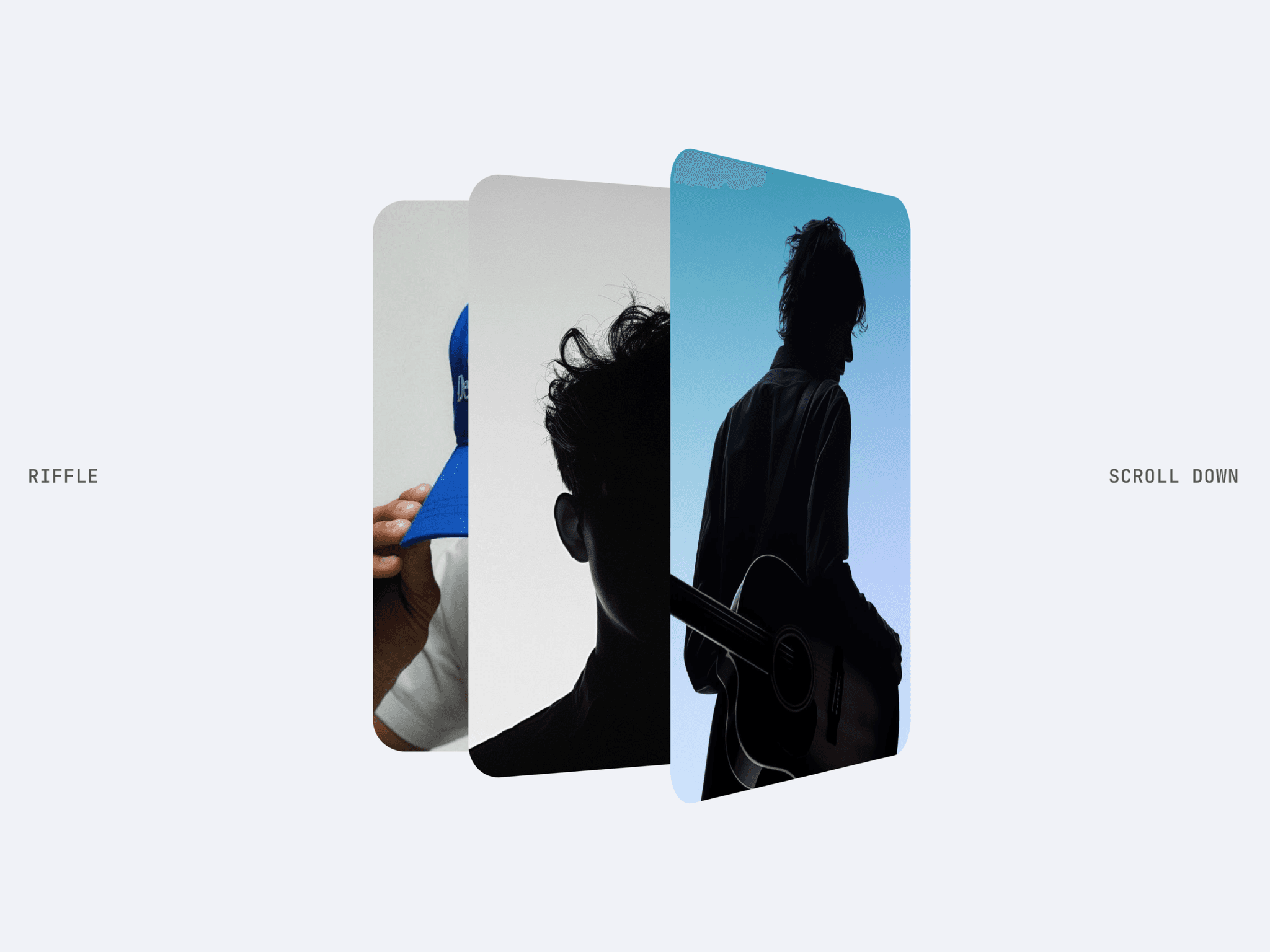
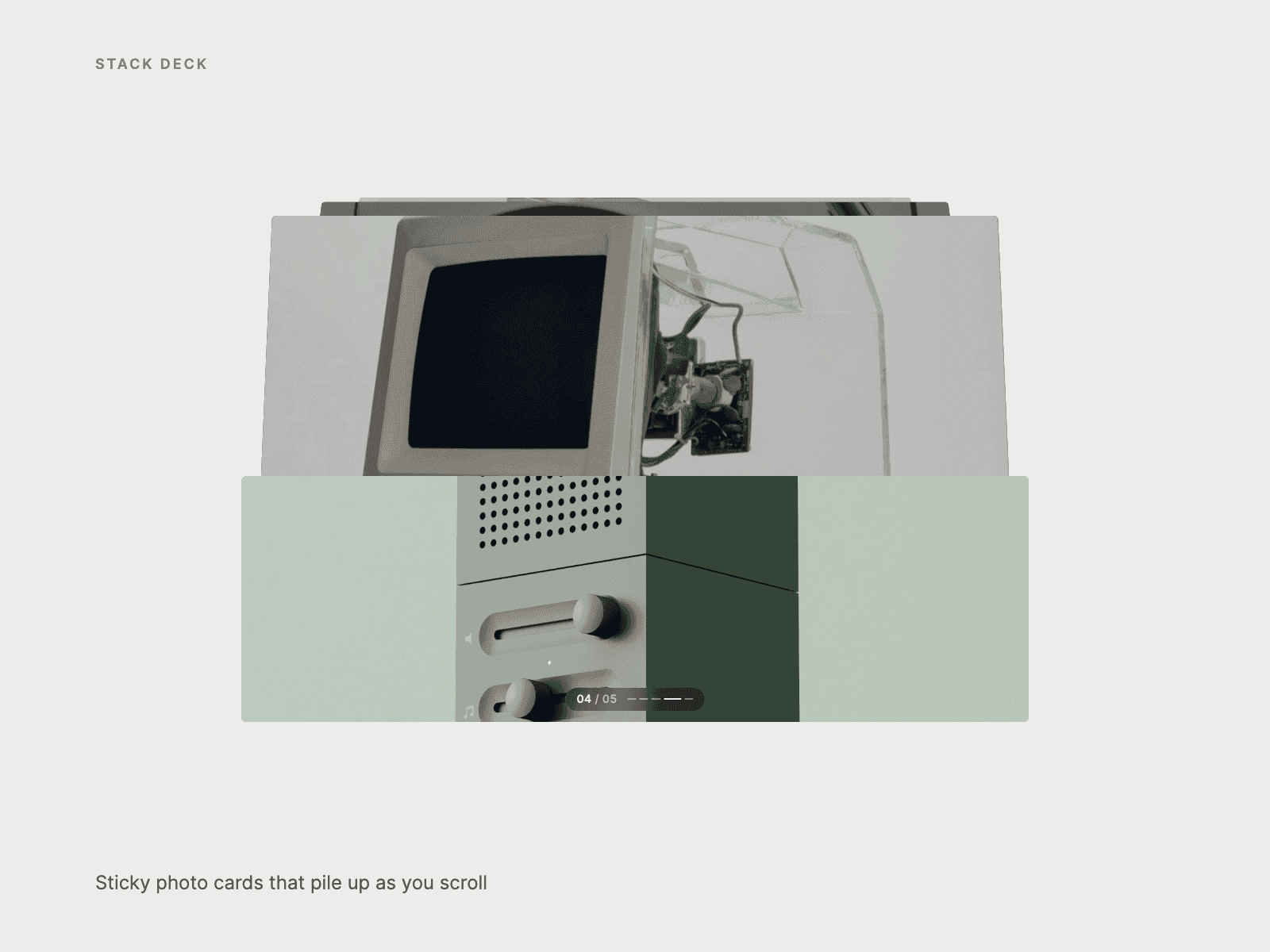
Stack Deck is a scroll-driven stacking-cards section for Framer. The deck pins to the screen. As you scroll, each new photo card is revealed upward from its bottom edge (or slides in from below) and covers the last one, which shrinks, tilts back, dims and peeks out above as a neat pile. A counter pill shows "03 / 05", and its dashes jump to any card with a smooth scroll.
Made for product lines, case studies, collections, services, team or location showcases, and any portfolio that wants its images to land one by one.
Features
Cards: image, title and an optional link for each card (up to 20).
Layout: card width, mobile width, max width, aspect ratio, corner radius, stage height, sticky offset and scroll distance per card.
Enter: Reveal (wipe up from the bottom edge) or Slide (rise from below).
Inertia: a slow, heavy glide after the scroll, plus Image Drift so each photo settles into its card.
Titles that wait: a title rises in only once its card has landed, so the reveal never slices text.
Pile: shrink, tilt, lift, alternating twist, dim amount and colour, visible covered cards and perspective.
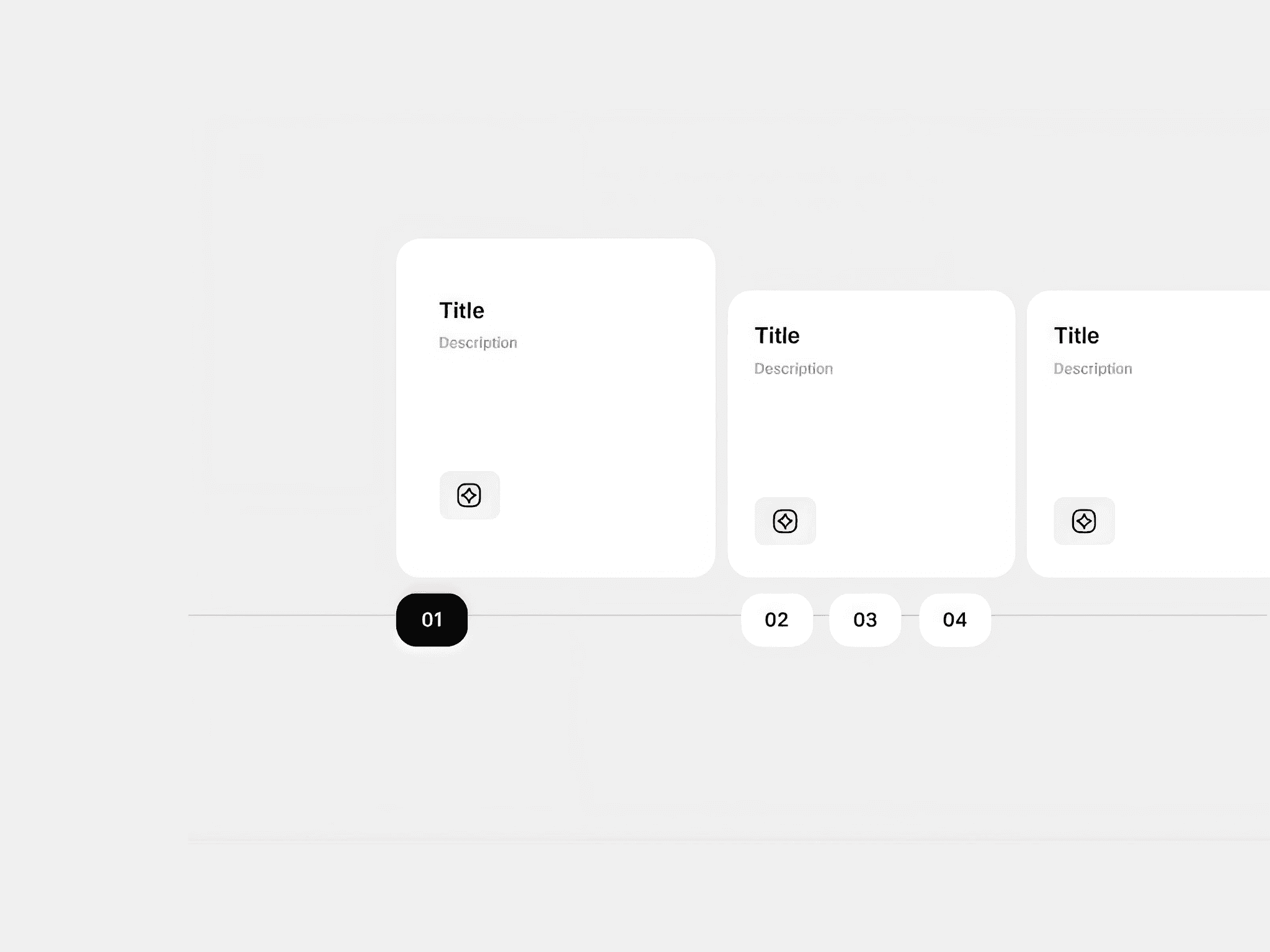
Counter: a "03 / 05" pill with clickable dashes, font, colour, glass fill and corner radius.
On Change: an interaction event each time a new card reaches the top.
Accessibility: a real ordered list, alt text, labelled jump buttons and reduced-motion support.
How to use
Add Stack Deck to your page at full width, add your cards, tune the layout and pile, then preview and scroll. Sticky positioning needs every parent frame set to overflow Visible.